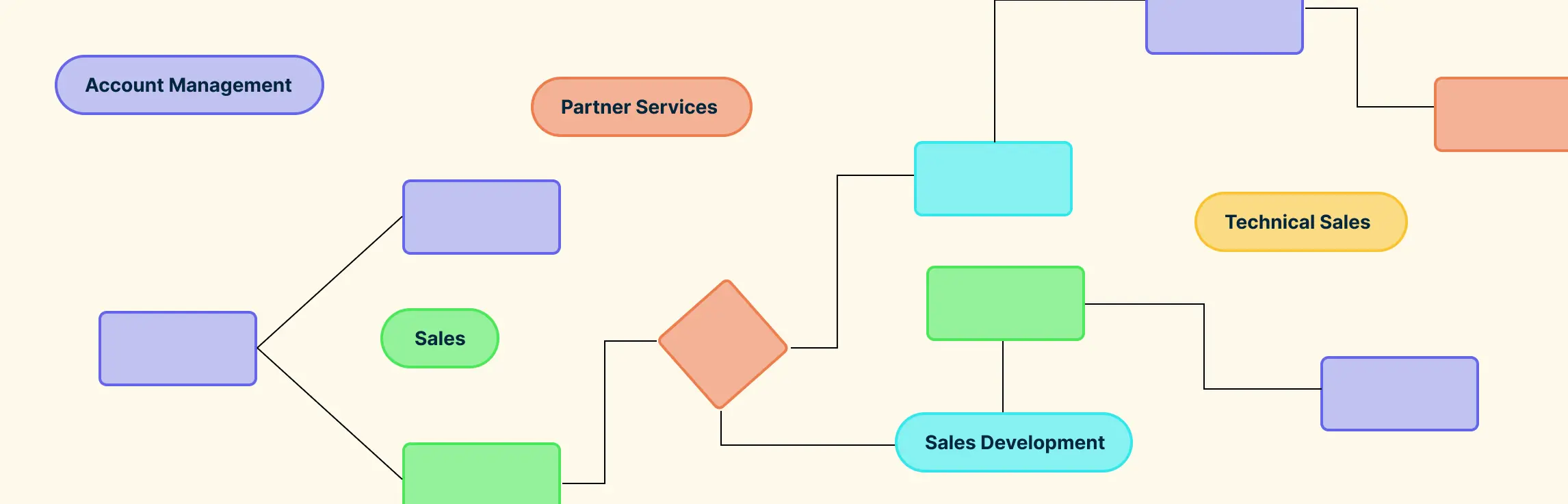
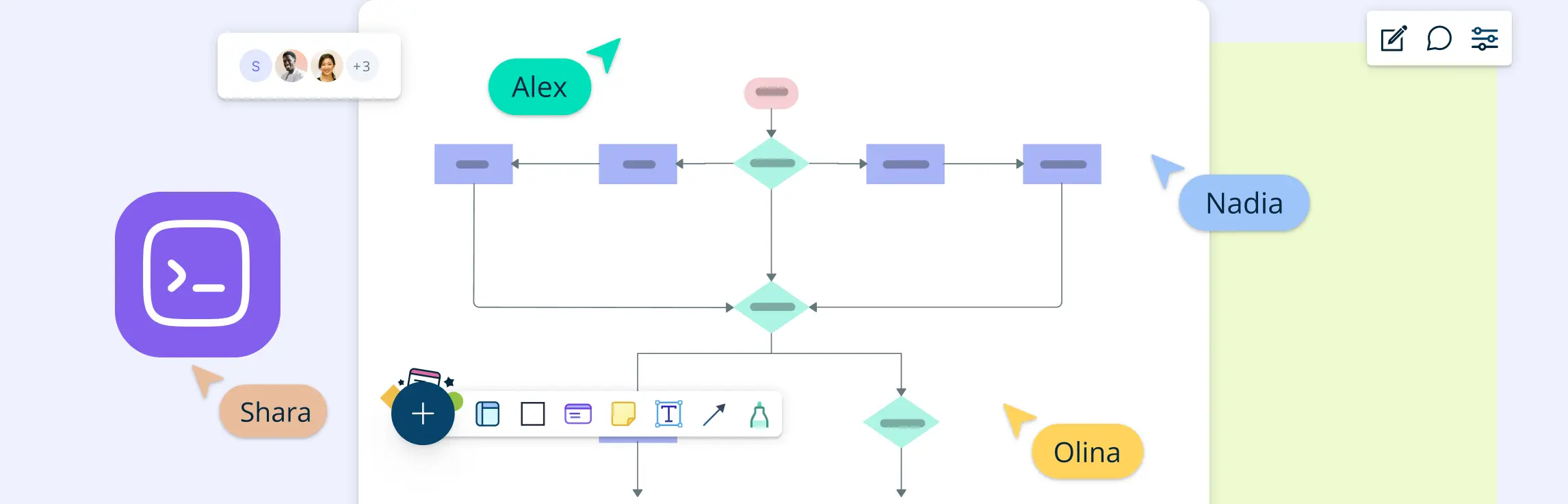
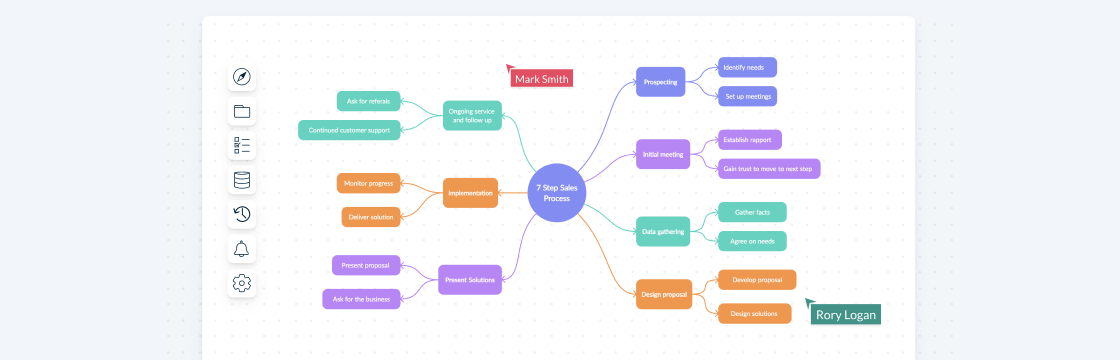
When sales stages, responsibilities, and handoffs are unclear, leads can stall and teams may apply the process inconsistently. Sales process mapping makes the workflow visible from lead generation through closing, including the decisions, roles, systems, and customer touchpoints involved. This guide explains what a sales process map is, how to create one, which mapping methods to use, and how to keep the map useful as your sales process evolves.
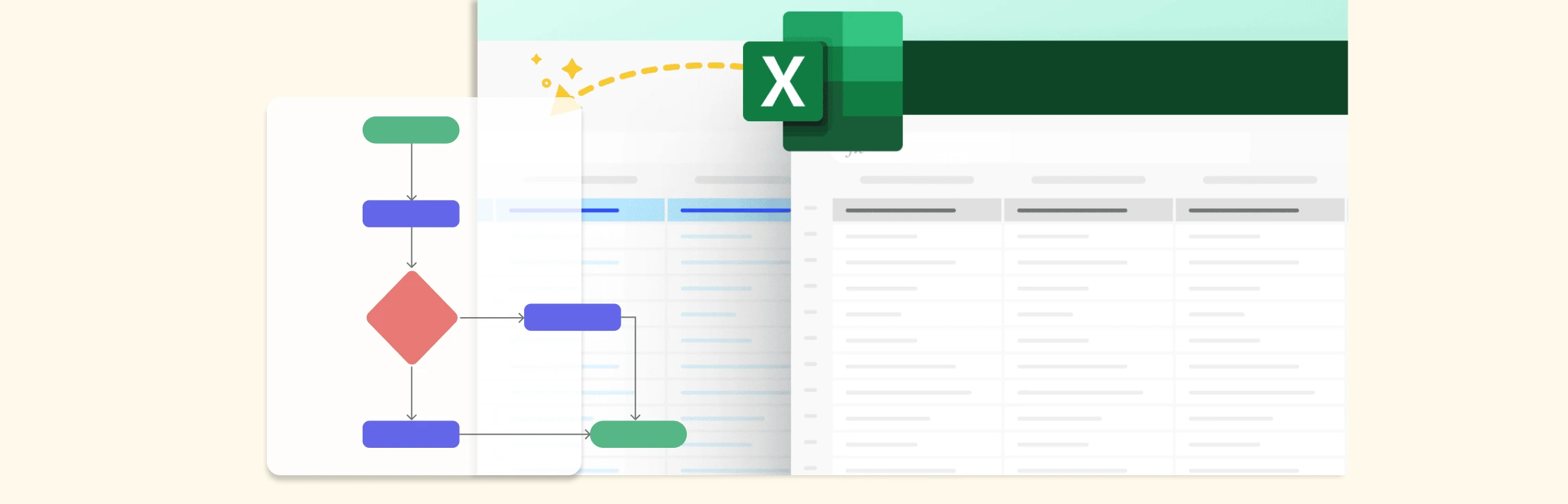
Quick answer: you can make a flowchart in Excel with Insert > Shapes, then connect rectangles, diamonds, and arrows on the sheet. Excel works for simple diagrams, but dedicated flowchart software is easier when you need templates, collaboration, revision history, comments, or process documentation that stays readable as it grows.
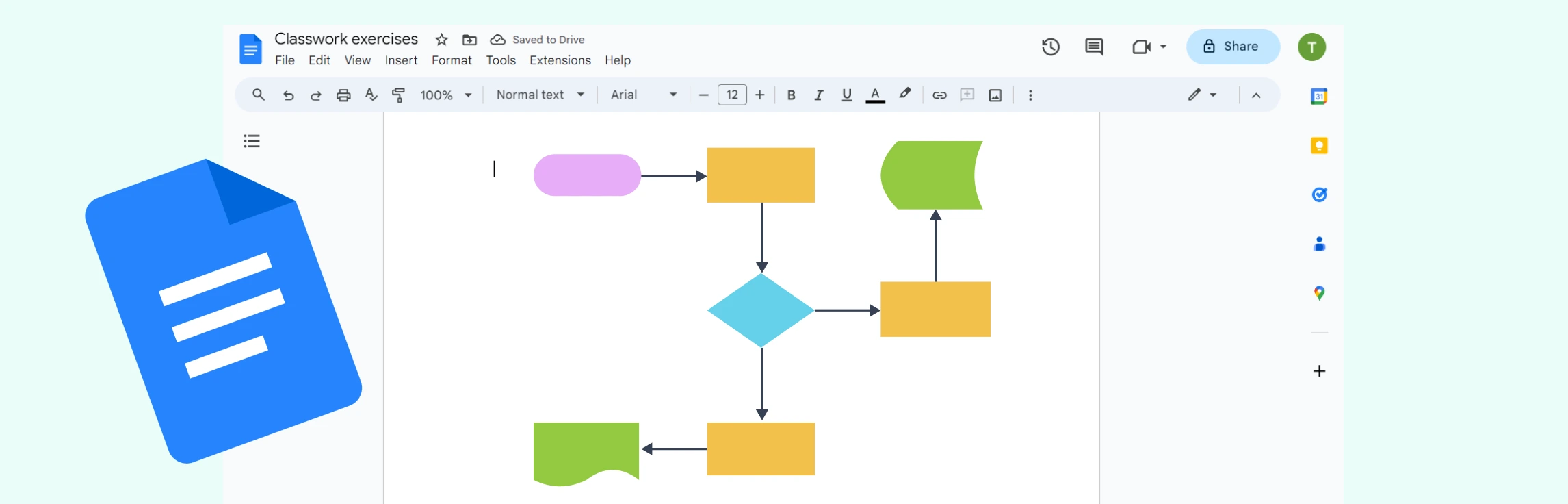
Quick answer: in Google Docs, create a flowchart from Insert > Drawing > New, then add shapes, lines, and labels. This is fine for a small diagram inside a document, but a dedicated tool is better for larger workflows, swimlanes, templates, comments, and ongoing process updates.
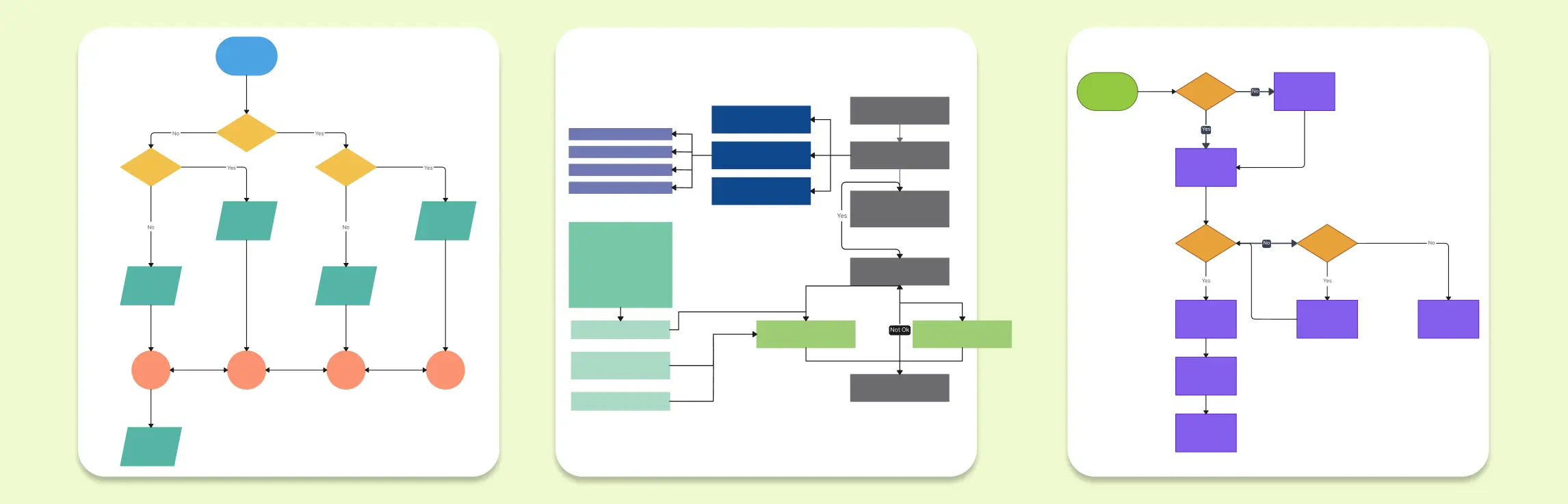
Quick answer: business flowcharts work best when they show the actual path work follows, including decisions, owners, approvals, exceptions, and handoffs. Use the examples below to document current workflows, spot bottlenecks, and create a clearer shared process before you redesign or automate it.
Programming flowcharts help you visualize how code works before you write, debug, or explain it. A good programming flowchart example shows the sequence of steps, decisions, loops, inputs, outputs, and errors that make up a program’s logic.
Quick answer: the best flowchart idea is the one that matches the process you need to explain. Use decision flowcharts for yes/no choices, workflow flowcharts for handoffs, swimlane or cross-functional flowcharts for ownership, and programming flowcharts for logic, loops, and algorithms. The editable examples below help you move from a blank canvas to a clear process map faster.
Flowcharts are a great way for students to organize thoughts, simplify complex tasks, and improve problem-solving skills. In this guide, we’ll explore flowchart examples for students that cover various academic and personal scenarios, from solving math problems to planning study routines.
Flowcharts are powerful tools for visualizing processes and making complex information easier to understand. Whether you’re mapping out a business process, designing software, or planning a project, flowcharts help you break down tasks step by step. However, to create clear and effective flowcharts, it’s important to follow certain flowchart rules.
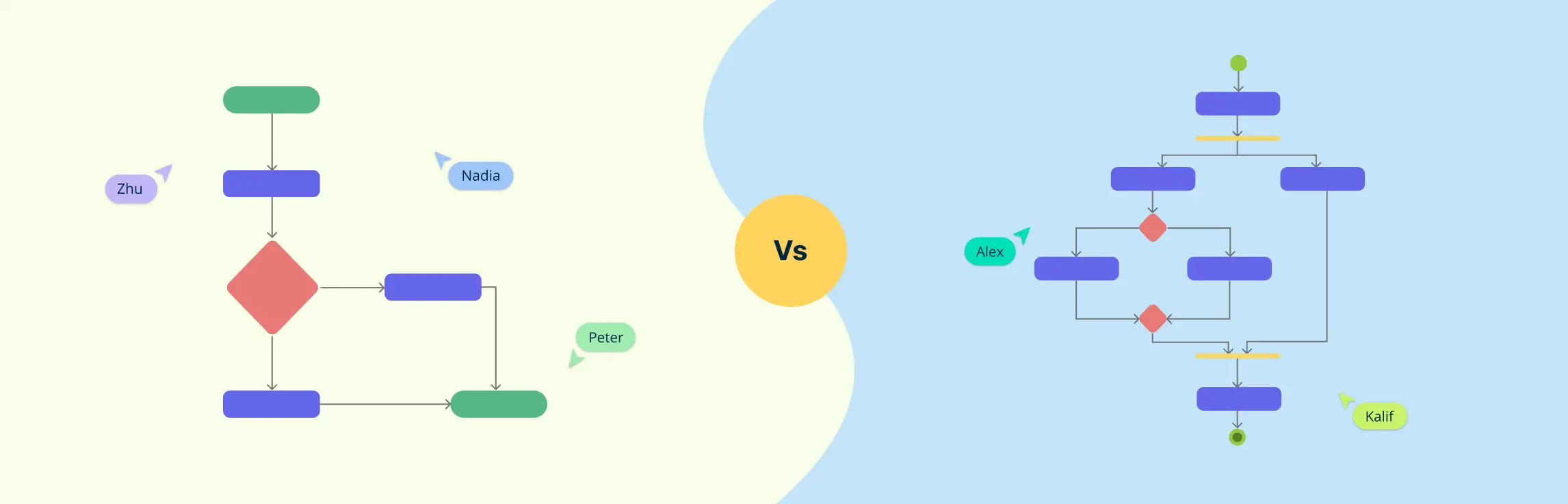
Quick answer: choose a flowchart for simple step-by-step processes, decision paths, and business workflows. Choose an activity diagram when you need UML-style modeling with actions, control flow, parallel paths, swimlanes, or more technical behavior in a software or systems workflow.
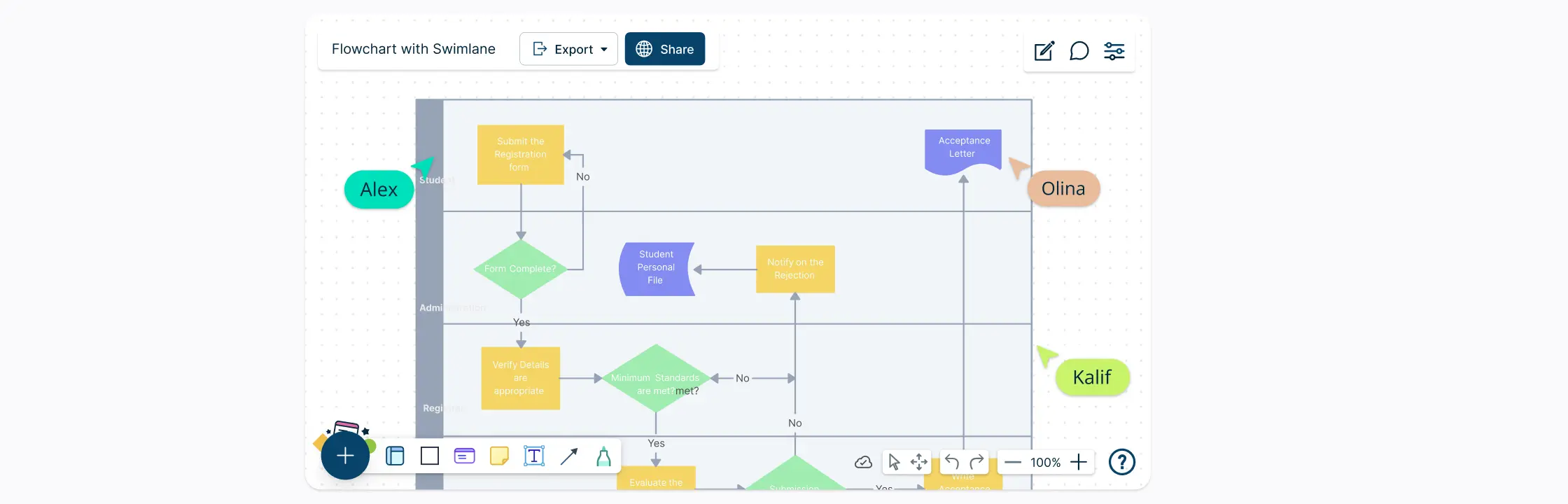
A cross-functional flowchart helps teams visualize not only the steps in a process but also the role, team, or department responsible for each one. By placing activities in swimlanes, it makes ownership and cross-team handoffs easier to see and discuss.
Every day, organizations handle contracts, invoices, reports, forms, and other records. Understanding how those documents move between people, teams, and systems can quickly become complicated. A document flowchart makes that movement visible.
Flowcharts are essential for illustrating processes, workflows, and systems. They simplify complex tasks, highlight inefficiencies, and help communicate ideas effectively. Although Excel is primarily recognized as a spreadsheet tool, it also includes features that enable users to craft clear and structured flowcharts.
PowerPoint includes shapes, connectors, SmartArt, and formatting tools that can be used to create a basic flowchart directly on a slide. This guide explains two methods for making a flowchart in PowerPoint, along with formatting, sharing, and export tips. It also explains when a dedicated flowchart tool may be more practical for a process diagram that needs ongoing review and maintenance.
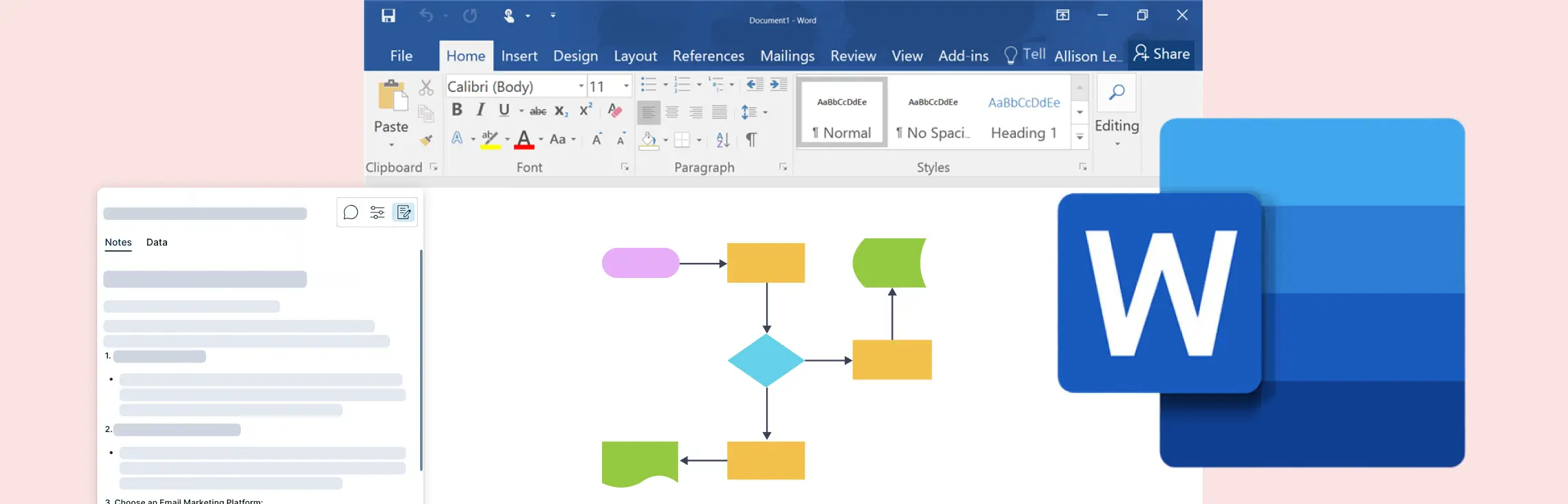
Flowcharts are essential tools for visualizing processes, workflows, and decision-making pathways. While Microsoft Word is primarily used for word processing, it also offers basic features to create flowcharts. This guide will show you how to make a flowchart in Word, covering different methods, tips, and best practices.
Quick answer: a loop in a flowchart is shown by a decision point that sends the process back to an earlier step until a condition changes. Label the condition clearly, show the repeated action, and include an exit path so the loop does not look infinite or ambiguous. A flowchart loop is a fundamental concept in process automation and programming, allowing tasks to repeat based on a defined condition. Whether used in software development, workflow optimization, or decision-making processes, flowchart loops help visualize repetitive actions clearly and efficiently.
Flowcharts and data flow diagrams (DFDs) visualize different aspects of a system. A flowchart shows the sequence of activities and decisions in a workflow, while a DFD shows how data moves between external entities, processes, and data stores. Choosing the right diagram helps teams answer the right question without mixing operational flow with information flow.
When it comes to visualizing processes and system interactions, two of the most commonly used diagramming methods are flowcharts and sequence diagrams. While both are powerful tools for representing workflows and system behaviors, they serve distinct purposes and follow different structures.
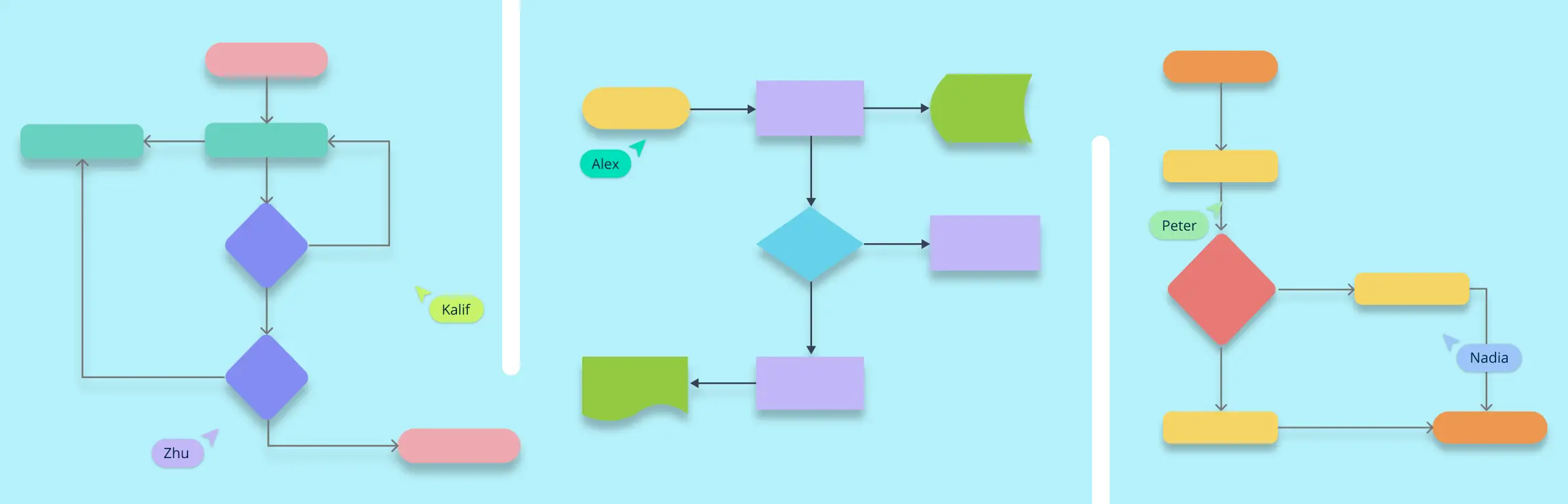
Quick answer: choose the type of flowchart based on what the reader needs to understand. Use a process flowchart for steps, a swimlane flowchart for responsibility, a decision flowchart for branches, a data flow diagram for information movement, and a system flowchart for how components interact.
Quick answer: a decision flowchart is best for processes where each choice changes the next step. Start with one decision question, label every branch clearly, and end each path with a specific action or outcome so readers can follow the logic without guessing.
Understanding processes is key to making tasks more efficient and effective, whether you’re managing a project, improving workflows, or solving problems. Two useful tools for visualizing and analyzing processes are flowcharts and process maps. Though they may look similar, each one serves a distinct purpose and works better in different scenarios.
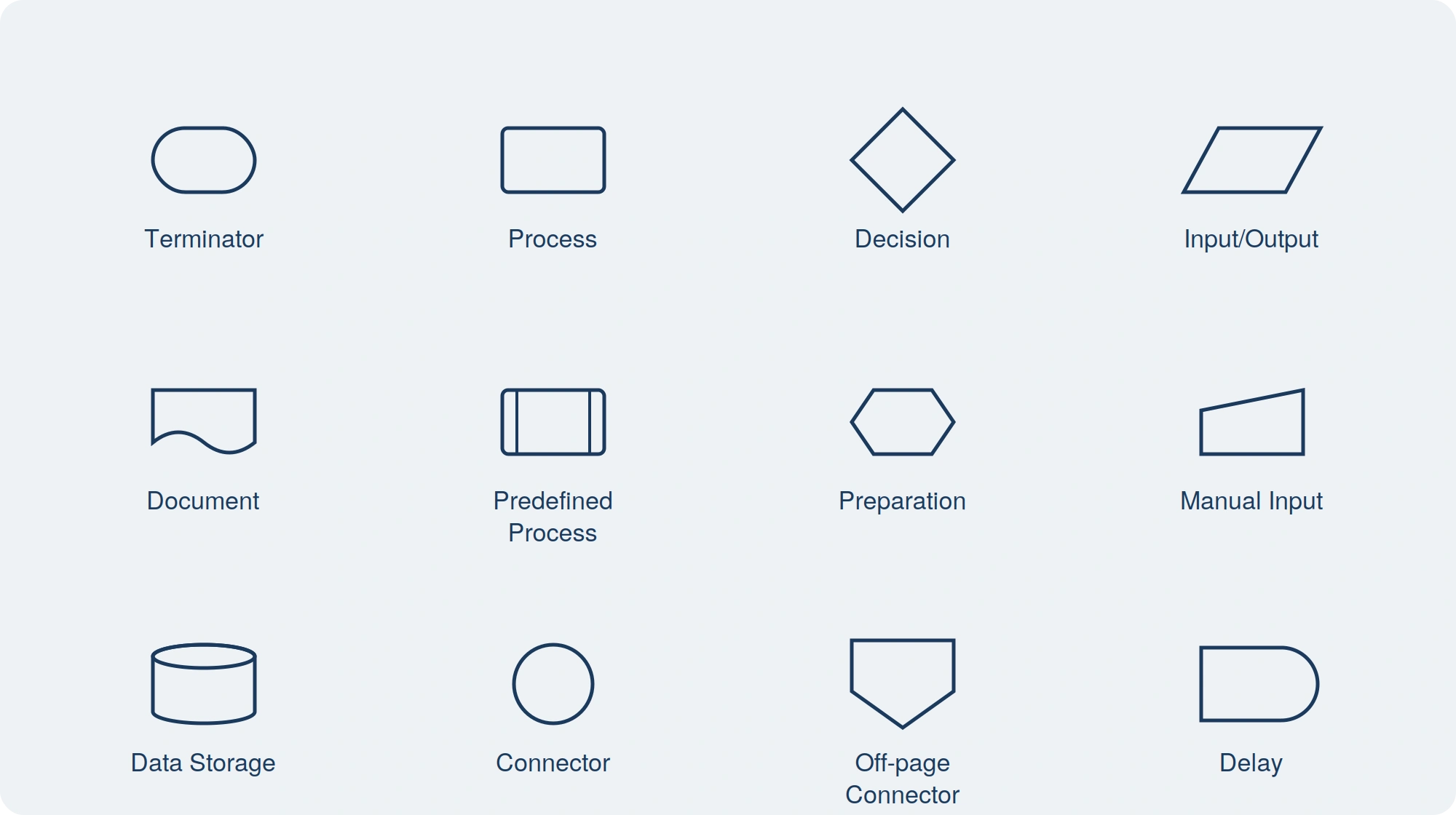
Quick answer: the five most common flowchart symbols are the oval for start or end, rectangle for process, diamond for decision, parallelogram for input or output, and arrow for flow direction. Use consistent symbols and add a legend when a diagram includes uncommon or custom shapes. Flowcharts are the go-to tool for process mapping. Whether you are working on a new workflow or solving a problem, flowchart symbols make it easy to visualize steps, decision points, and paths. However, to create a flowchart that clearly communicates your process, you need to know the right flowchart symbols and their usage. This guide will walk you through everything you need to know about flowchart symbols, their meanings, best practices, and common mistakes. Understanding flowchart symbols ensures that your diagrams are effective, structured, and universally understood.
Quick answer: use a cross-functional flowchart when a process crosses more than one person, team, department, or system. It adds swimlanes to a standard flowchart so readers can see not only what happens next, but who owns each step, where handoffs occur, and which approvals or dependencies may slow work down.
A sales process flowchart visualizes how opportunities move through sales stages, decisions, activities, and handoffs. It gives teams a shared view of the current workflow so they can investigate bottlenecks, unclear criteria, duplicated effort, and gaps between sales and adjacent teams.
Quick answer: a flowchart shows the steps, decisions, and direction of a process in a simple visual sequence. Start by defining the process scope, list the main steps, choose standard flowchart symbols, connect them with arrows, and review the chart with the people who own or use the process. So you want to learn flowcharts? Well, This flowchart tutorial will teach you all you need to know. It will cover the history of flowcharts, flowchart symbols, how to create flowcharts, flowchart best practices and we’ve also included a section to answer frequent questions about flowcharts. Best of all you can use our flowchart software.