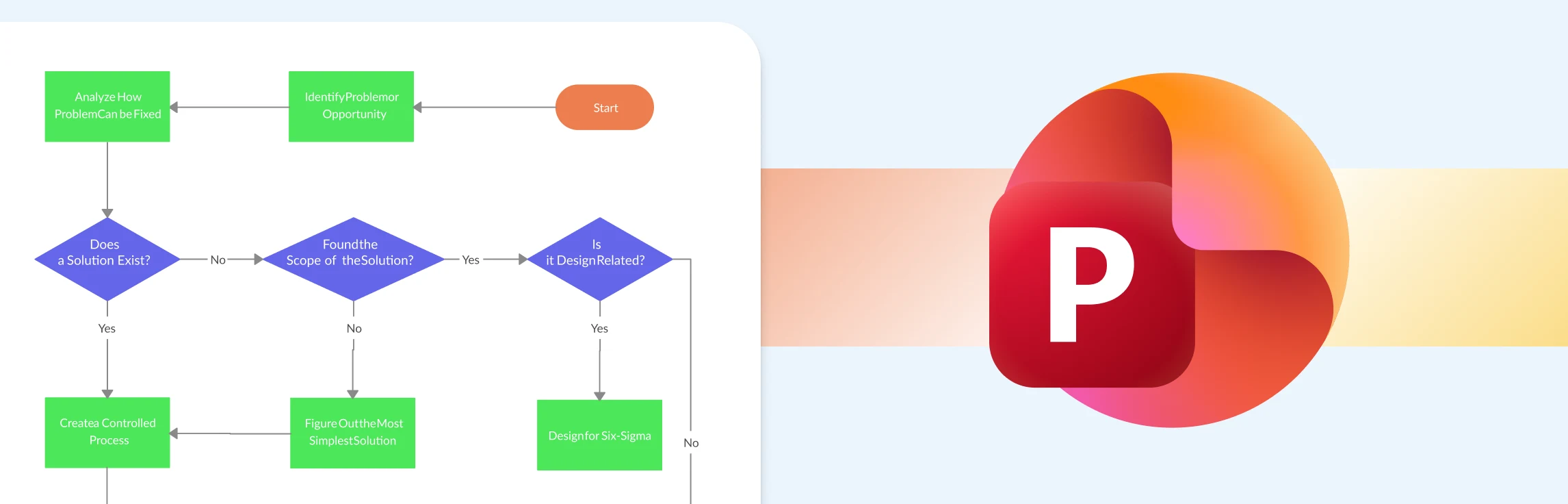
This guide explains how to create a process map in PowerPoint with SmartArt, from choosing a layout to reviewing and sharing the finished workflow. It also covers where PowerPoint works well, the limitations that appear as a process becomes more complex, and when a dedicated process mapping tool is a better fit. Free process map templates are included to help you get started.
Creating a clear, professional SWOT analysis in PowerPoint can feel simple at first, until layouts start shifting, text boxes misalign, and your slide becomes hard to read. This guide walks you through everything you need to know, from building a SWOT diagram step by step to understanding the common challenges that come with PowerPoint’s manual formatting. After you’ve mastered how to present a SWOT analysis in PowerPoint, we’ll explore a better alternative and free templates that make the process faster, cleaner, and more presentation-ready.
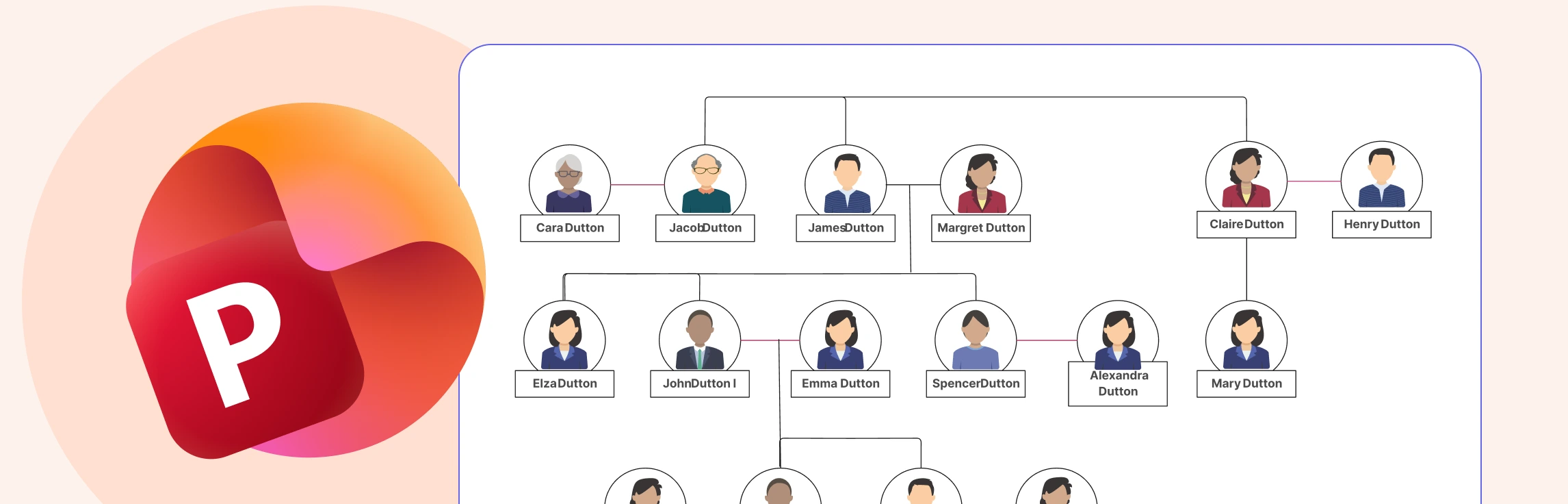
If you’re exploring how to make a family tree in PowerPoint, you’re likely looking for a straightforward way to map out your family history using software you already have access to. PowerPoint can create simple, structured diagrams, but it does require manual setup and adjustments as your tree grows. In this guide, you’ll learn the step-by-step process, understand the limitations you may run into, discover an alternative option and free templates that can help you build a clear, organized family tree with less effort.
You can make a mind map in PowerPoint with SmartArt, shapes, text boxes, and connectors. This guide walks through the steps, explains when PowerPoint works well, shows where it becomes limiting, and offers editable mind map templates when you need a faster way to organize ideas.
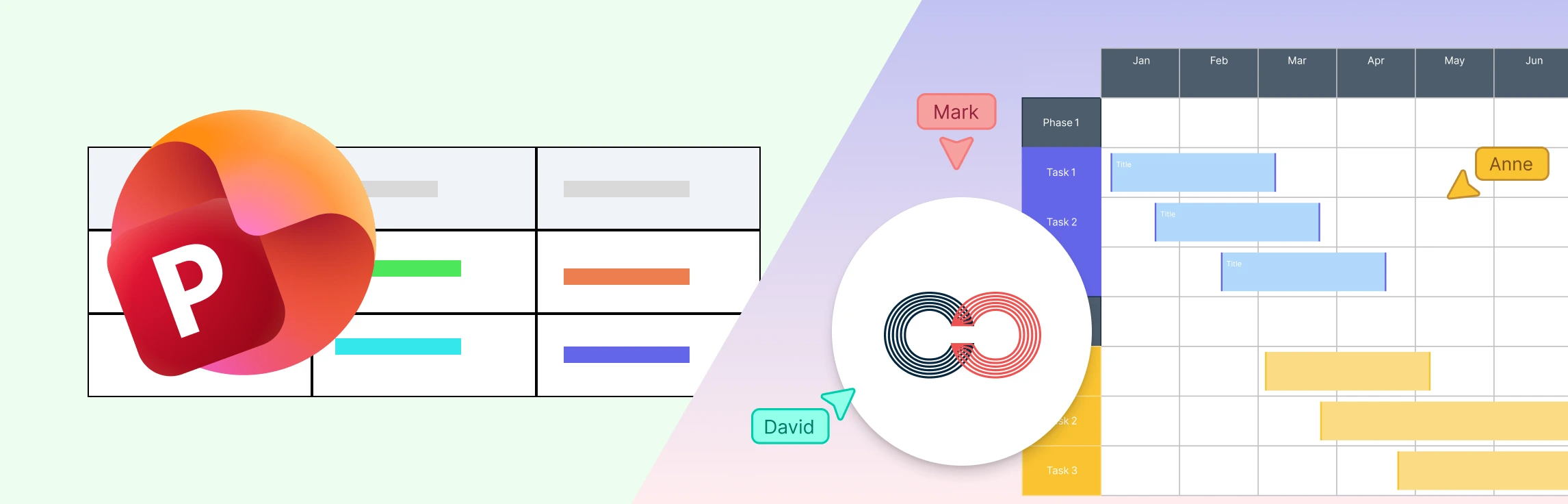
If you’re wondering ‘how to do a timeline in PowerPoint’, then this guide is for you. Keep reading to discover how to insert a timeline in PowerPoint with step-by-step instructions, understand its limitations and why Creately is the best alternative.