Block Diagram Maker
Map Complex Systems with Easy Block Diagrams
Create easy-to-follow block diagrams that turn complex system details into a structured visual view. Help teams explain how components, flows, inputs, outputs, and dependencies work together without relying on scattered notes, slides, or rough sketches.
- Start faster with editable block diagram templates
- Build easily with drag-and-drop shapes, connectors, and labels
- Share diagrams for review, presentation, and documentation



 Diagramming Visual Collaboration Org Chart


How to Create a Block Diagram in Creately?
Start With a Template or Blank Canvas
Choose an editable block diagram template or open a blank workspace, depending on whether you want a quick starting point or a custom structure.
Add the Main Blocks
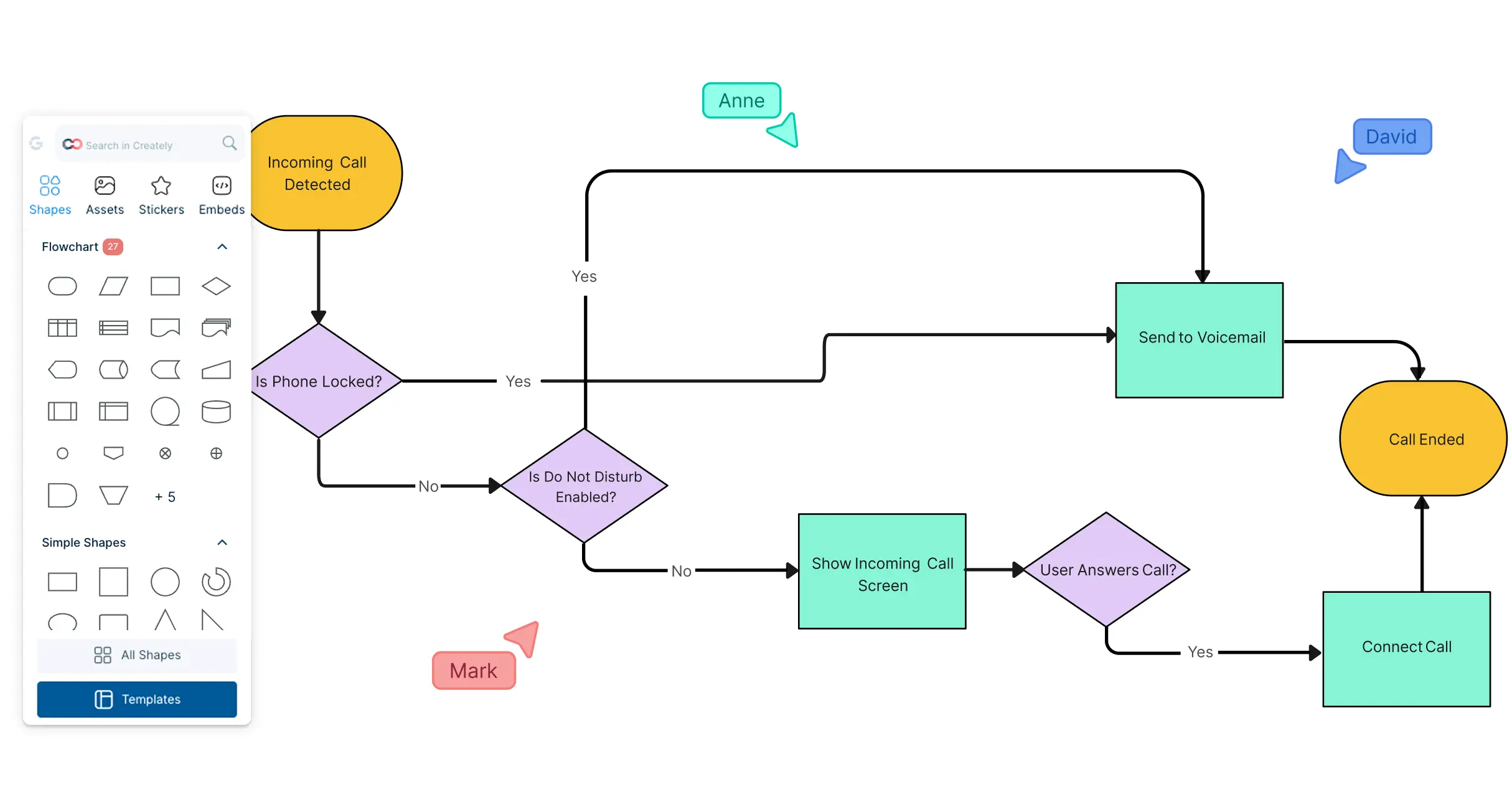
Place the key components of your system on the canvas, such as processes, modules, inputs, outputs, teams, devices, or functions.
Connect the Components
Use connectors, arrows, and labels to show how each block relates to the others, including flows, dependencies, inputs, outputs, or handoffs.
Organize and Add Context
Group related blocks, adjust the layout, and add notes, files, links, or assumptions to keep important details connected to the diagram.
Review, Share, or Export
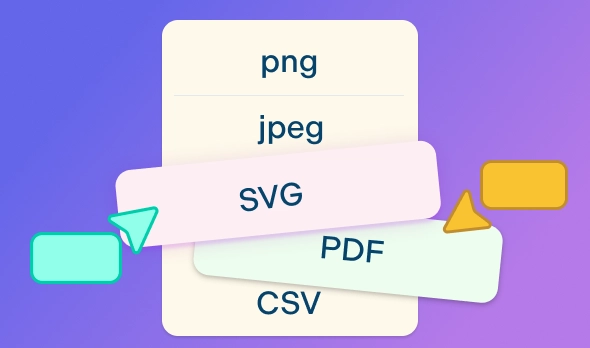
Invite others to review the diagram with comments and @mentions, present it using frames, or export it as a PDF, PNG, SVG, or JPEG for documentation, reports, or presentations.
Watch this quick walkthrough to see how to create a block diagram, add blocks and connectors, organize system components, and share your diagram with others.
Easily Visualize Systems with These Free Editable Block Diagram Templates
Build Block Diagrams Without Starting From Scratch
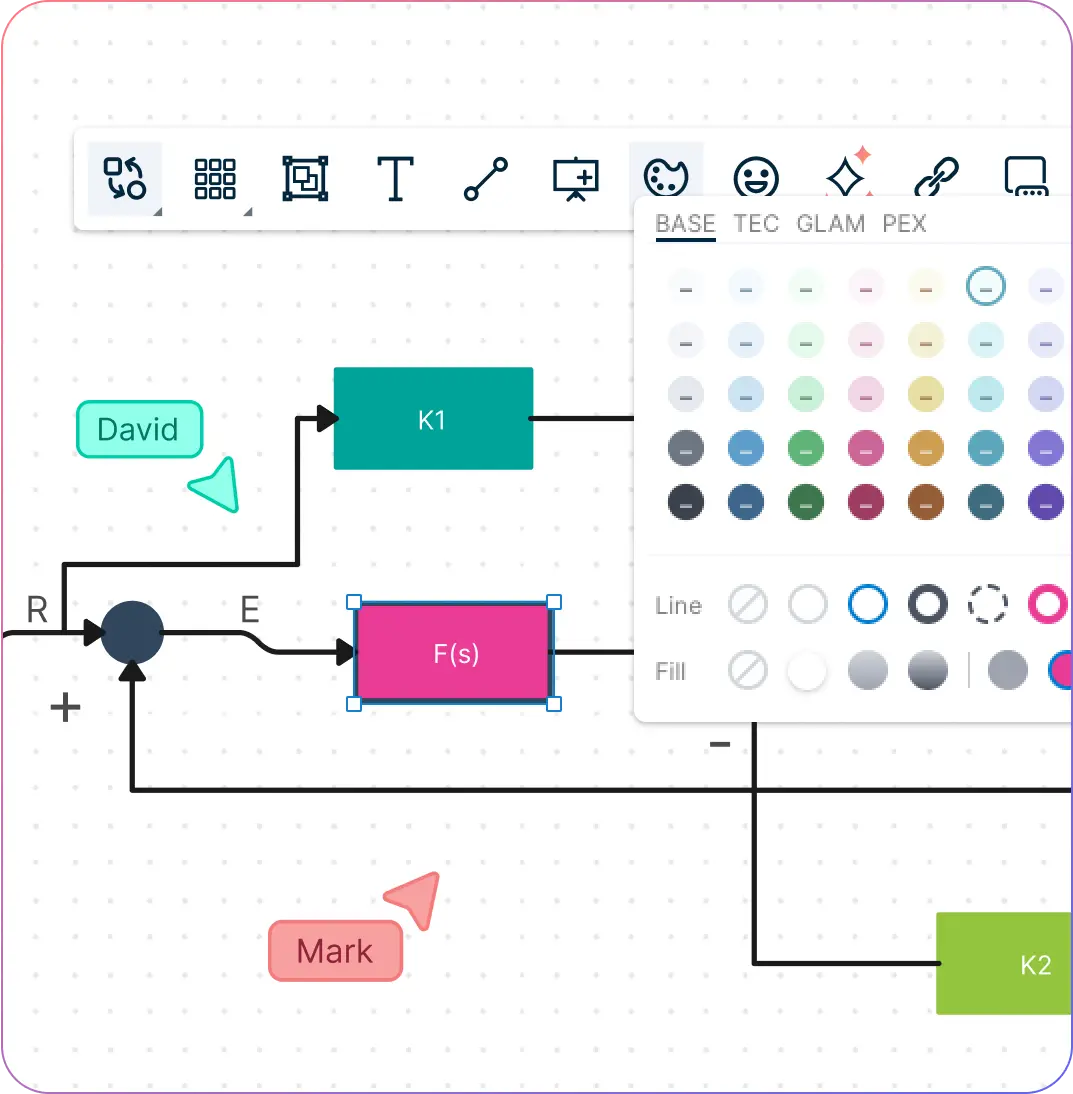
When system details are scattered, it takes longer to explain how everything fits together. Quickly turn components, flows, and dependencies into a structured visual that is easier to follow.
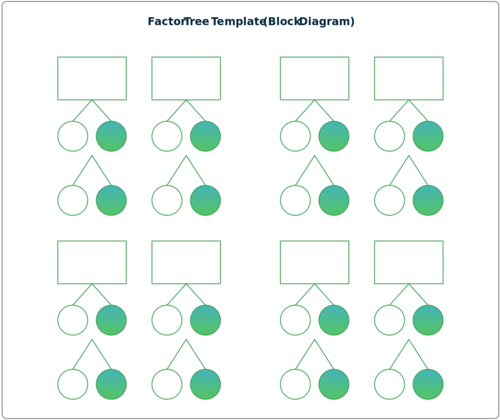
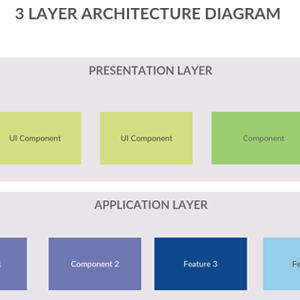
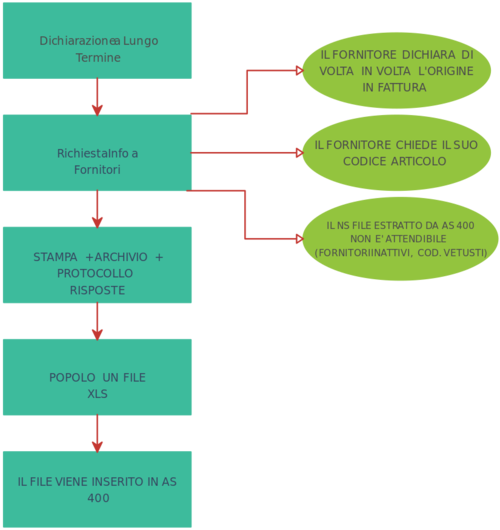
Start with editable block diagram templates for systems, processes, architecture, and components.
Drag and drop blocks, shapes, connectors, arrows, and labels to map relationships.
Use grouping, colors, and formatting to separate sections and make large diagrams easier to read.
Build on a flexible canvas that gives enough space for complex systems and multiple diagram versions.
Review System Details With Your Team
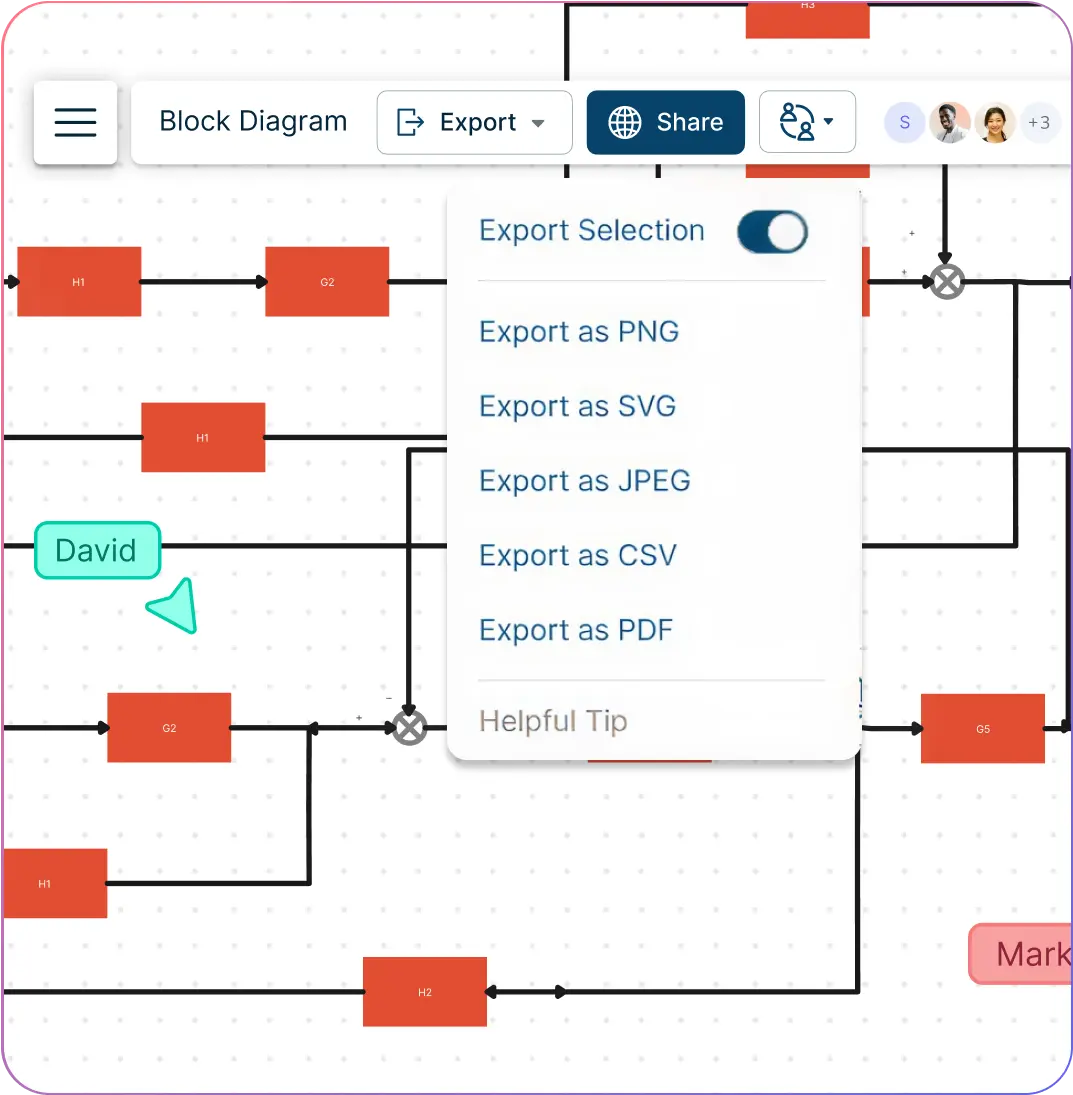
Block diagrams often need input from engineers, product teams, analysts, educators, and stakeholders. Keep the review process close to the diagram so feedback is easier to act on.
Collaborate in real time with teammates on the same workspace.
Use comments and @mentions to discuss components, dependencies, assumptions, or changes.
Set sharing permissions for viewing, commenting, or editing.
Track feedback directly on the diagram instead of switching between messages, docs, and slides.
Keep Context Ready for Review and Handoff

A block diagram is more useful when the supporting details are easy to find. Keep important context connected to the visual and share it in the format your team needs.
Attach notes, files, links, and references to blocks or diagram sections.
Use frames to walk through large diagrams step by step during presentations.
Share diagrams with a link for quick review and stakeholder feedback.
Export as PDF, PNG, SVG, or JPEG for documentation, reports, slides, or assignments.
What Can You Create With Creately’s Block Diagram Creator?
System Block Diagrams
Show the main components of a system and how they connect, interact, or depend on each other.
Software Architecture Block Diagrams
Map applications, services, databases, APIs, modules, and data flows at a high level.
Product and Component Diagrams
Explain how product parts, features, subsystems, or technical components work together.
Process Block Diagrams
Break down workflows, business processes, operations, or handoffs into easy-to-follow visual blocks.
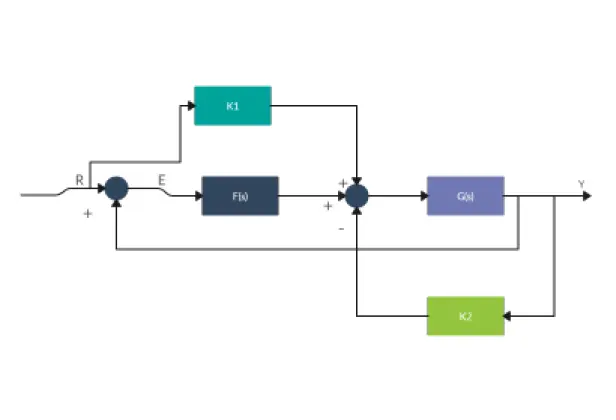
Control System Block Diagrams
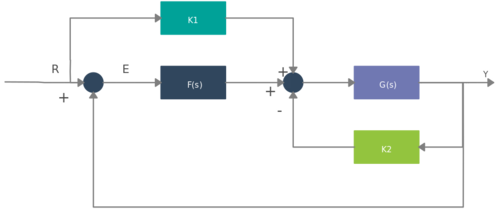
Show inputs, outputs, controllers, feedback loops, and system behavior for engineering analysis.
Educational Block Diagrams
Create simple visuals for lessons, assignments, technical explanations, and classroom presentations.
Free Block Diagram Examples to Get Started
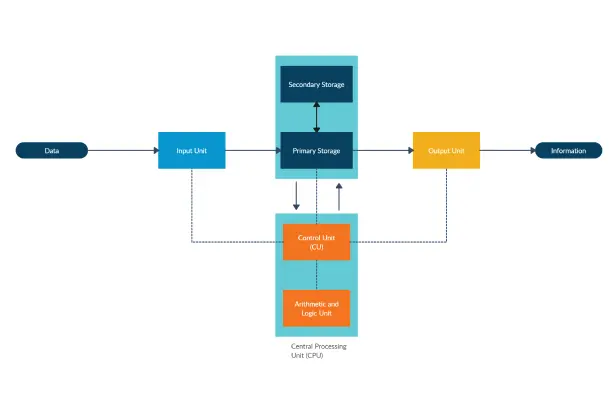
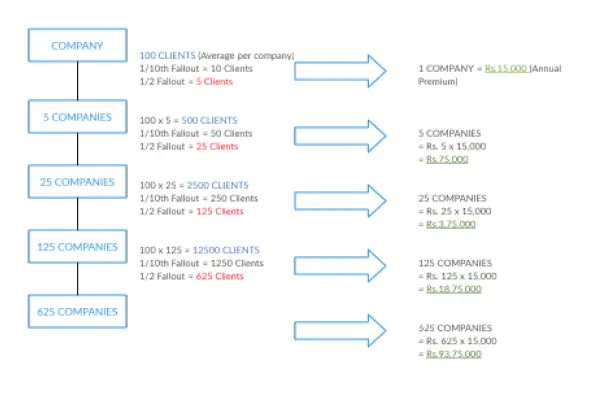
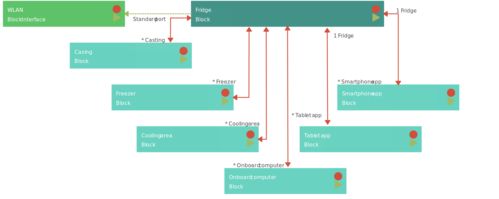
FAQs About Online Block Diagrams
What are Creately’s block diagram maker pricing plans?
- Free Plan — $0/month for basic block diagram creation and collaboration
- Starter & Team Plans — $8/month or $5/month billed annually
- Business Plan — $149/month or $89/month billed annually
Annual billing helps you save more while unlocking advanced collaboration, workspace management, and enhanced block diagram features. You can compare all available plans and features on the Creately Pricing Page.
How can you create block diagrams faster?
Are there templates for different block diagram use cases?
Can teams collaborate on block diagrams?
Can I add notes, data, and files?
Can I share, present, or export block diagrams?
What is a block diagram?