BPMN Online
Build & Collaborate on BPMN Diagrams Instantly
Simplify business process modeling. Design BPMN diagrams online, share with your team, and manage workflows with ease.
Intuitive visual editor to quickly model business processes and notations
Extensive shape libraries for BPMN 2.0, flowcharts, & process maps
BPMN software for real-time teamwork across the globe



 Diagramming Visual Collaboration Org Chart


How to Create a BPMN Diagram?
Create Complex BPMN Diagrams Online
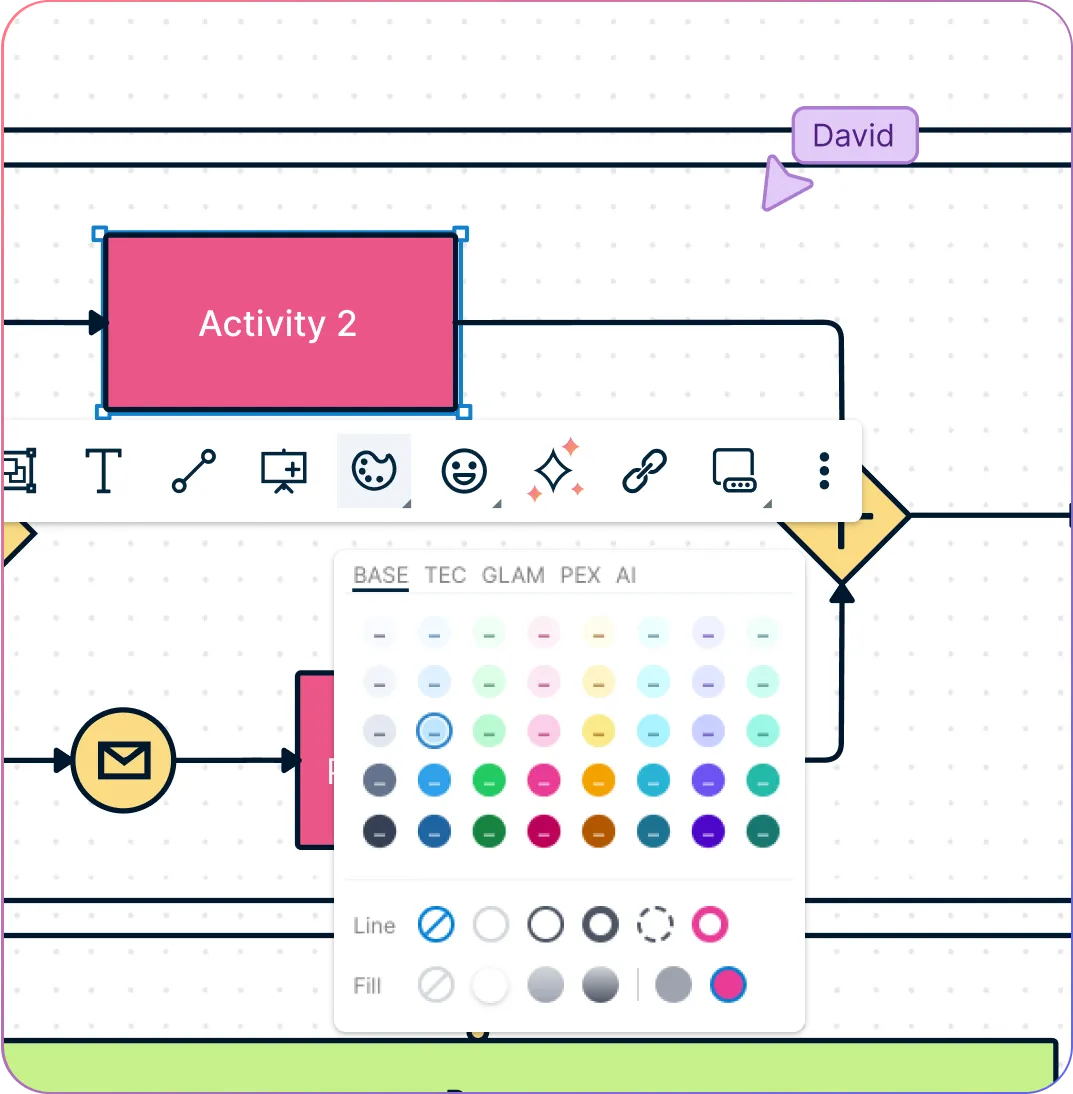
Create complex BPMN diagrams online with standard BPMN 2.0 shapes for accuracy and clarity.
Change the visual properties of shapes instantly using the quick access toolbar.
Choose from a library of premade business process modeling notation templates to get a head start.
Analyze and compare multiple BPMN diagrams seamlessly on a single infinite canvas.
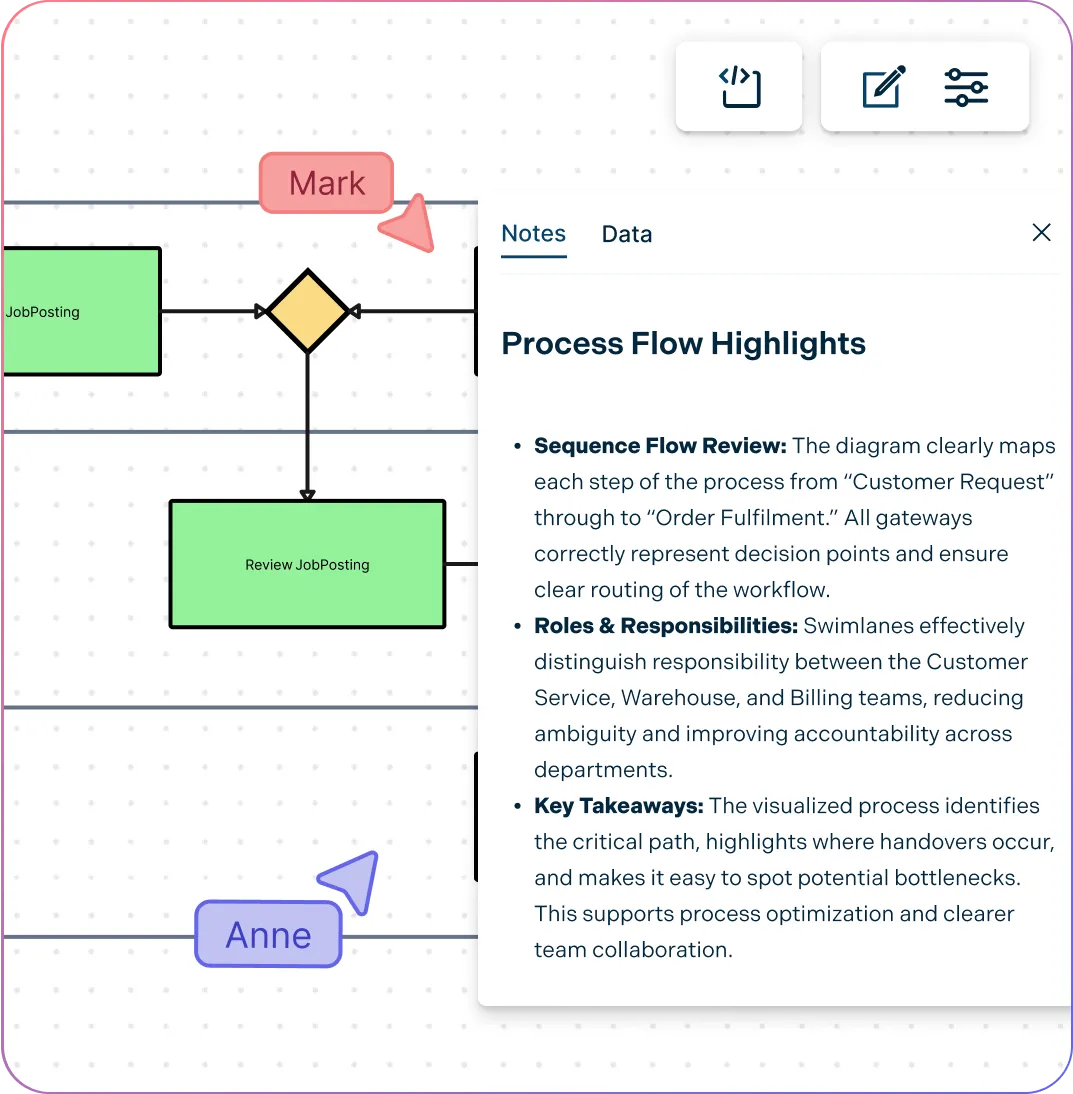
Effectively Capture Process Requirements
Document process details with integrated notes attached to each step.
Use standard BPMN 2.0 shapes to clearly map and visualize workflows.
Easily embed diagrams on websites, wikis, or intranets for wider access.
Track every change with full version history and restore previous iterations anytime.
Collaborative BPMN Tool for Effortless Sharing and Teamwork
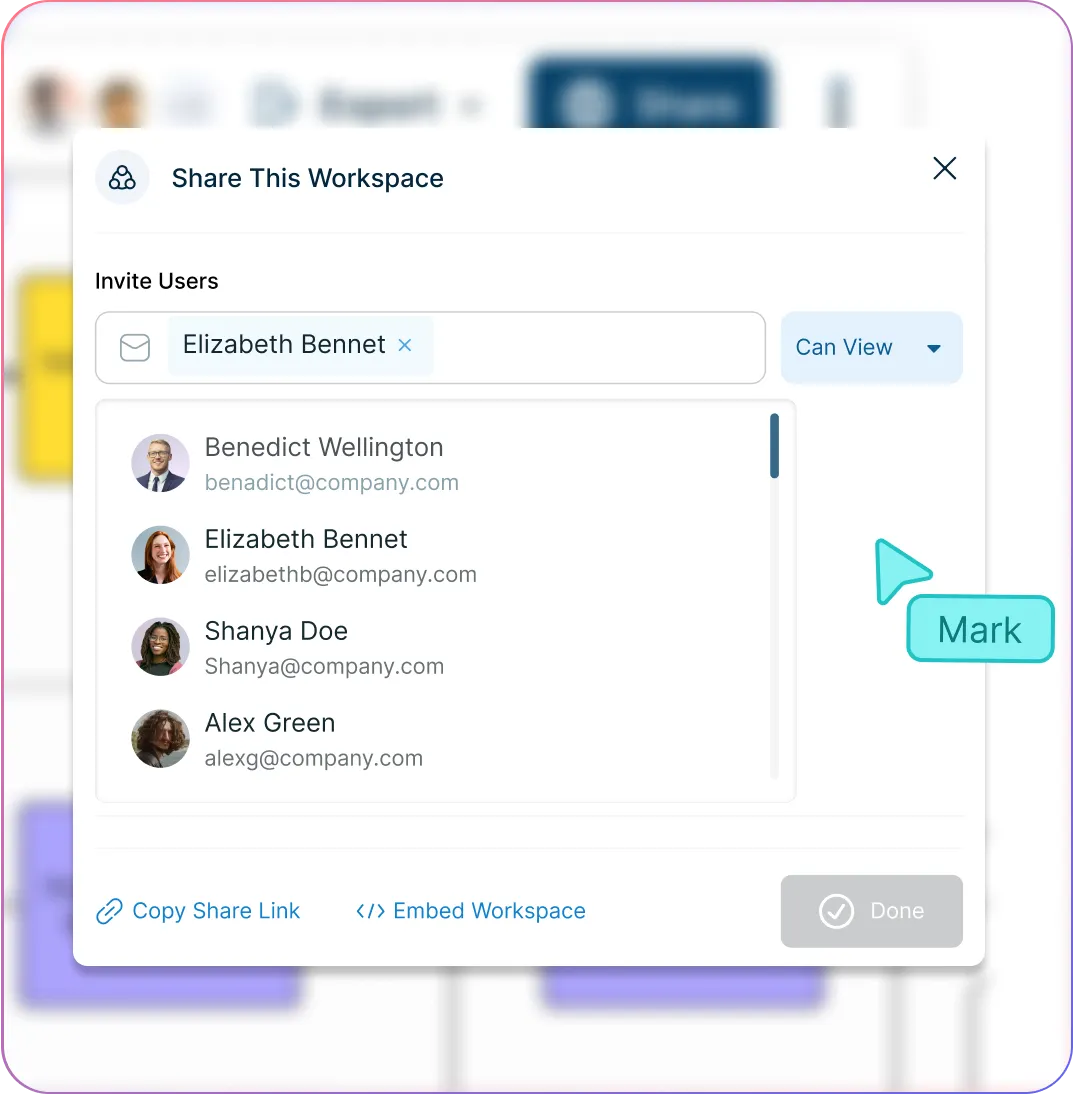
Control access to process details with public and private permissions for external stakeholders.
Collaborate with cross-functional teams and clients in real time on a shared canvas.
Share diagrams securely across the organization using link-based access.
Integrate seamlessly with existing workflow tools to connect diagrams and processes effortlessly.
What Is a BPMN Tool?
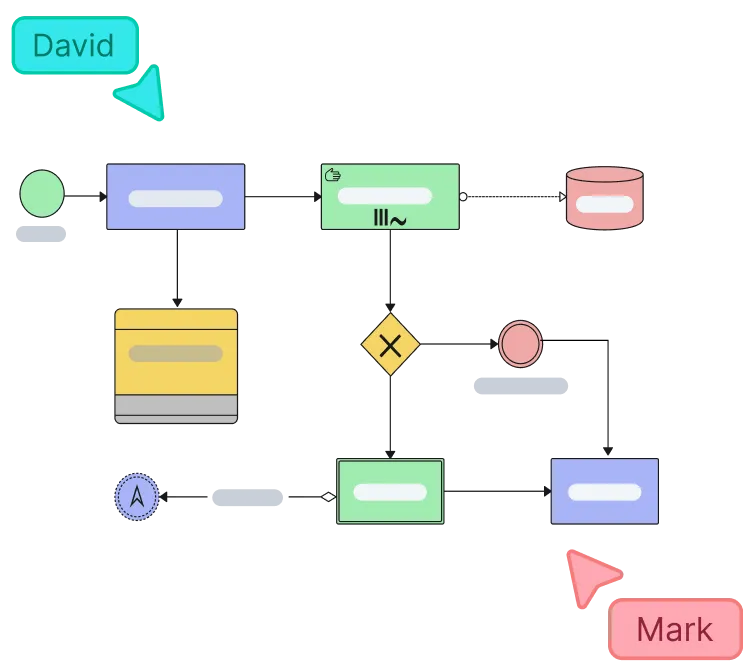
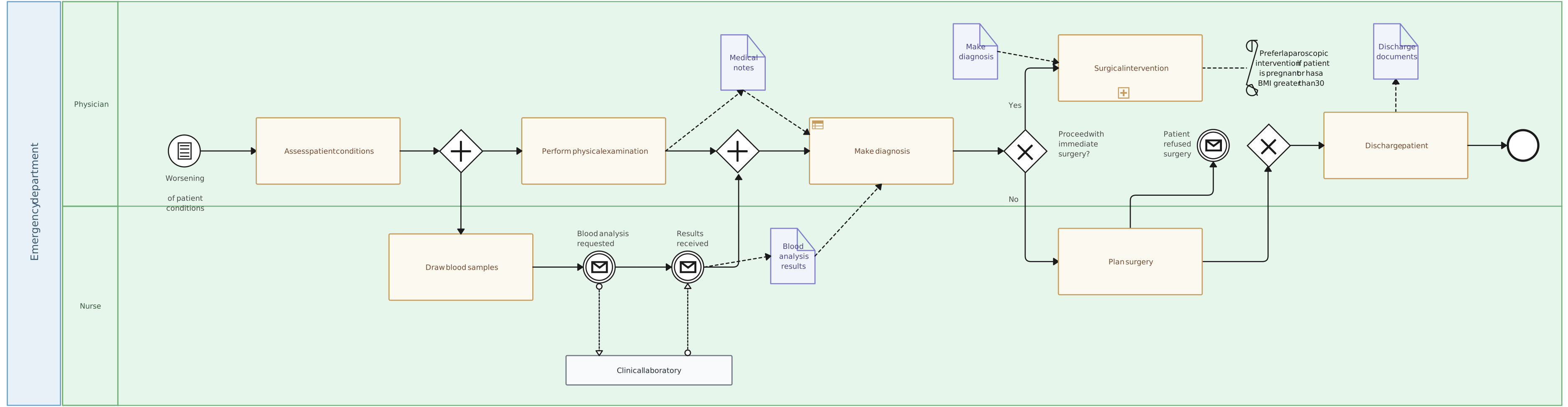
A BPMN tool is software for creating Business Process Model and Notation diagrams, the standard format many teams use to model detailed business workflows. It helps analysts and operations teams show events, tasks, gateways, handoffs, and exceptions with a consistent visual language that is easier to review across stakeholders.
In practice, the best BPMN tools do more than draw compliant diagrams. They help teams capture notes, ownership, linked references, and review history so BPMN diagrams stay useful as living process assets instead of one-time documentation.
How to Make a BPMN Diagram?
Set up your Creately workspace
Open a new workspace in Creately’s BPMN tool and invite your team. Use it as a shared hub to brainstorm, gather data, and build your process models together in real time.
Brainstorm and define the scope on the canvas
Identify the process you’re diagramming, its start and end points, substeps, and responsible parties. Collaborate with stakeholders using real-time editing and notes to capture everything clearly.
Create your BPMN diagram
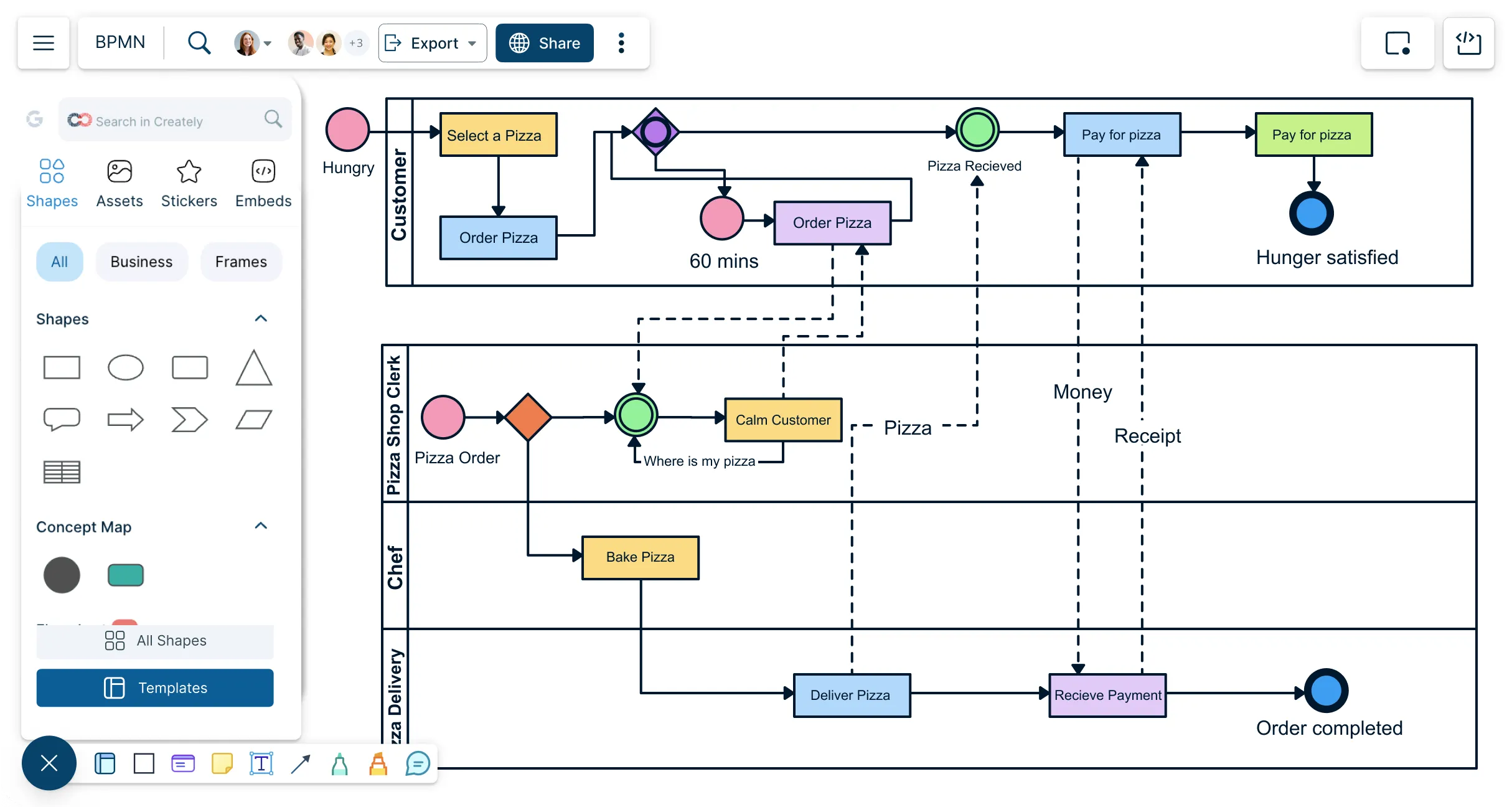
Open the BPMN shape library in Creately and drag-and-drop start events, end events, and activities onto the canvas. You can also choose from ready-made BPMN templates to speed up diagramming.
Add swimlanes, gateways, and events
Organize tasks into swimlanes to show who’s responsible. Use gateways for decision points and events for triggers like messages or signals. Connect shapes easily with Creately’s Plus Create option.
Review, refine, and share
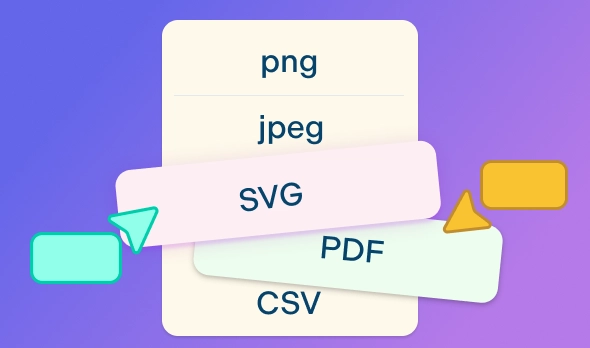
Collaborate with your team to proofread the diagram, track changes with version history, and finalize. Export it as PNG, PDF, or share a secure link directly with stakeholders.
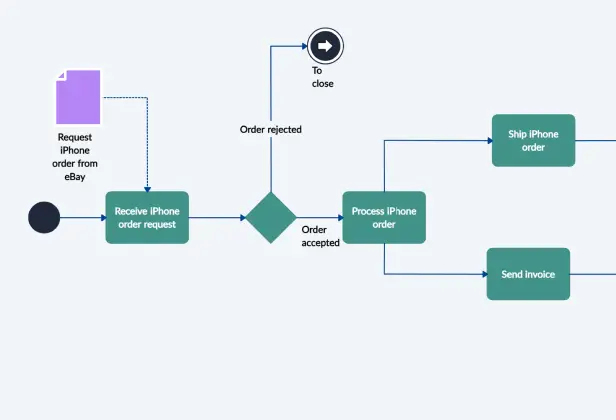
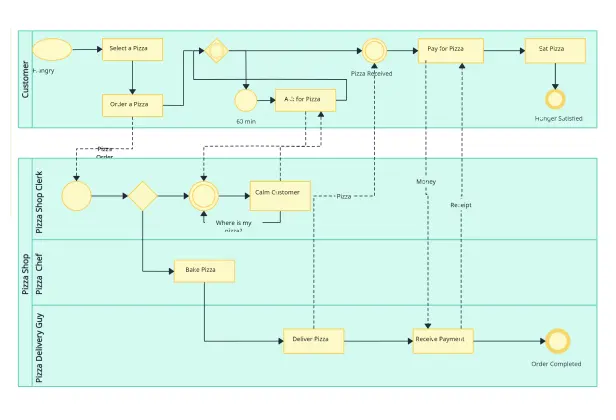
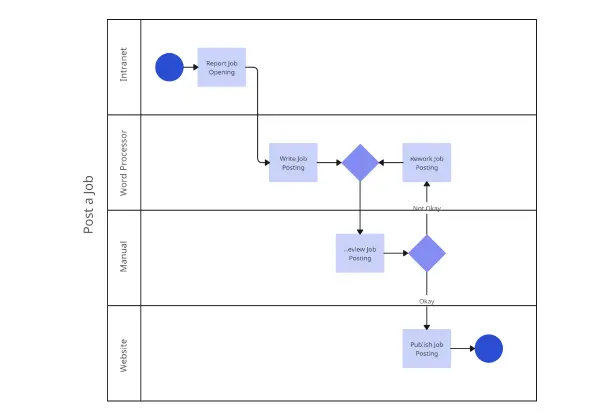
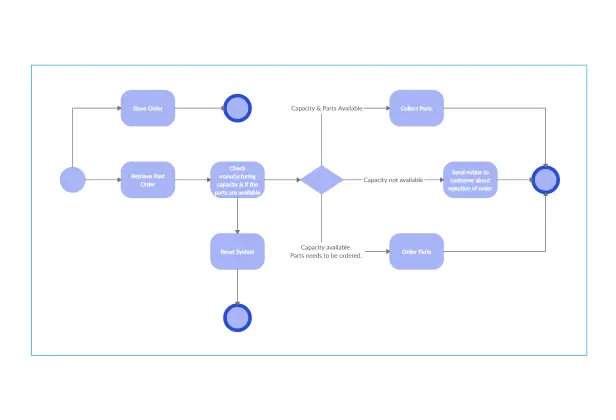
Make a BPMN DiagramCreate Your BPMN Diagram Online with Editable Templates
FAQs About the BPMN Online
What are Creately’s BPMN online pricing plans?
- Free Plan — $0/month for basic BPMN diagram creation and collaboration
- Starter & Team Plans — $8/month or $5/month billed annually
- Business Plan — $149/month or $89/month billed annually
Annual billing helps you save more while unlocking advanced collaboration, workspace management, and enhanced BPMN diagram features. You can compare all available plans and features on the Creately Pricing Page.
How can you create BPMNs faster?
Are there templates for different BPMN use cases?
Can teams collaborate on BPMNs?
Can I add notes, data, and files?
Can I share, present, or export BPMNs?