Concept Map Maker
Turn Scattered Ideas into Clear Concept Maps
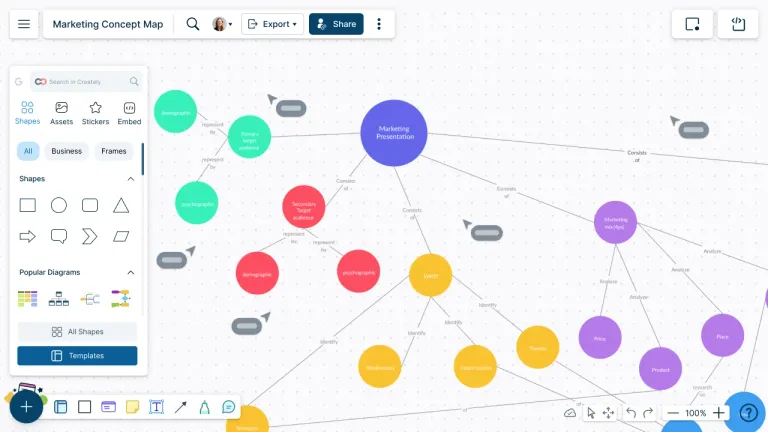
Turn complex ideas, lessons, research, and team knowledge into concept maps that clearly show how everything connects, so they are easier to understand, explain, and share.
Generate a concept map from notes with AI or start with a template
Add notes, links, files, and references without cluttering the map
Use comments, @mentions, and real-time collaboration to refine ideas together


 Diagramming Visual Collaboration Org Chart


How to Create a Concept Map in Creately?
Choose the main topic
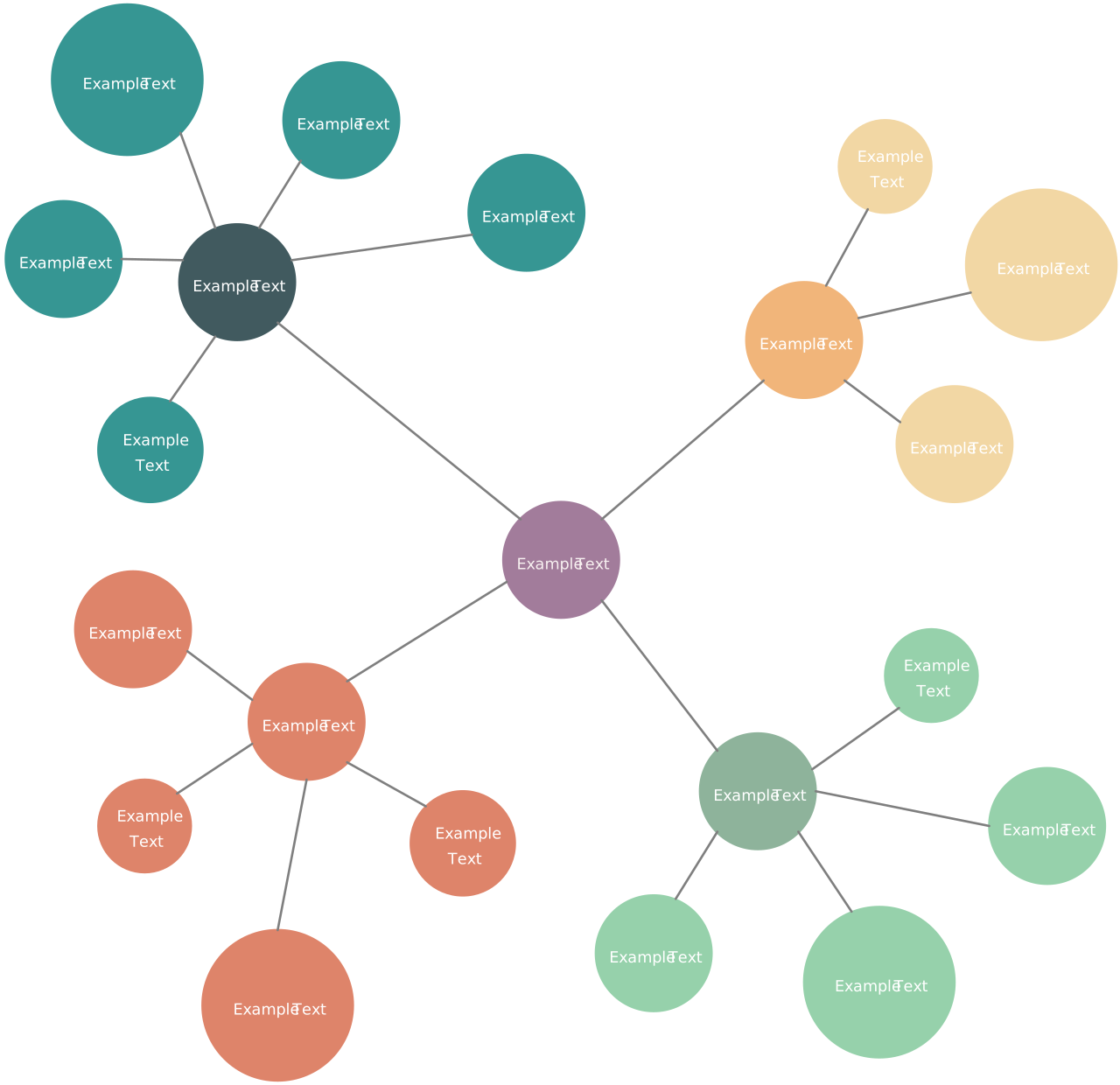
Start with the topic, question, lesson, process, or idea you want to explain. Place it at the center or top of the map depending on how you want the information to flow.
Add the main concepts first
Add the most important concepts before adding smaller details. This helps you create a clear structure instead of filling the canvas with disconnected ideas.
Connect concepts with meaningful labels
Use connectors and linking words to explain how one concept relates to another. Avoid unlabeled lines where the relationship is not obvious.
Add notes, files, and references
Use notes, attachments, links, or data fields to store supporting information without crowding the main map.
Invite others to review the map
Share the workspace with students, teammates, or stakeholders. Ask them to comment on unclear areas, add missing ideas, or confirm whether the relationships make sense.
Clean up and share the final map
Use color, spacing, grouping, and layout adjustments to make the map easier to scan. Then present it, export it, or embed it where others need to use it.
Watch this quick walkthrough to see how to create a concept map in Creately, add concepts and connectors, label relationships, organize your map, and share it with others.
Create a Concept MapMake Sense Of Scattered Ideas Faster
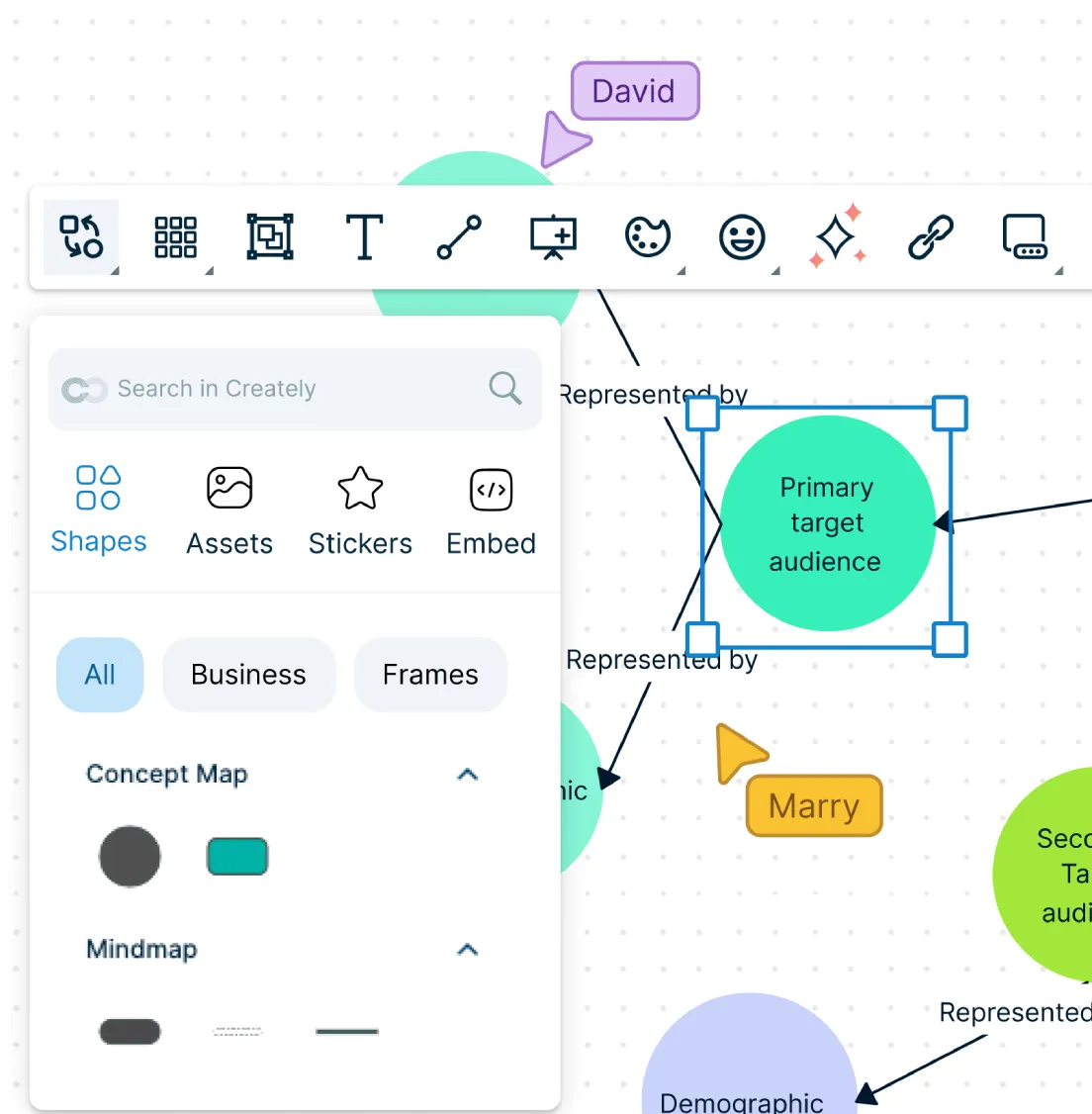
When notes, lessons, research, or team input are spread across different places, it is hard to see what belongs together. Bring everything into one visual workspace and start shaping it into a clear concept map.
Generate a first draft from notes or prompts with AI.
Start with editable concept map templates instead of a blank canvas.
Use an infinite canvas to expand topics as ideas grow.
Group related concepts so complex information is easier to follow.
Help Others Understand How Ideas Relate
A concept map should show more than a collection of ideas. It should help people understand how one concept supports, causes, explains, depends on, or connects to another.
Use connectors and arrows to show relationships between concepts.
Add labels to explain what each connection means.
Use colors, shapes, and styles to separate themes or categories.
Rearrange concepts as your understanding of the topic changes.
Keep Important Details Close Without Crowding the Map
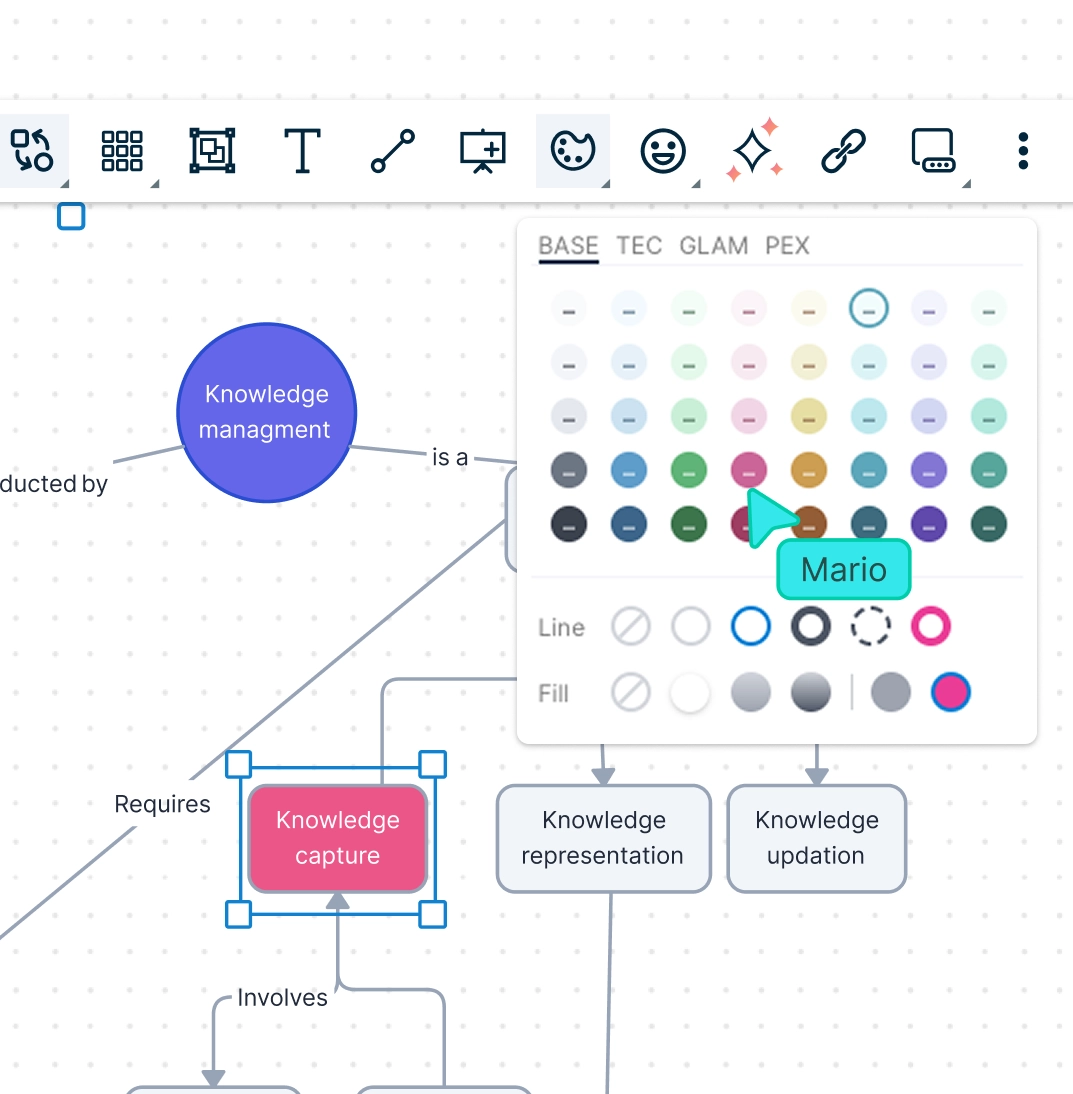
Concept maps become hard to read when every explanation, source, and reference is placed directly on the canvas. Keep the main map simple while storing supporting details with the relevant concept.
Add notes to explain concepts in more detail.
Attach files, links, and references to keep sources connected.
Use comments to ask questions or clarify unclear relationships.
Keep the visible map focused on the ideas people need to understand first.
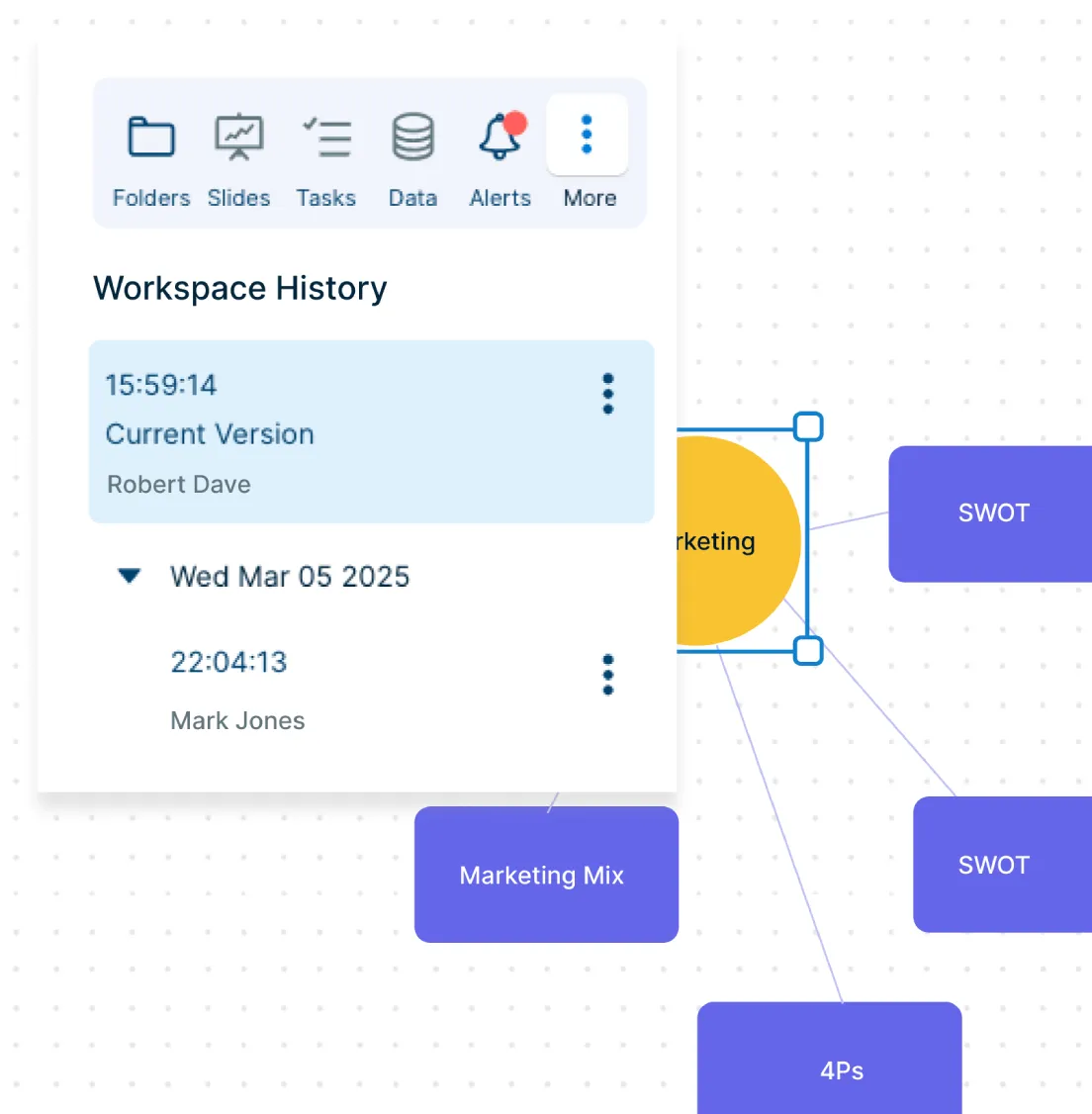
Build a Shared Understanding with the Right People
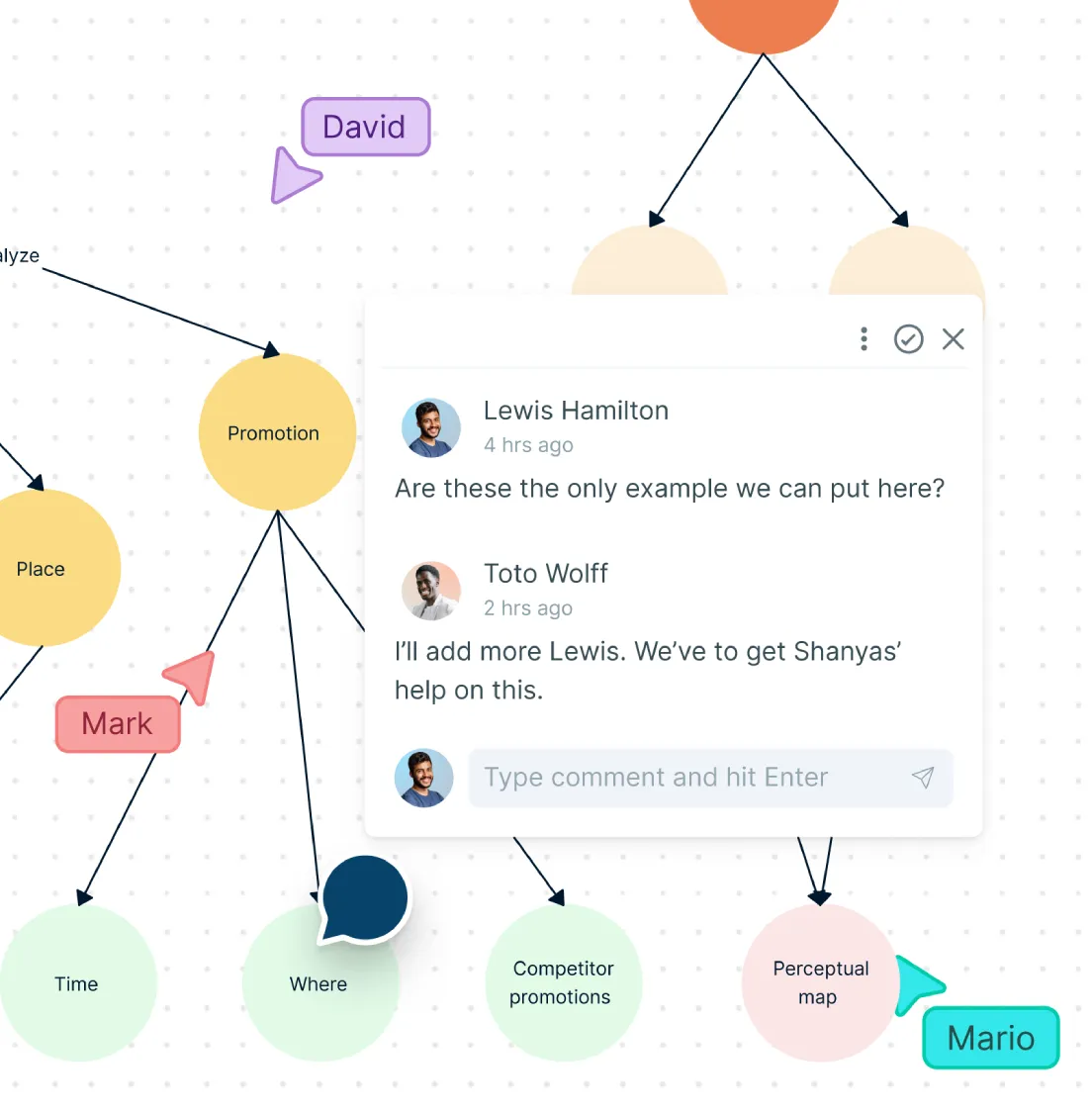
Concept maps are often stronger when classmates, teachers, teammates, or subject experts review them together. Use the shared workspace to fill gaps, correct weak connections, and improve the map before sharing it.
Collaborate in real time on the same concept map.
Use comments and @mentions to get feedback on specific concepts.
Review unclear relationships directly on the canvas.
Manage access with sharing and permission controls.
Explain Complex Topics One Section at a Time
Large concept maps can feel overwhelming when everything is shown at once. Break the map into sections so others can follow the topic step by step.
Use frames to organize the map into clear sections.
Present the concept map directly from the workspace.
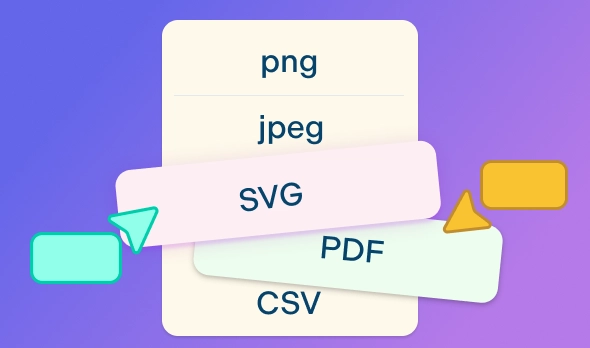
Export the finished map as PDF, PNG, SVG, or JPEG.
Share or embed the map in lessons, reports, documentation, or presentations.
What You Can Create with Creately’s Concept Map Maker
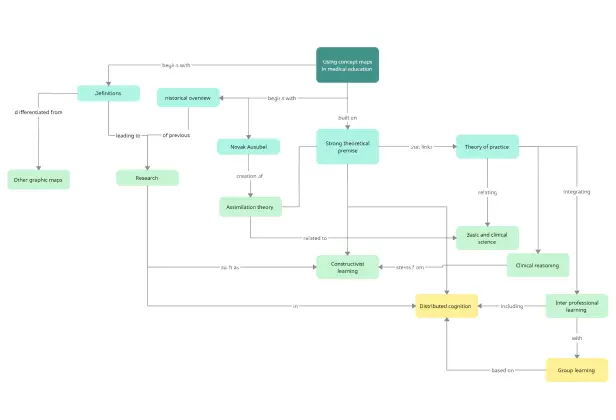
Study Concept Maps
Organize class notes, textbook chapters, theories, definitions, examples, and exam topics in one visual map. Show how key ideas connect so complex subjects are easier to review and remember.
Lesson Planning Concept Maps
Break down lessons, units, learning objectives, activities, and supporting examples into a clear structure. Use the map to plan what to teach, how ideas build on each other, and where students may need extra explanation.
Research Concept Maps
Organize research questions, themes, sources, evidence, interview notes, and findings in one connected workspace. Add notes, links, or files so supporting material stays attached to the right concept.
Brainstorming Concept Maps
Capture ideas from workshops, meetings, or planning sessions and group them into themes, relationships, and next steps. Use comments or labels to clarify ideas, prioritize them, or turn them into action items.
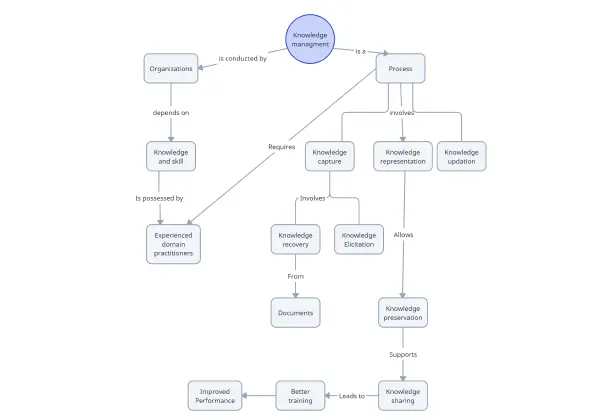
Knowledge Management Concept Maps
Connect processes, documents, resources, systems, decisions, and related ideas in one shared visual map. Use it to make internal knowledge easier to understand, update, and reuse.
Strategy Concept Maps
Map goals, opportunities, risks, stakeholders, dependencies, and strategic options before making decisions. Show how different factors influence each other so teams can discuss trade-offs more clearly.
Product Discovery Concept Maps
Organize customer needs, pain points, features, assumptions, research insights, and solution ideas in one place. Use the map to connect user problems with product opportunities and planning priorities.
Process Understanding Concept Maps
Map the concepts, roles, systems, inputs, outputs, and dependencies behind a process. Use it to understand how different parts of the work connect before creating a process map or workflow diagram.
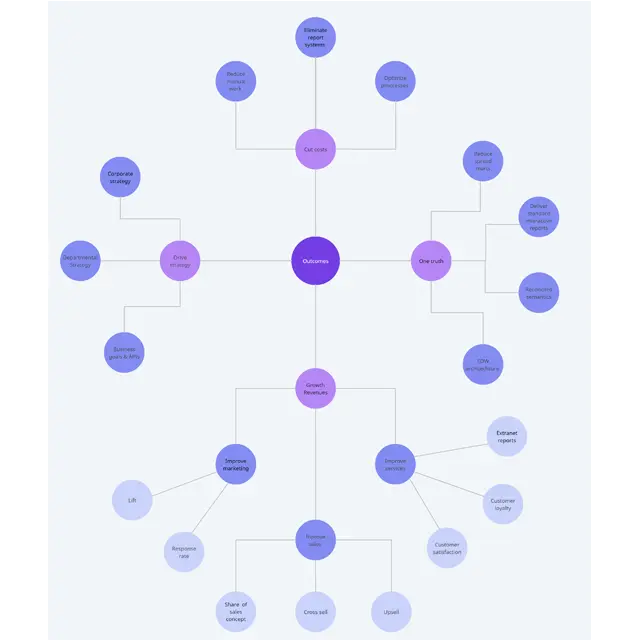
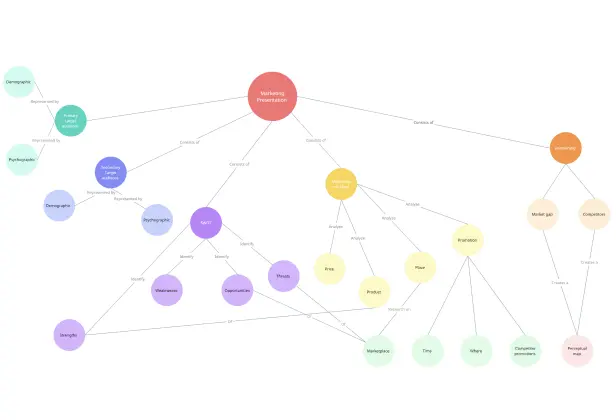
Create Your Concept Map with Editable Templates
FAQs About the Concept Map Maker in Creately
What are Creately’s concept map maker pricing plans?
- Free Plan — $0/month for basic concept map creation and collaboration
- Starter & Team Plans — $8/month or $5/month billed annually
- Business Plan — $149/month or $89/month billed annually
Annual billing helps you save more while unlocking advanced collaboration, workspace management, and enhanced concept map features. You can compare all available plans and features on the Creately Pricing Page.
How can you create concept maps faster?
Are there templates for different concept map use cases?
Can teams collaborate on concept maps?
Can I add notes, data, and files?
Can I share, present, or export concept maps?
What is a concept map?