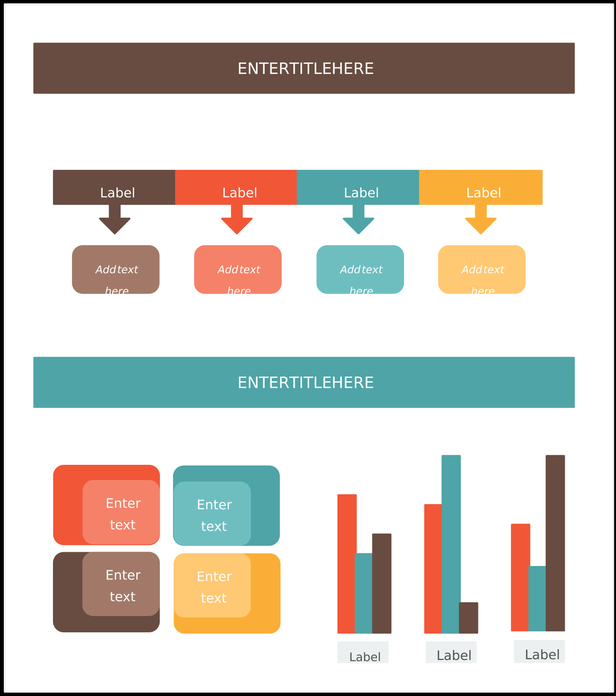
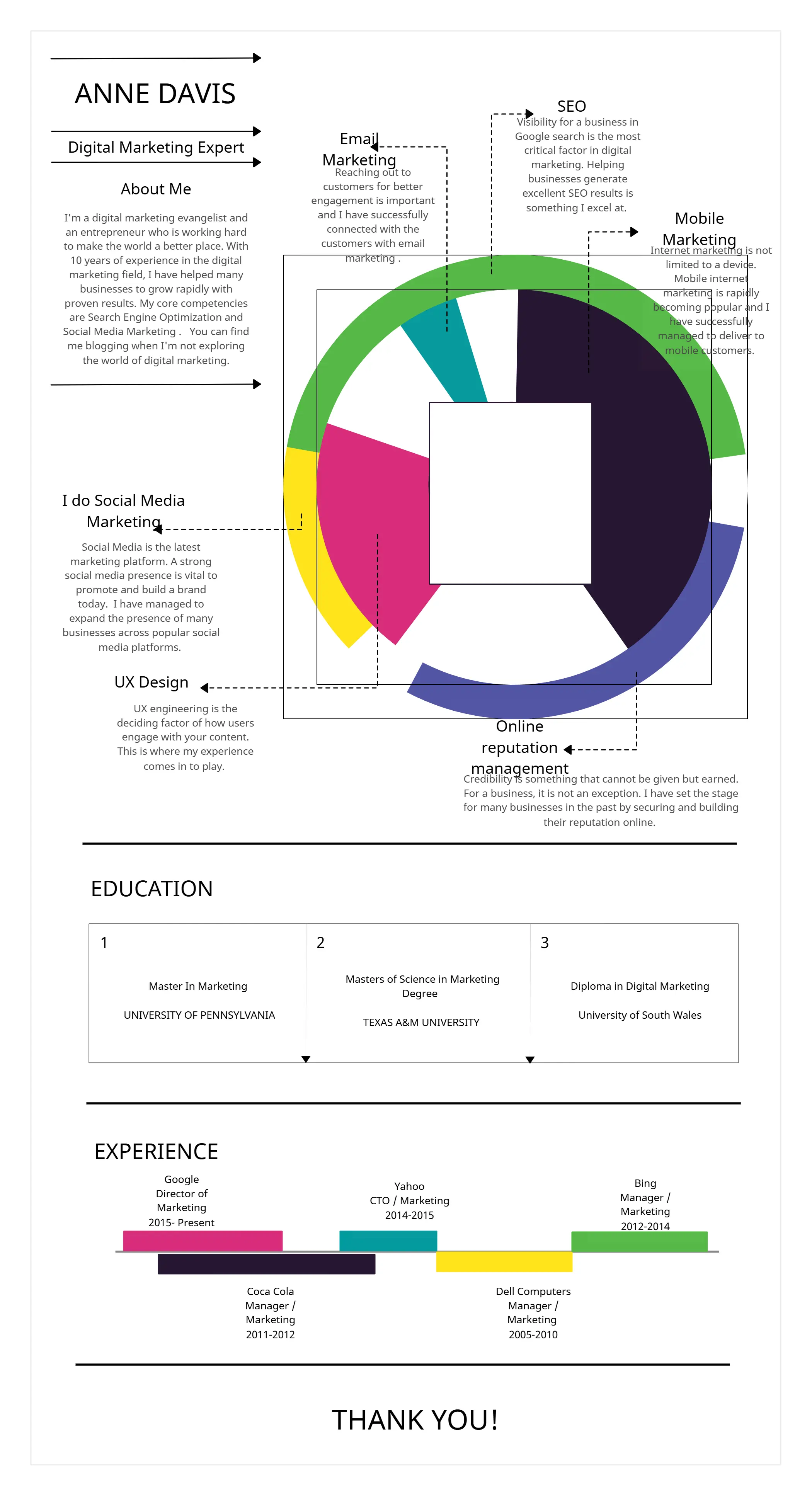
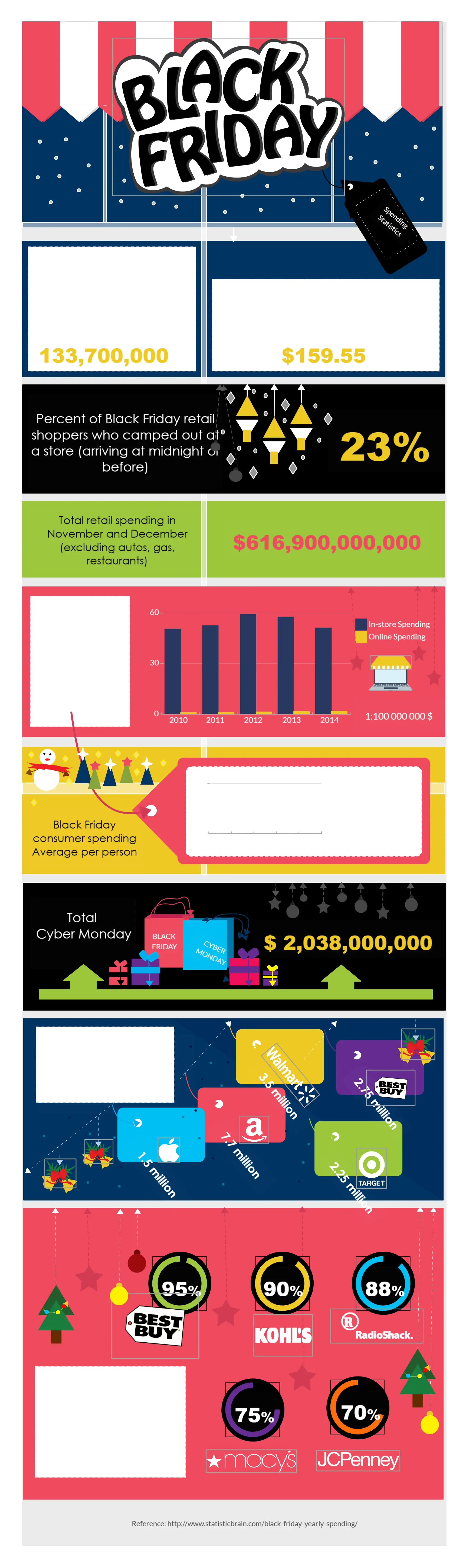
Free Infographic Maker

Create Professional Infographics Online to Visualize Complex Data

Generate interactive infographics with Creately’s easy-to-use infographic creator. Customize templates, collaborate with your team, and illustrate complex data or information.

  • Comprehensive shape library with drag-and-drop design elements
  • Collaborate in real time on an infinite canvas with your team
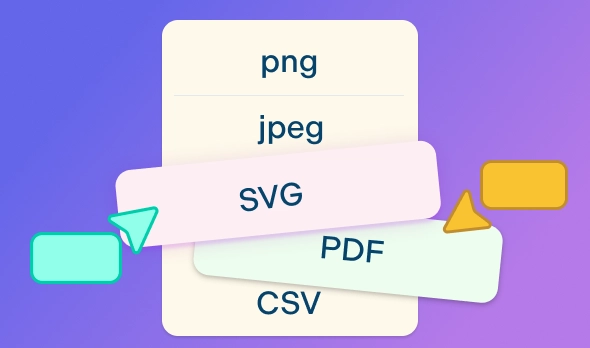
  • Export infographics as PDF, SVG, PNG, & JPEG, fast and easy
Over 10 Million people and 1000s of teams already use Creately
Diagramming Grid Leader 2025 Diagramming
Visual Collaboration Grid Leader 2025 Visual Collaboration
Org Chart Grid Leader 2025 Org Chart
Most Implementable 2025 Best Results 2025 Ease to Do Business With 2025
VISUALIZE

Transform Data into Stunning Infographics with Our Online Infographic Maker
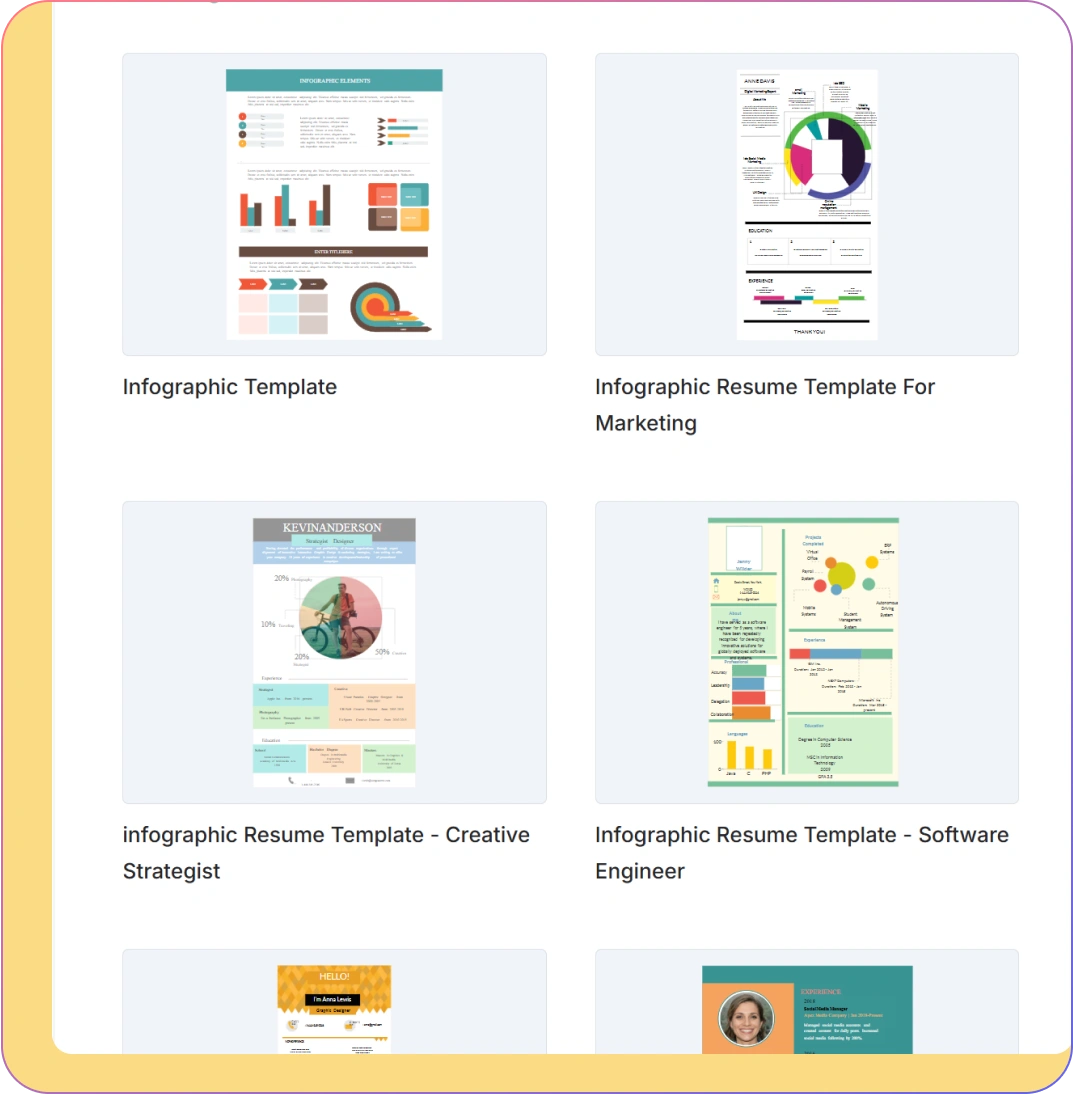
screenshot of a infographic templates library in Creately's infographic maker
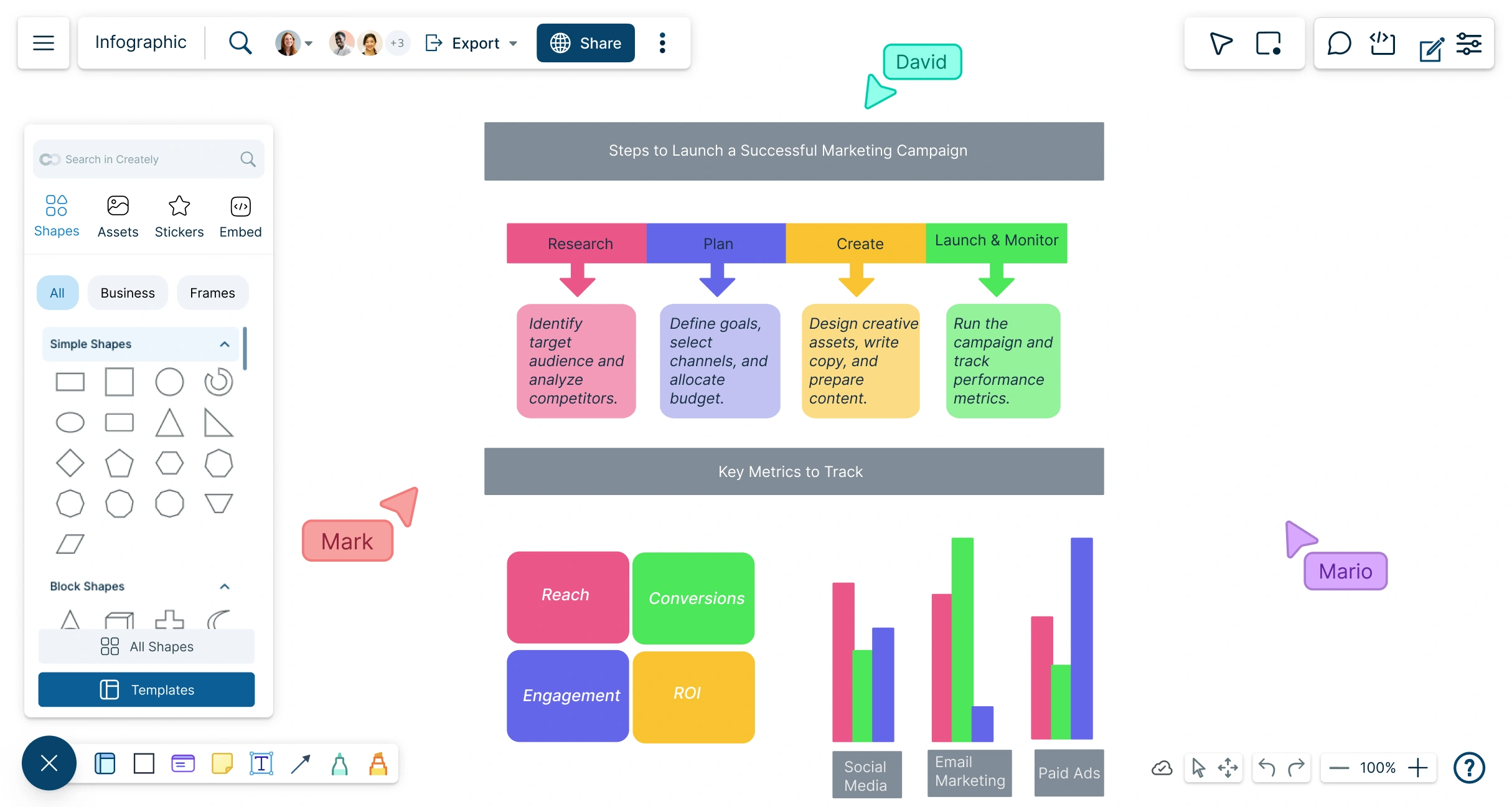
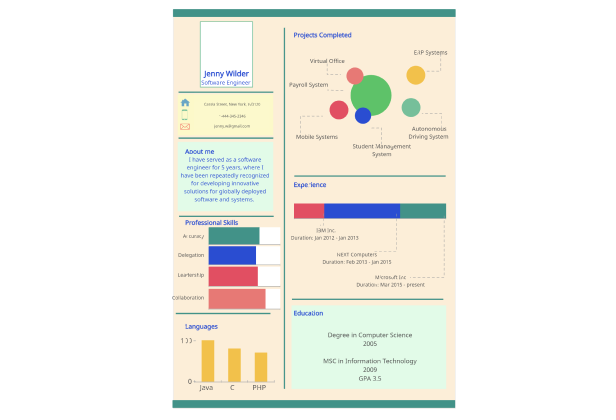
  • Access professionally-designed infographic templates to create visuals effortlessly.

  • Use diagramming shortcuts and Plus Create to design infographics fast and easily.

  • Drag-and-drop shapes, text, and images onto an infinite canvas for fully customizable layouts.

  • Bring your data to life with an easy-to-use infographic creator, no design skills needed.
screenshot of a infographic templates library in Creately's infographic maker
Image of users collaborating on Creately's infographic maker
COLLABORATE

Create and Collaborate on Infographics in Real Time

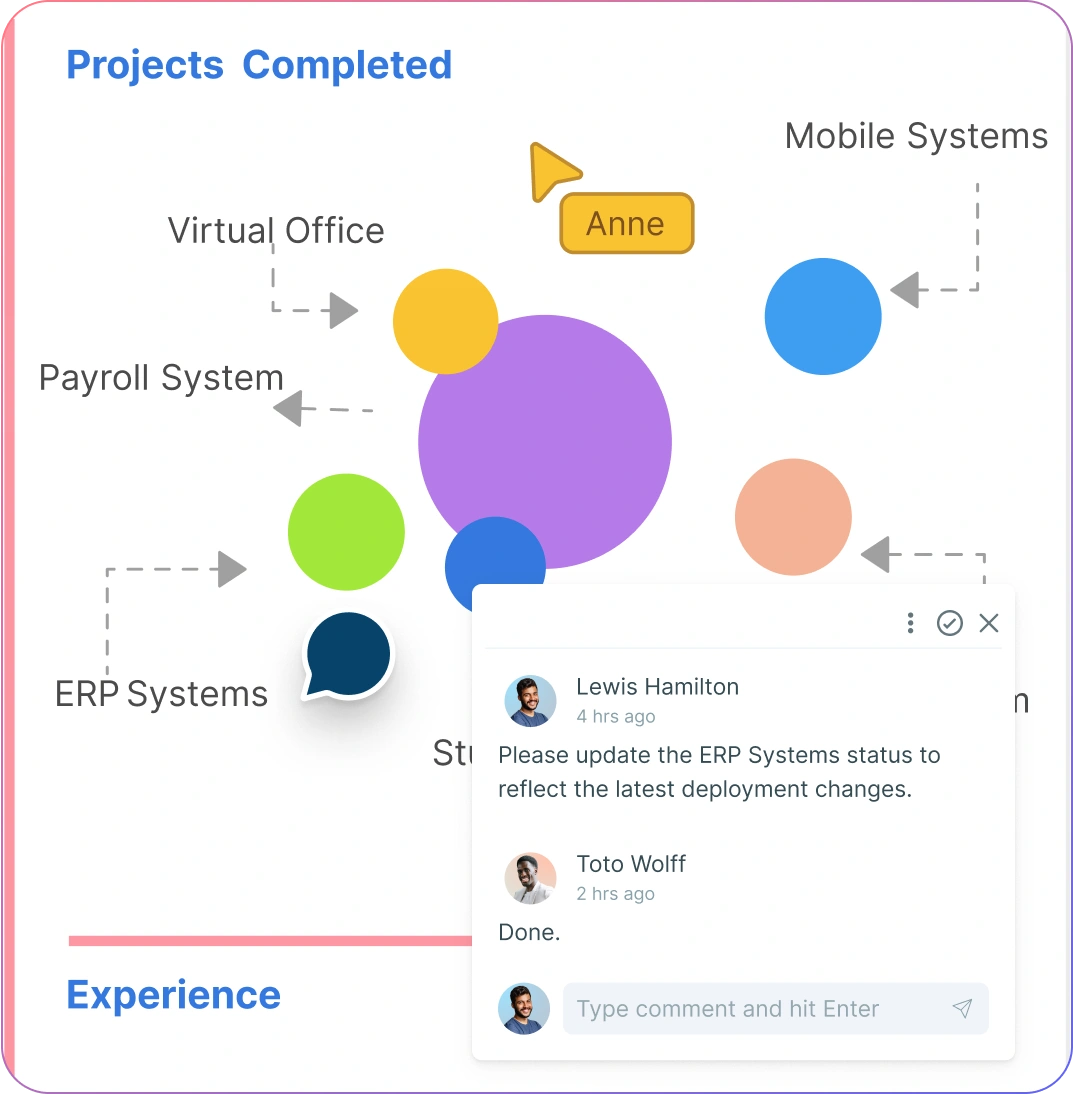
Image of users collaborating on Creately's infographic maker
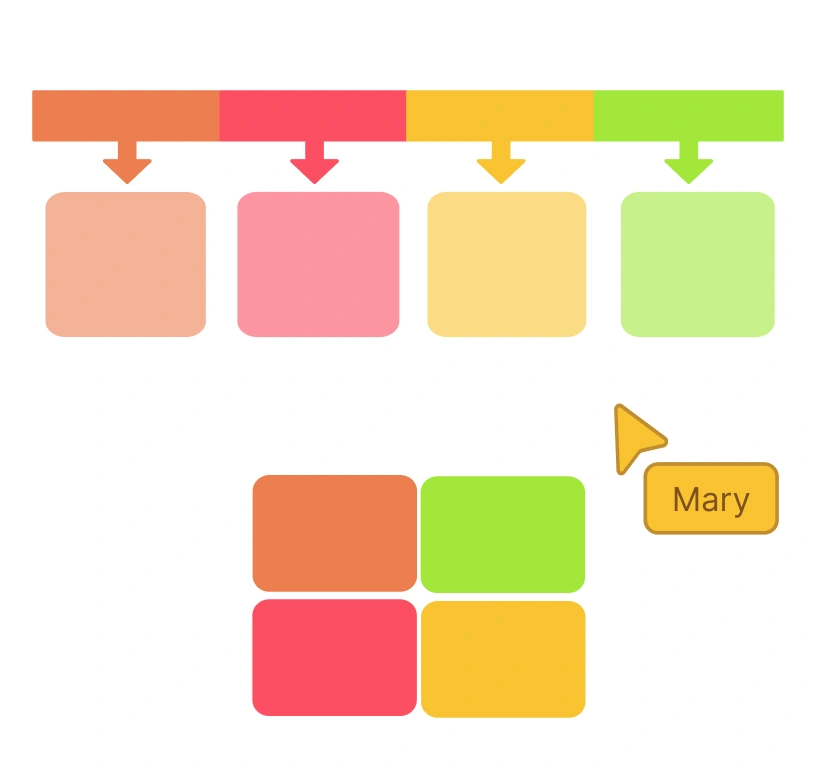
  • Collaborate in real time using Creately’s infographic generator—brainstorm, discuss, and co-create with your team.

  • Get instant feedback with inline comments and @mentions to refine your infographic designs effortlessly.

  • Asynchronous editing made easy with color-coded cursors, contextual comments, and secure sharing with access control.

  • Work seamlessly online and keep your team in sync while creating professional infographics together.

EXECUTE

Track, Analyze, and Share Infographics with Ease
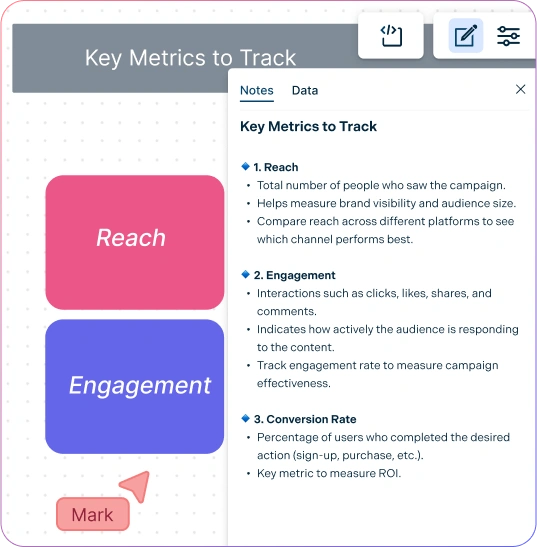
Image of the notes panel in Creately's infographic maker
  • Add rich information to your infographics using the notes panel—attach images, links, and multimedia for context.

  • Manage teams and permissions effortlessly while working on group projects, delegating tasks, and tracking progress.

  • Export or embed anywhere: PNG, JPEG, SVG, PDF, or directly integrate your infographic into websites.

  • Turn data into actionable visuals with an easy-to-use infographic maker that simplifies sharing and analysis.

Image of the notes panel in Creately's infographic maker
Ideate, plan, and execute ideas better with Creately

What Is an Infographic?

What Is an Infographic?
An infographic is a visual representation of data or information that communicates a message or concept clearly and creatively. By combining images, icons, charts, and minimal text, infographics make complex information easy to understand and engaging for your audience. With an online infographic maker, you can instantly create professional infographics that simplify data, highlight key insights, and capture attention—without spending months designing.

How to Make an Infographic with Creately

  1. Launch Creately and Open Your Workspace

Sign in to Creately and open your workspace to start a new infographic project. Access your team’s shared workspace for real-time collaboration.

  1. Choose a Template or Start from Scratch

Select from easy-to-customize infographic templates or create your layout with smart shapes. Use the comprehensive shape and icon library to speed up design.

  1. Add Data and Multimedia with the Notes Panel

Attach images, links, charts, and sticky notes directly to shapes using the notes panel. Organize your information clearly for maximum impact.

  1. Collaborate and Customize

Work with your team using real-time collaboration, @mentions, and inline comments. Customize colors, fonts, charts, and layouts to make your infographic professional and engaging.

  1. Review, Update, and Share

Check your infographic for clarity and accuracy. Export in PNG, JPEG, SVG, or PDF, or embed it directly on websites. Share with your team or publish instantly.

Create an Infographic
What Our Customers Say About Us
A Comprehensive Tool for Visual Collaboration and Diagramming
it is ease of collaborative diagramming and real-time editing. This allows teams to brainstorm, create, and refine diagrams together in a way that feels intuitive and seamless, regardless of location.
Juan Leonardo G
Efficient and User-Friendly Diagramming Tool
I love how easy it is to create and collaborate on diagrams with Creately. The real-time collaboration feature is incredibly helpful for team projects, and the extensive library of templates and shapes saves a lot of time
Aymen G
Creately provides best diagram structure.
Creately has proven to be an incredibly creative tool, enhancing the visual appeal of our company tasks significantly. Additionally, its pricing is highly competitive, offering great value for the features it provides.
Ruchika N
Great AI features
AI Modelling capability. It gives Prompt examples so user can learn how to create effective prompts
Karma A.
User friendly and visually appealing!!
The interface is easy to use. The look is aesthetically pleasing as well. Love the functionality.
Chrisoula

FAQs About Infographics

What are Creately’s free infographic maker pricing plans?

  • Free Plan — $0/month for basic infographic creation and collaboration
  • Starter & Team Plans — $8/month or $5/month billed annually
  • Business Plan — $149/month or $89/month billed annually

Annual billing helps you save more while unlocking advanced collaboration, workspace management, and enhanced infographic features. You can compare all available plans and features on the Creately Pricing Page.

How can you create infographics faster?

Creately helps you create infographics faster with an infinite canvas, drag-and-drop diagramming, smart connectors, and professionally designed templates. You can start with a ready-made layout or build from scratch, then collaborate and refine everything in one shared workspace.

Are there templates for different infographic use cases?

Yes. Creately offers editable templates for different infographic use cases, so you can start with a relevant structure and customize it to match your workflow, team, or project requirements.

Can teams collaborate on infographics?

Yes. Teams can work together on the same infographic in real time using live cursors, comments, mentions, and shared workspaces. This makes reviews faster and keeps everyone aligned.

Can I add notes, data, and files?

Yes. Creately lets you enrich your work with notes, links, images, documents, and additional context attached directly to shapes and items on the canvas. This helps you keep supporting information connected to the visual.

Can I share, present, or export infographics?

Yes. You can share infographics with a link, present them directly from the workspace, or export them in formats like PDF, PNG, SVG, and JPEG. This makes it easy to use Creately in meetings, documentation, reviews, and presentations.
Streamline Your Workflows by Integrating with the Tools You Love
Creately integrates with the tools your teams use every day and supports your team’s workflow seamlessly.
Github
Microsoft
Google Drive
Google Sheets
Google Docs
Google Slides
Confluence
Why Creately Is the Best Infographic Maker
Creately is the intelligent visual platform enabling visual collaboration, knowledge management and project execution.
Why Creately Is the Best Infographic Maker
Infinite Visual Canvas
Real-Time Collaboration
Custom Databases
Data Driven Docs
Professional Diagramming
Project & Task Management
Enterprise Grade Security
Powerful Visual Modelling
G2
Atlassian
GetApp
Capterra
Software Advice
Trust Radius

24/7 Live Support

Live in-app chat support

Sign up for a free account today.
banner-img