Process Mapping Software
Map, Analyze, And Improve Business Workflows
Creately’s process mapping tool is designed for operations, BPM, and cross-functional teams to map workflows, find bottlenecks, standardize processes, and document SOPs in one shared workspace.

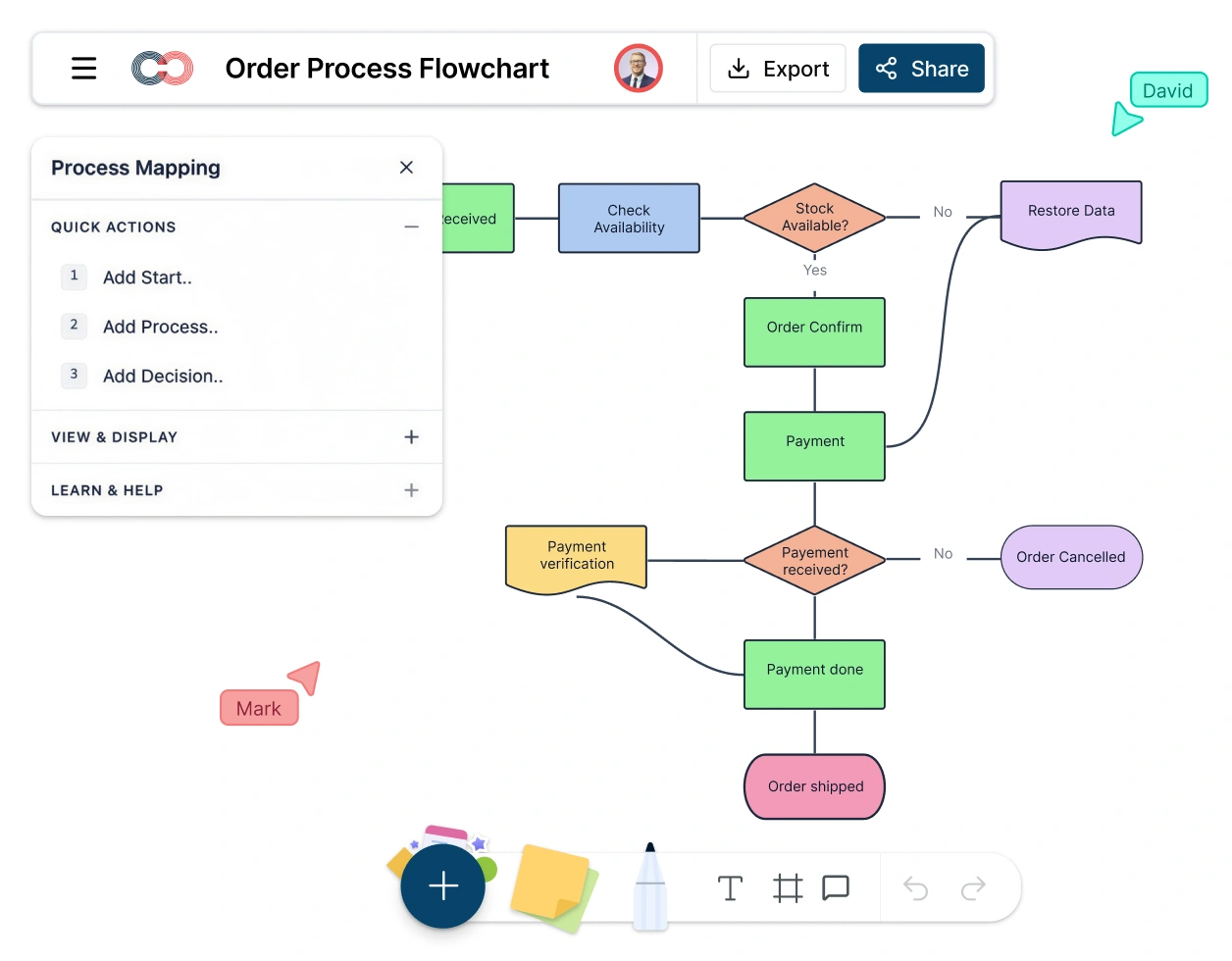
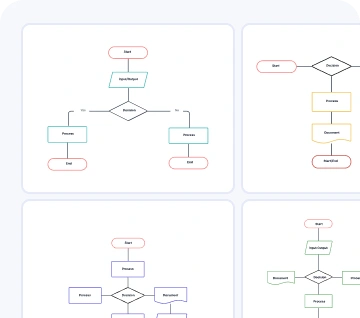
Build process maps fast with templates, swimlanes, and BPMN support
Turn process maps into living SOPs with linked docs, data, and AI
Review and improve workflows with real-time collaboration
Creately Vs Popular Process Mapping Software
Three Reasons for Switching to Creately for Process Mapping
Map Complex Processes Without Fighting a Generic Canvas
Many tools handle processes like generic diagrams. Creately’s process mapping maker is built for structured workflow mapping.
- Built-in BPMN, flowchart, and swimlane support
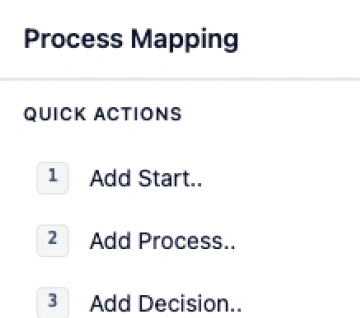
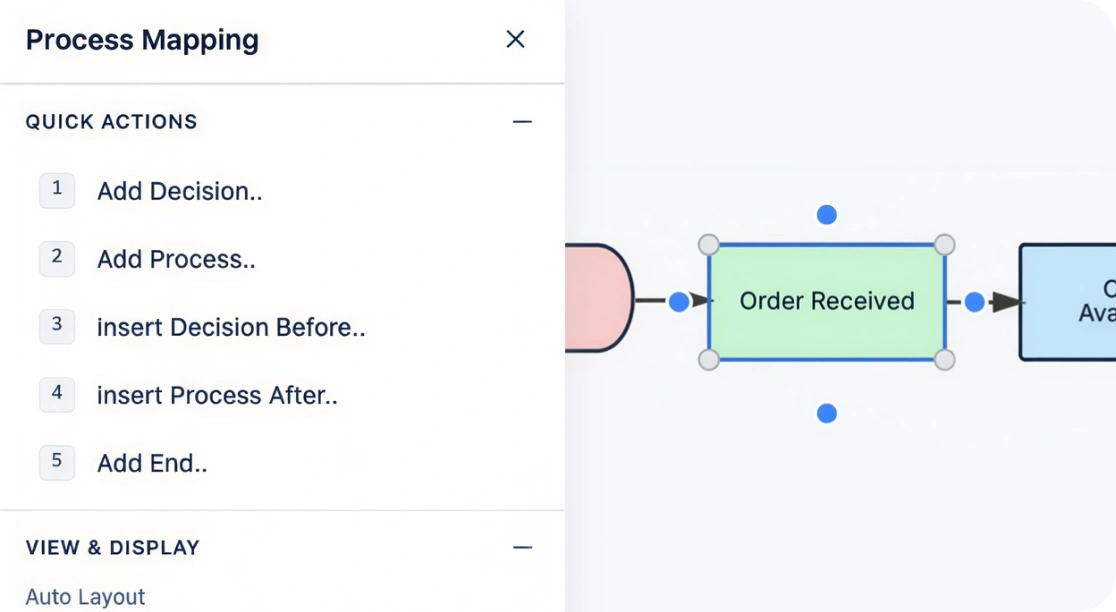
- Use Quick-Create to add and extend process steps faster
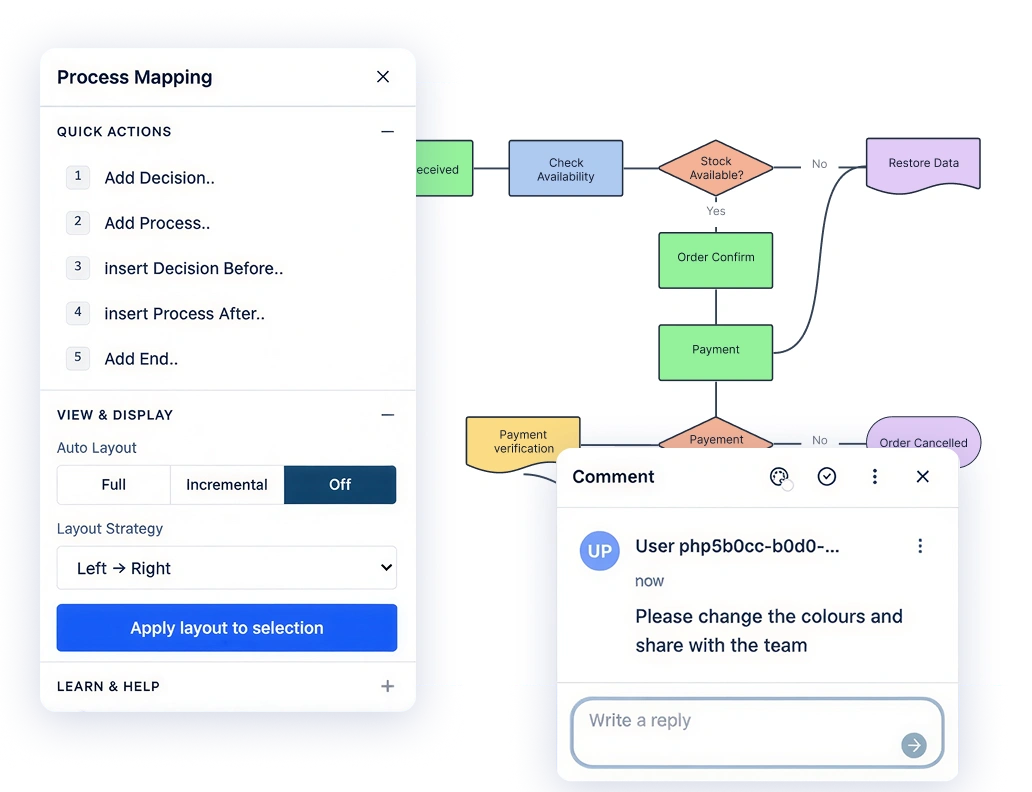
- Use Auto Layout and smart connectors to keep process maps clean as they grow
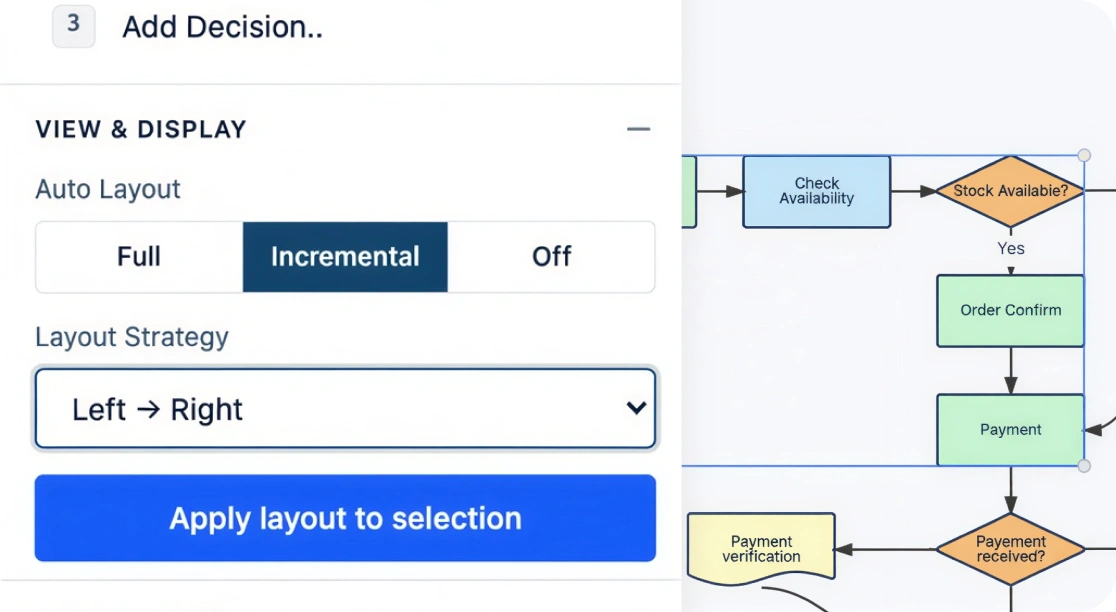
Turn SOPs Into Process Maps With AI
- Import an SOP and use Creately AI to generate a complete process map
- Convert written procedures into visual steps, decision points, and responsibilities
- Adjust the generated map without rebuilding it from scratch
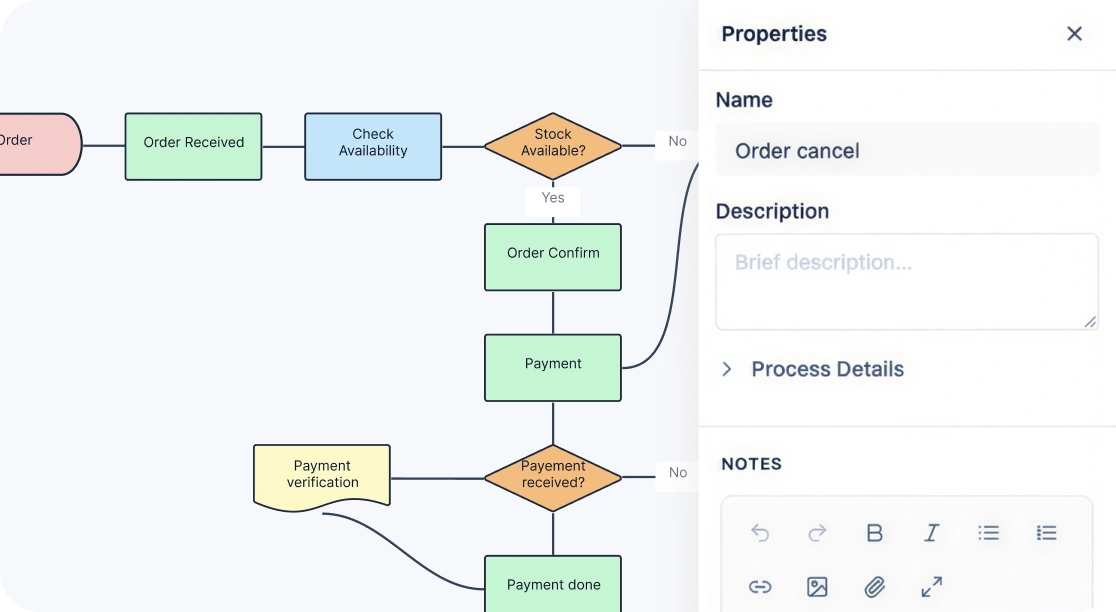
Keep Process Maps Tied to the Details That Matter
- Add notes, links, files, and supporting detail directly to each step
- Track owners, tasks, and related information in the same workspace
- Turn process maps into living documentation instead of static diagrams
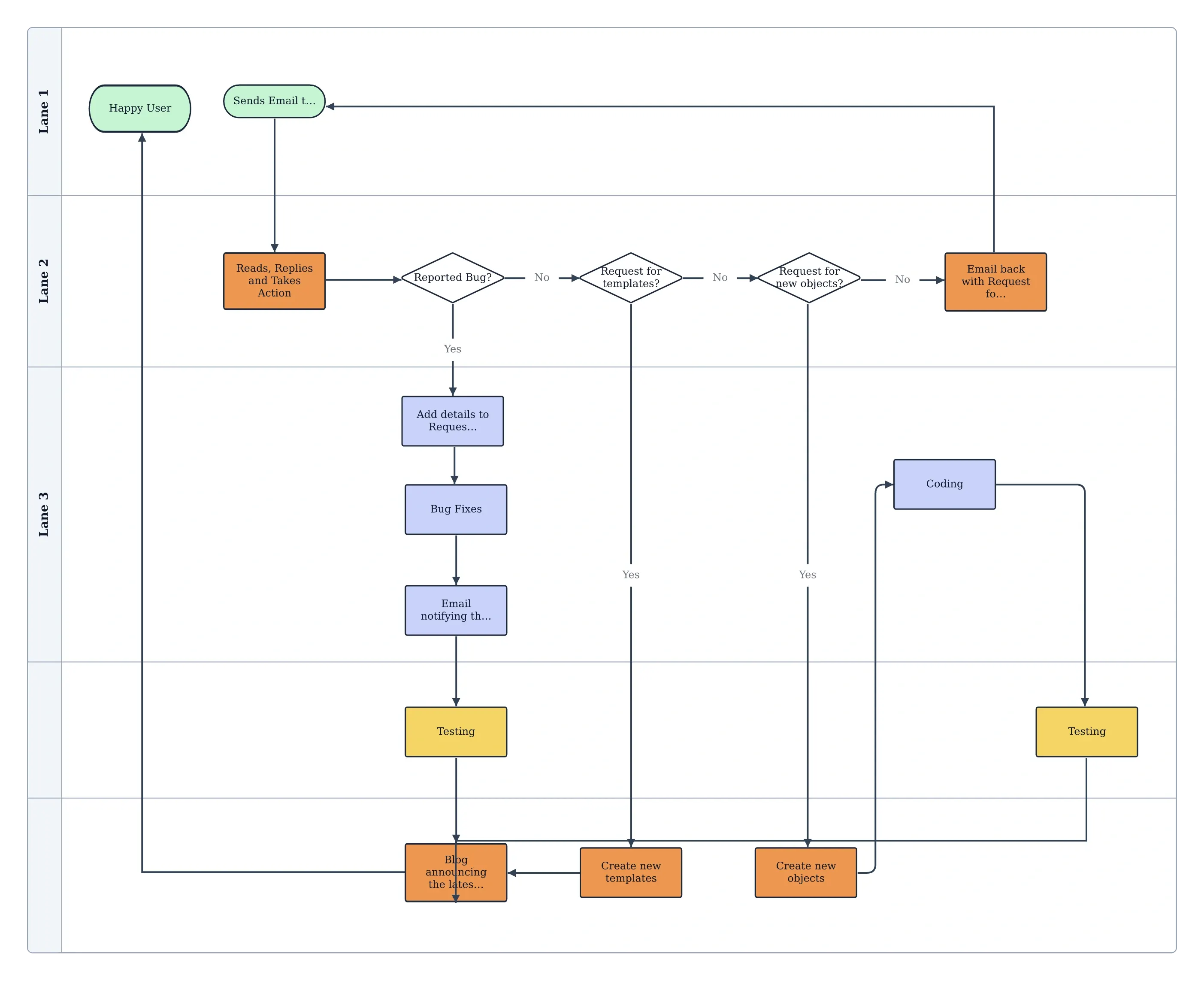
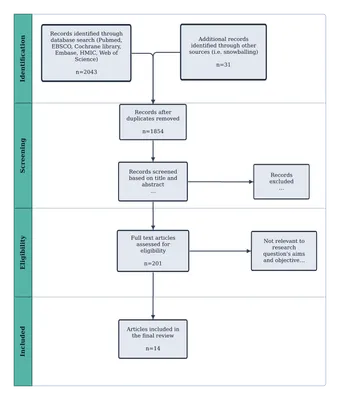
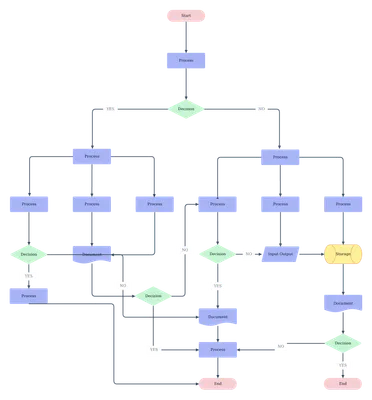
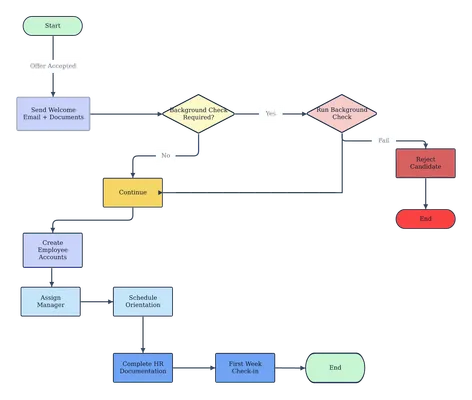
Free Process Mapping Templates To Get Started
Why Teams Choose Creately For Process Mapping
Review Process Changes Without Losing Alignment
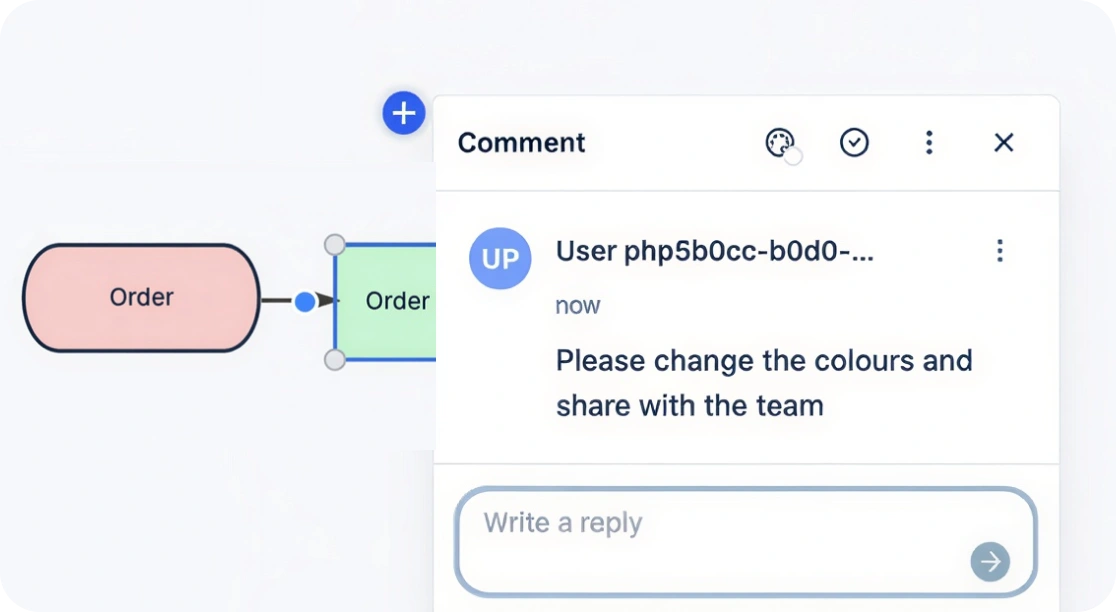
In many tools, process feedback gets split across chats, meetings, and duplicate files. Creately keeps reviews tied to the map, so teams can evaluate changes in the right context.
- Comment directly on steps, handoffs, and decision points
- Keep feedback attached to the latest version of the process
- Reduce back-and-forth during reviews and approvals
Control Access As Process Maps Move Into Wider Use
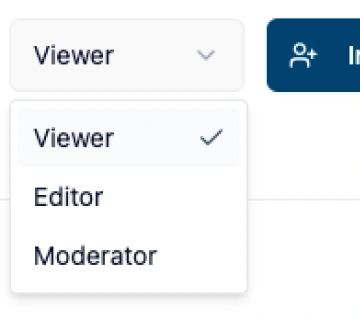
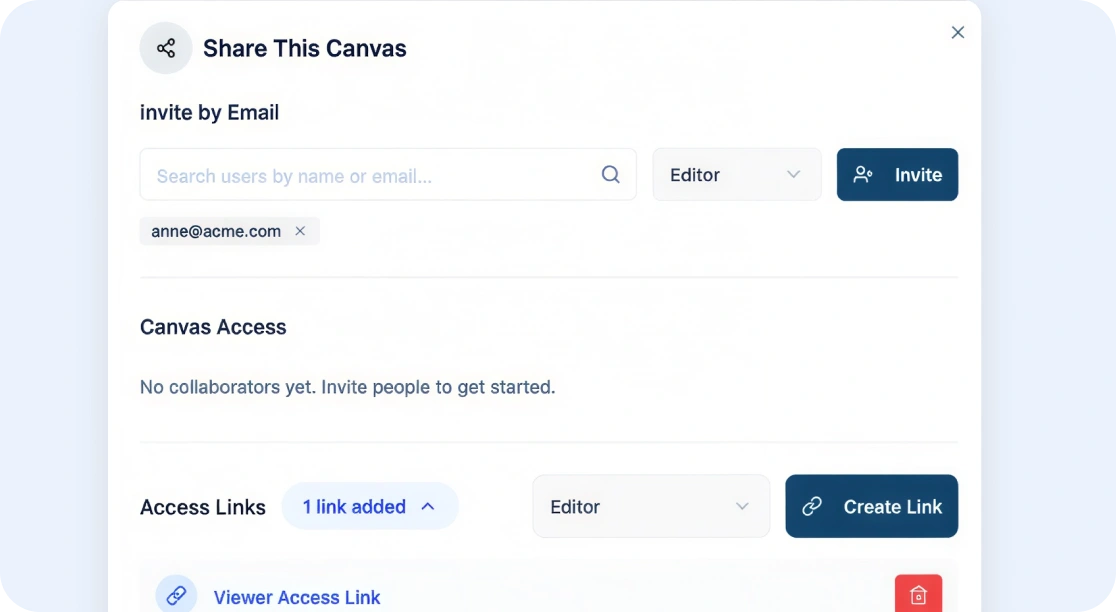
- Set multiple access levels and roles for viewers, commenters, and editors
- Manage stakeholder participation across review and rollout
- Support process governance as adoption grows
Publish Process Maps Without Extra Work
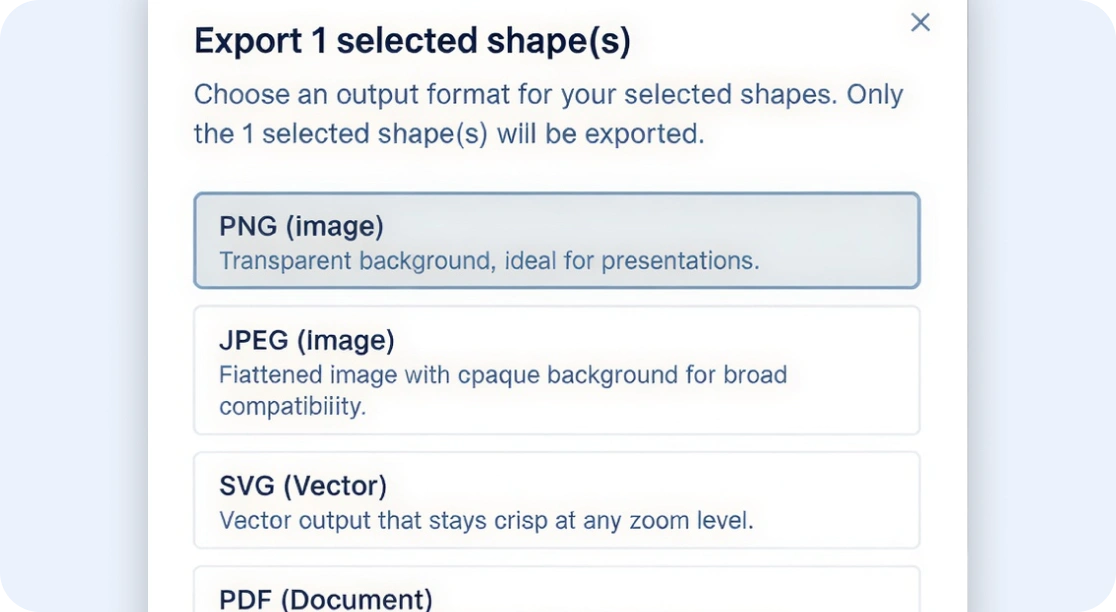
- Export in PDF, PNG, SVG, and JPEG
- Embed or distribute process maps with shareable links
- Make finalized workflows easier to share across docs, decks, and internal spaces
What is a Process Mapping Software?
What You Can Build with Process Mapping Software
- Business process maps
- Workflow diagrams
- Swimlane process maps
- BPMN workflows
- SOP and documentation flows
- Audit and compliance workflows
How to Create Online Process Maps with Creately
Step 1: Start a new process map
Create a new process map in Creately from a blank canvas or a ready-made template so you can start with the right structure for your workflow.
Step 2: Map the process
Add steps, decision points, roles, and handoffs using process mapping shapes, BPMN symbols, or swimlanes, then connect the flow with drag-and-drop.
Step 3: Keep the workflow clear as it evolves
Use the structured canvas to organize dependencies, approvals, and cross-functional handoffs so the process stays readable as it grows.
Step 4: Review with your team
Share with view, comment, or edit access, gather feedback directly on the map, and refine the workflow with the people involved in the process.
Step 5: Export or share with stakeholders
Export to PDF, PNG, SVG, or JPEG for reviews and documentation, or share the workspace directly for faster stakeholder access.
FAQs about Process Mapping Software
What is process mapping software used for?
What are Creately’s process mapping software pricing plans?
- Free Plan — $0/month for basic process mapping creation and collaboration
- Starter & Team Plans — $8/month or $5/month billed annually
- Business Plan — $149/month or $89/month billed annually
Annual billing helps you save more while unlocking advanced collaboration, workspace management, and enhanced process mapping features. You can compare all available plans and features on the Creately Pricing Page.