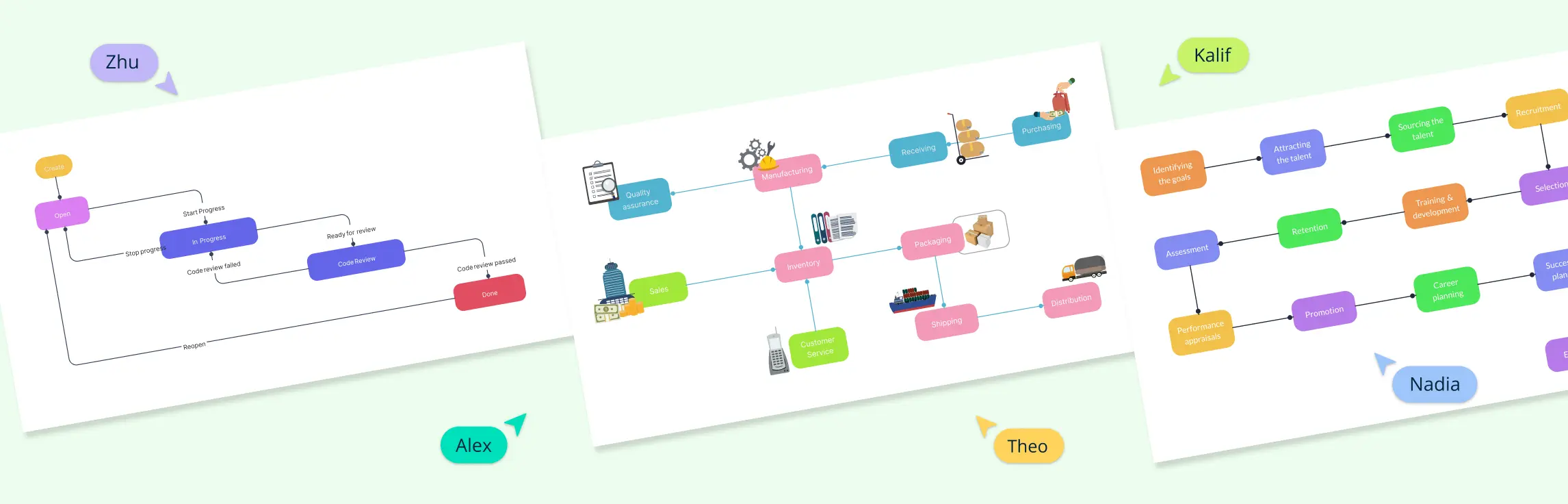
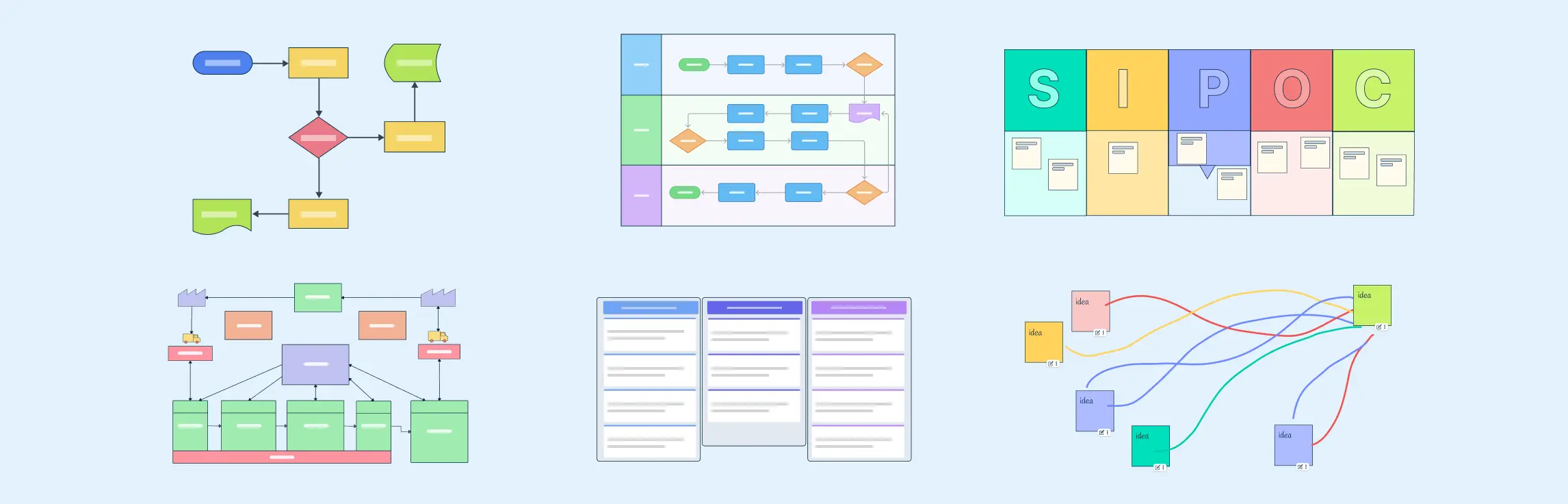
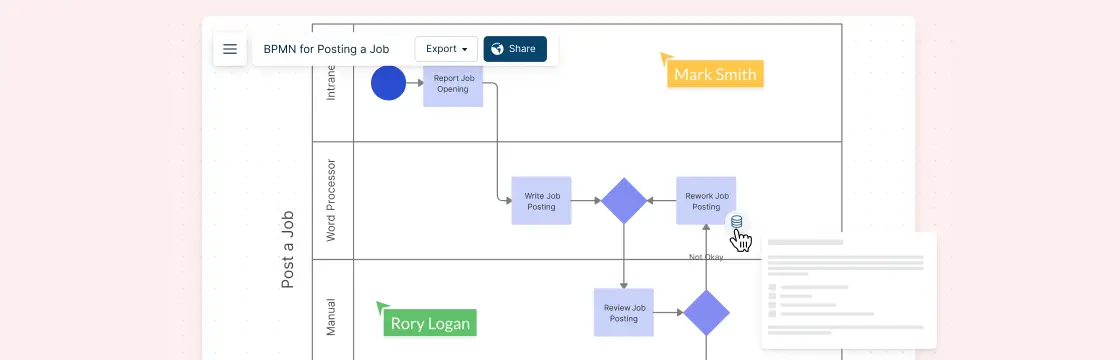
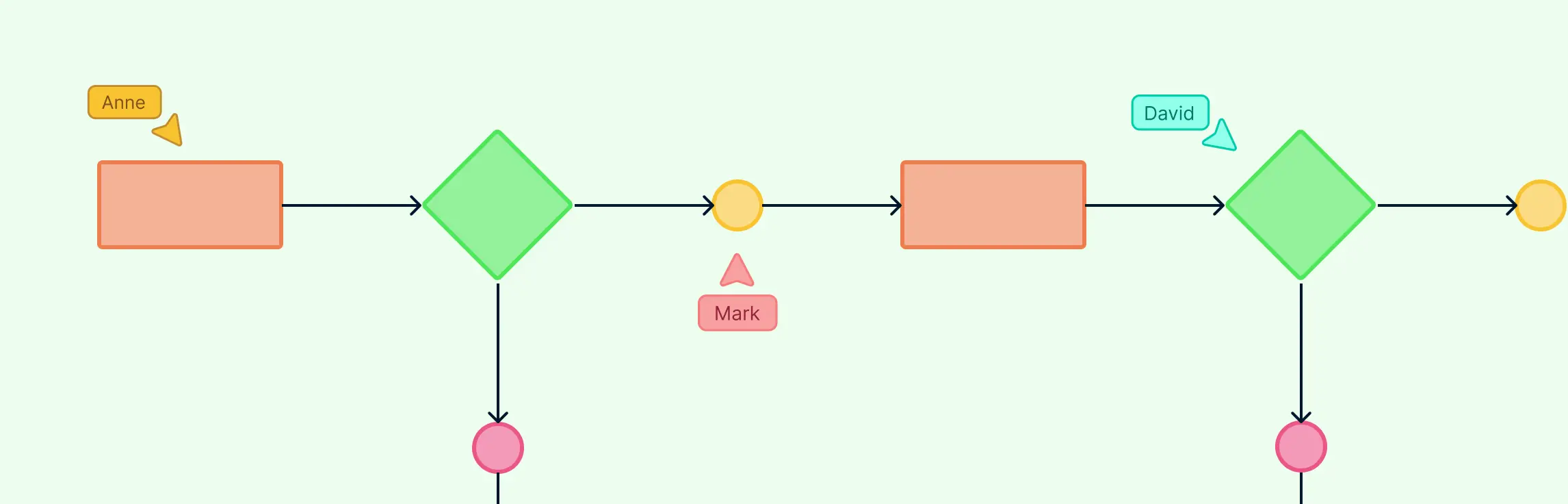
Workflow diagrams make it easier to see how work gets done, who owns each step, and where delays or handoff issues appear. Whether you are managing a project, standardizing an operation, or improving a recurring process, a clear workflow diagram helps teams work from the same operating view instead of disconnected notes and assumptions. In this guide, we will walk through practical workflow diagram examples across different functions so you can adapt them to your own processes and improve how work moves across your team.
In this guide, we’ll explain what workflow mapping is, why it matters, and how to create one step by step, with examples and templates you can use to streamline processes like onboarding, content publishing, or purchase approvals.
If your team often feels lost in how work actually gets done — who’s doing what, when, and how tasks connect — workflow visualization can bring order to the chaos. In this guide, we will look at workflow visualization methods, how to create a visual workflow, best practices and tools.
Workflows and processes often get mixed up — but they’re not the same. A process is the big picture of how work gets done, while a workflow is the step-by-step path that brings that process to life. Knowing the difference helps teams work faster, find bottlenecks, and automate smarter. In this guide, we’ll break down workflows vs processes, show where they overlap, and share practical examples to help you decide which one your team needs.
Why Business Process Mapping is Important Businesses don’t just crop up overnight. Every objective is achieved through systematic processes. Business process modeling lets everyone from the heads of departments to concerned staff figure out the why, what, where and when of these processes. Process maps take all the data from here and present it visually.
Workflows are the backbone of any team’s work, but without clear rules, even the best workflows can get messy. Workflow guidelines provide a framework to keep work consistent, organized, and efficient.