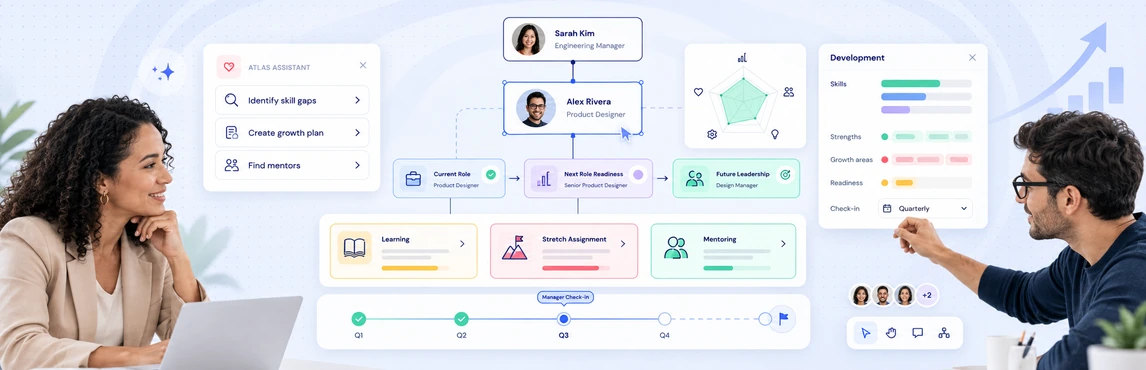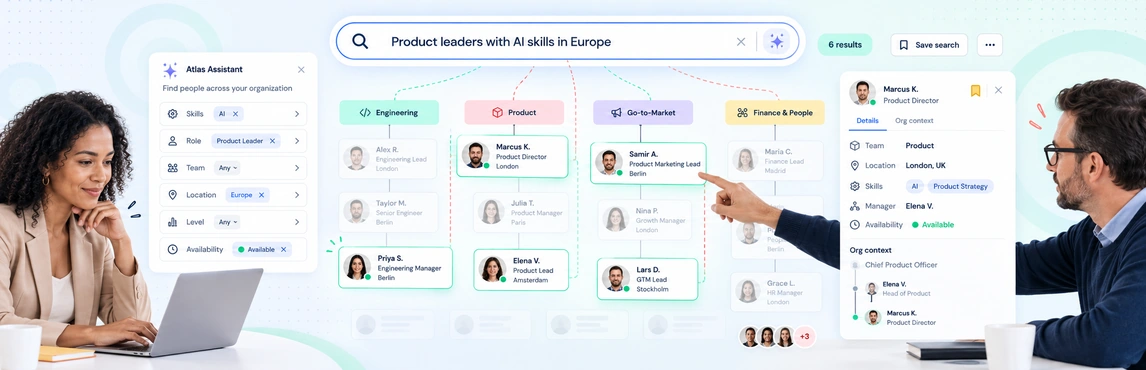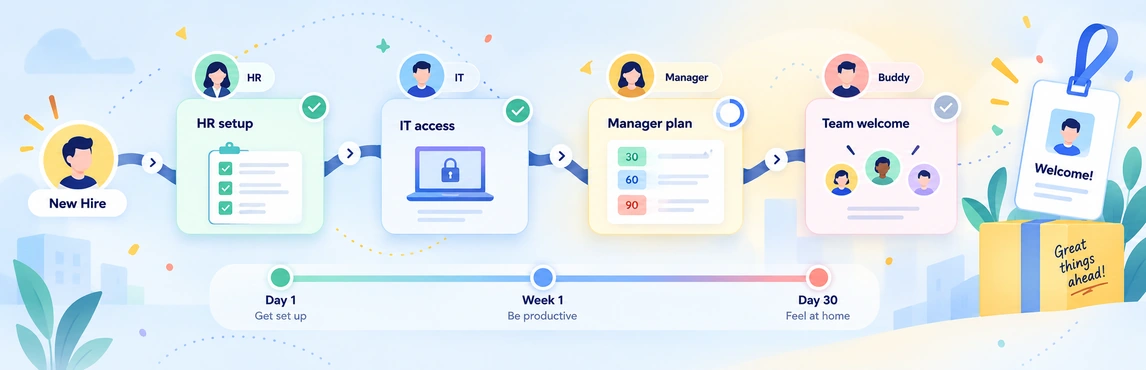
Employee onboarding coordination in Creately Atlas starts with a clear view of the position a new hire is joining, their manager, and the team around them. Before day one, confirm those details with the hiring manager and People Ops. Use that shared context to prepare introductions and handoffs across HR, IT, and the business.
The Atlas product guide describes people, positions, departments, and reporting relationships. It does not establish a complete onboarding automation system, so keep equipment requests, account provisioning, training, and task completion in the processes your team already uses.
Give the New Hire a Clear Place in the Team
Confirm the position title, department, location, start date, and reporting line. If the team is restructuring, agree on which manager is responsible from the employee’s first day and which changes are still proposals.
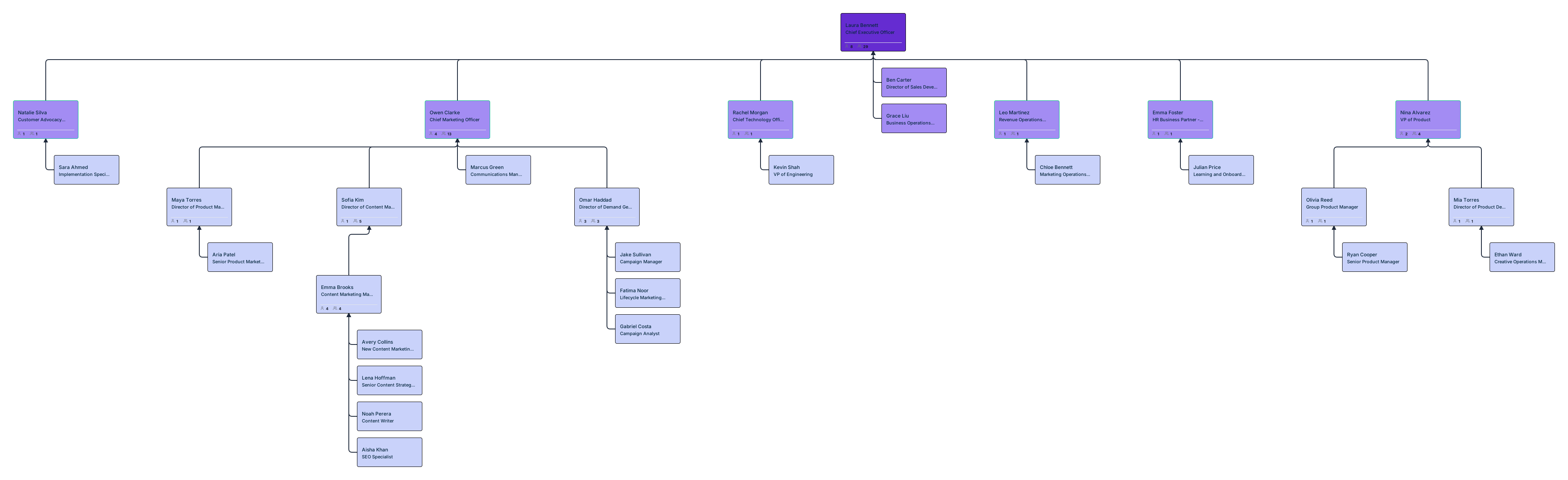
An org chart for onboarding can make those introductions easier. Use the template below to identify the manager and key colleagues; it is an editable planning resource rather than an automatic onboarding workflow.

Separate Role Context from the Onboarding Tasks
| Information or task | How org context helps | Who should confirm completion |
|---|---|---|
| Role and reporting line | Shows where the position sits | Hiring manager and People Ops |
| Team introductions | Identifies colleagues and relevant departments | Hiring manager or onboarding buddy |
| Equipment and accounts | Provides agreed role, location, and worker-type context | IT and the responsible system owners |
| Training and first-month goals | Connects expectations to the role | Manager and learning team |
| Hiring authorization | Lets reviewers compare the role with the proposed structure | The designated budget and hiring approvers |
Use the employee onboarding checklist to organize operational tasks. Field values in Atlas should not be treated as proof that equipment is ready, an account has been created, or a task has been completed.
Make Handoff Ownership Visible
Agree on who supplies the information, who acts on it, and who resolves a delay. A department field tells you where someone belongs; it does not assign responsibility for every onboarding step.
Use a RACI matrix to clarify responsibility across HR, IT, finance, and the hiring team. Keep the worksheet linked to the onboarding plan so each owner can find the relevant task record.

Review Readiness Before the Start Date
- Confirm the approved role. Check the position, manager, department, and start date against the hiring record.
- Review the team view. Ask the manager about introductions, coaching time, and any vacancies affecting the first month.
- Check handoffs with their owners. Verify equipment, accounts, and training in the systems used to track those tasks.
- Test the information shared. Confirm the new hire can see useful team context without unnecessary sensitive data.
- Agree on a follow-up. Name the owner and date for checking that the role and onboarding plan still match.
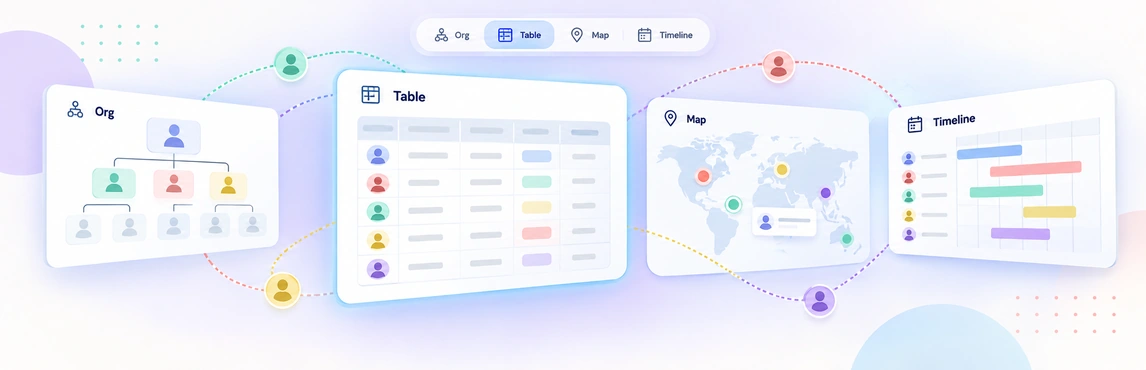
For a broader process overview, see employee onboarding. The People Ops planning-views guide explains how to prepare focused organizational views for different audiences.
Handle Reorganizations and Access Carefully
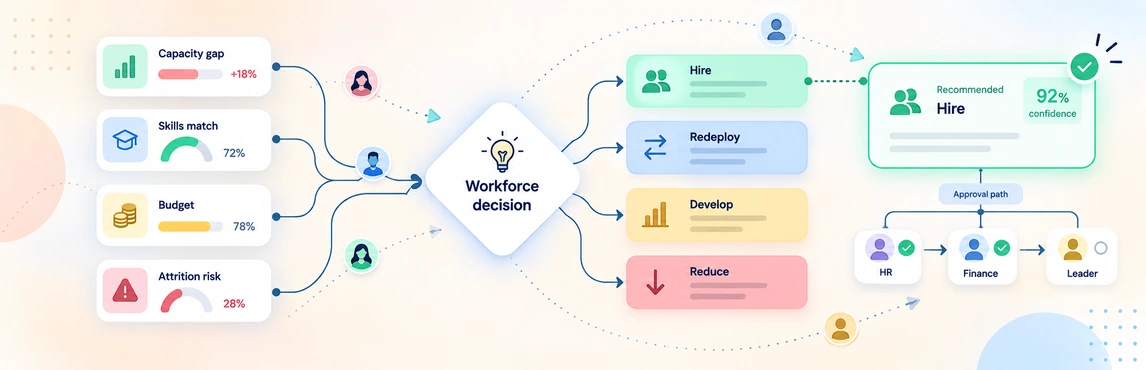
When a new hire joins during a reorganization, compare the current structure with the proposed scenario and confirm the effective reporting line with the decision owner. The workforce and headcount planning guide helps connect the role to the planning discussion, while the HR decision workflow covers the recommendation and approval handoff.
The product guide describes historical views based on dated relationships and join or departure records. Those can help explain a past structure, but they are not an approval log or a record of completed onboarding tasks.
Atlas’s sensitivity model concerns information inside the workspace. Review it separately from access to email, payroll, or other company systems. Use the Atlas security guide to prepare the field-access review with your security team.