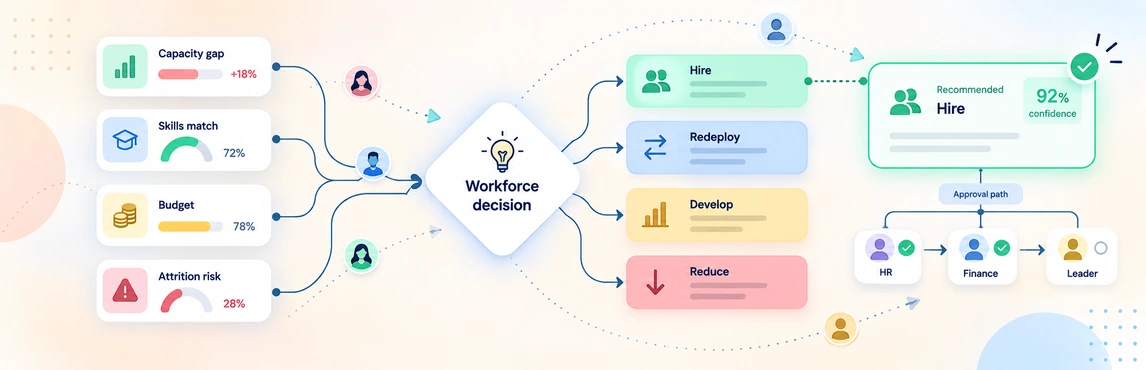
HR workforce decisions in Creately Atlas connect a staffing request to the roles, skills, and teams it affects. When a manager asks to backfill a position, start by reviewing the work that still needs doing and the alternatives available. Your recommendation should explain the preferred option and the evidence behind it.
Atlas’s product guide describes organizational modeling, skills and workforce fields, and scenarios. Use them to evaluate team changes, while keeping approval ownership and the final decision record explicit.
Define the Decision Before Comparing Options
A useful brief names the team, position, reason for the request, required timing, and person who will approve it. HR and the manager should agree on the criteria before judging alternatives.
Use a decision matrix to weigh criteria such as capability, timing, cost, and disruption. The worksheet below supports that discussion in Creately; it does not automatically score options from Atlas data.


Build the Case from Current Records
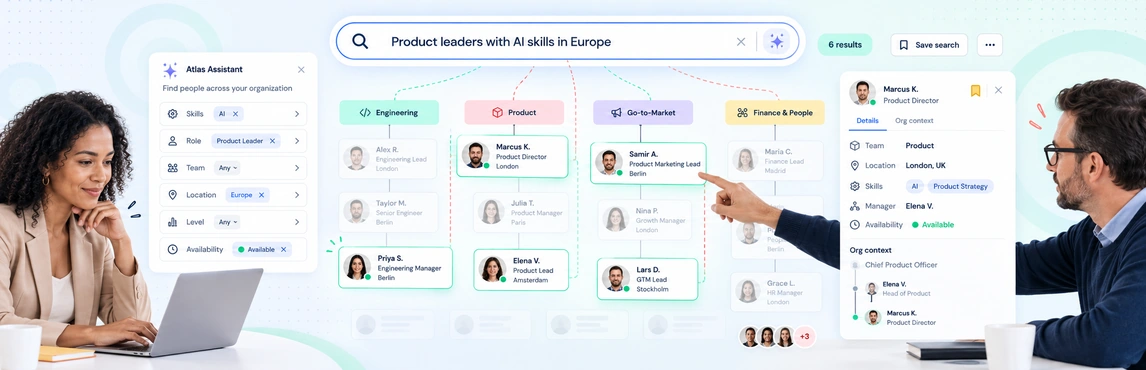
Check the position, its occupant or vacancy status, department, and reporting line. Review the CSV import mappings and resolve invalid manager references before treating the chart as a baseline.
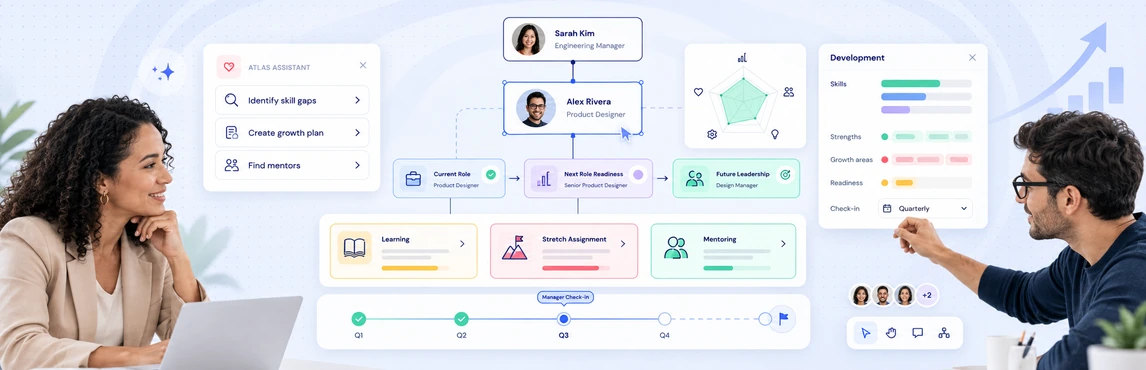
The guide separates people from positions and describes role profiles with required and preferred skills. Use those distinctions to ask whether the organization needs the same role, a different capability, or a change in how the work is shared.
| Option | Evidence to gather | Question for the manager |
|---|---|---|
| Backfill the position | Current responsibilities and vacancy context | Which work needs continuity? |
| Redesign the role | Updated requirements and adjacent roles | What has changed since the role was defined? |
| Move an internal employee | Skills, experience, and current-team coverage | Can the move work for both teams? |
| Redistribute responsibilities | Proposed reporting lines and team input | Who will own each responsibility? |
The workforce planning org chart guide helps put those choices in context. For wider budget and headcount trade-offs, use the CHRO planning comparison.
Show the Team Impact
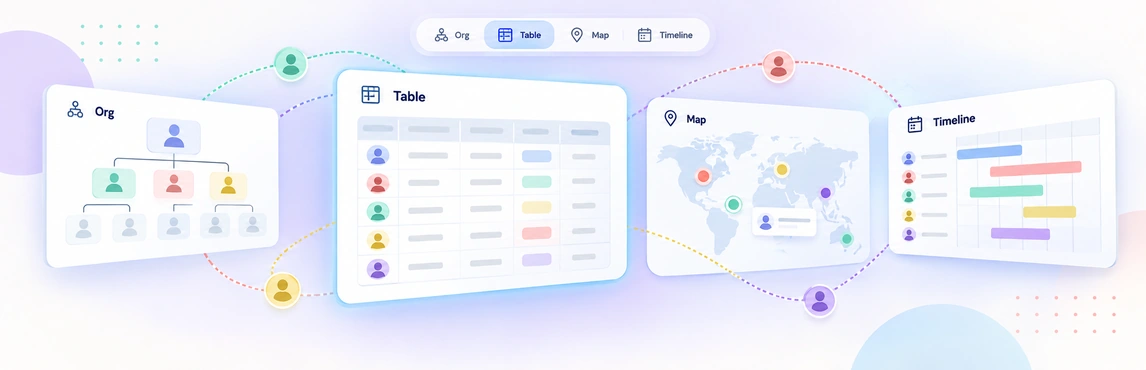
Prepare a focused team view and check how each option affects reporting lines, vacancies, and skill coverage. A span-of-control measure shows the number of reports; discuss actual workload and coaching needs with the manager rather than treating that number as a complete capacity assessment.
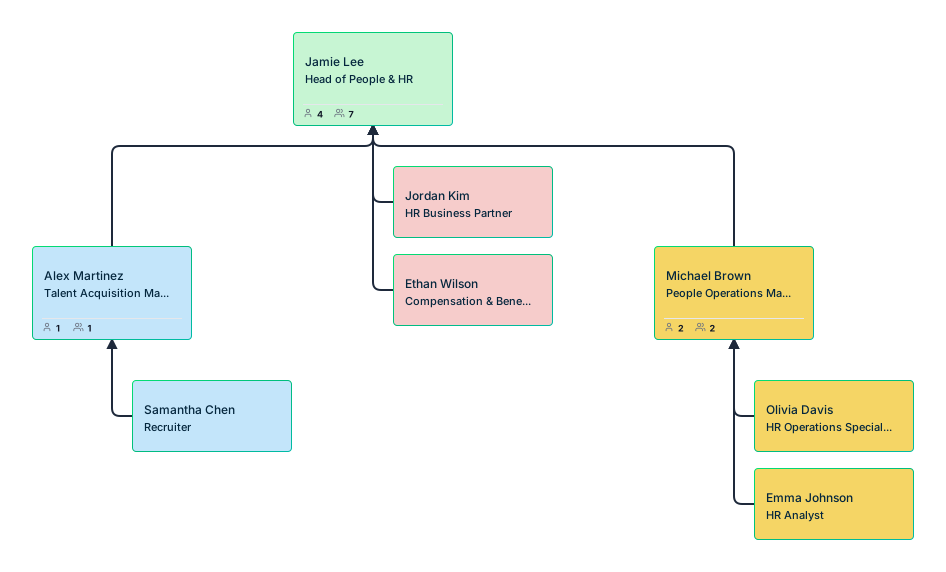
For proposed changes, the guide describes scenarios that retain additions, removals, moves, and updates separately from the current chart. Follow the scenario planning guide and confirm the comparison and apply steps available in your Atlas environment.
Prepare a Recommendation People Can Act On
- State the request. Explain the role or team decision and the date it is needed.
- Verify the baseline. Check reporting lines, vacancy status, skills, and the source date with the record owners.
- Compare realistic options. Use the same criteria and make uncertain assumptions visible.
- Review affected teams. Ask managers about capacity and confirm the cost assumptions with finance.
- Name the next owner. Record the recommendation, unresolved questions, required signoff, and action after approval.
The People Ops planning-views guide can help prepare the supporting material. Use a RACI matrix if responsibility for recommending, approving, and implementing the change is unclear.
Keep Analysis and Authorization Clear
Atlas’s org context supports the decision; an edited chart is not evidence of budget or hiring approval. Record authorization in your established process and confirm who updates the HRIS, recruiting system, and current org model.
Limit sensitive information to the audience that needs it. Test access for sample performance, succession, and compensation fields, using the Atlas security guide to prepare the review.
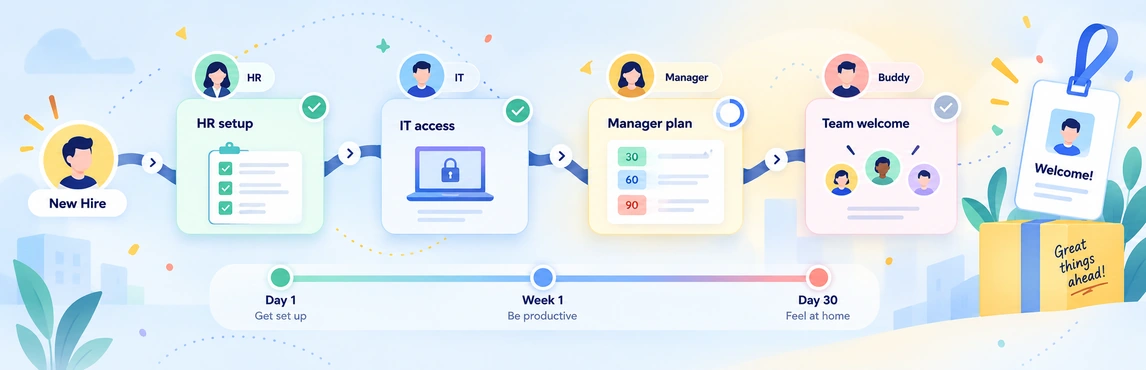
If the decision results in a new hire, use the onboarding coordination guide to carry the approved manager and role details into the handoff. Keep the decision record and the operational checklist easy for their owners to find.