Step 1. Define the Specifications
There are a few specifications you need to define before you go ahead and develop your app.
These specifications come under your business plan - which documents what you want to do and how you plan to do it.
Goals for the App
During the mobile app planning process, the goals you set will help you decide which features to add and how you should develop and design your mobile app.
Now, goals you set may vary from what you want your app to do to how you will market it to people. It is important to sit down and define what these are. Ask yourself
- What is the purpose of your app?
- How will it help simplify the lives of its users?
- How will it help solve the problems of its users?
- How do you plan to market it to your target audience?
Answers to these questions will help you outline the goals you need to focus on. And once you agree on them, prioritize your goals so you’d know where to start.
Who is Your Target Audience?
Understanding your target audience is vital to the development of your app.
Among information such as age, gender, career, location and other quantitative data, you should also learn about your user’s requirements, challenges, needs, and responsibilities.
Other qualitative information you should have a record of are the technologies your users use, what platforms (Android/ iOS) they are familiar with, what app functionalities they prefer etc.
Step 2. Brainstorm Solutions
Now that you know who your target audience is and what problems they have, it’s time to figure out how to use your app to solve those problems.
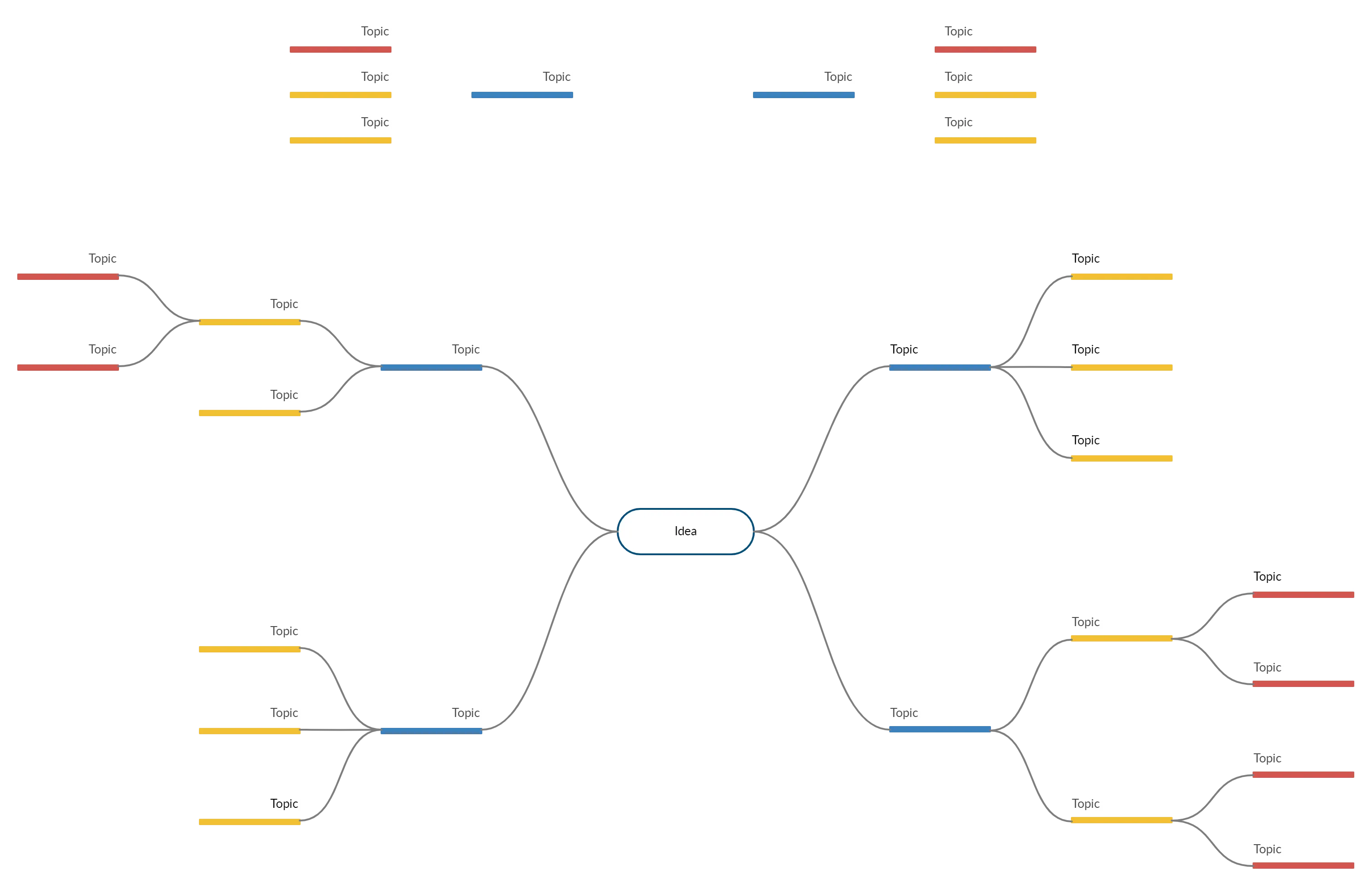
This calls for brainstorming for ideas with your team. To facilitate the session, you could use a visual tool like mind maps. What’s special about mind maps is that it increases productivity by helping you better structure or organize a free flow of ideas.
A completed mind map drawn around a single topic - in this case, the issue your user is facing - will give you a quick overview of how you should approach the situation and make quick decisions.
Step 3. Draw User Flows
To determine which features to add to your app, you need to know how users are going to go through it. Is it a registered user who wants to edit information on her account, or is it a new user who wants to create an account?
All kinds of interactions that a user will have with your app can be visualized through use case diagrams which are basically used to describe what a system does.
It’s the easiest way to convey to the developer what app features need to be focused on and show to your stakeholders what problems you are trying to solve.
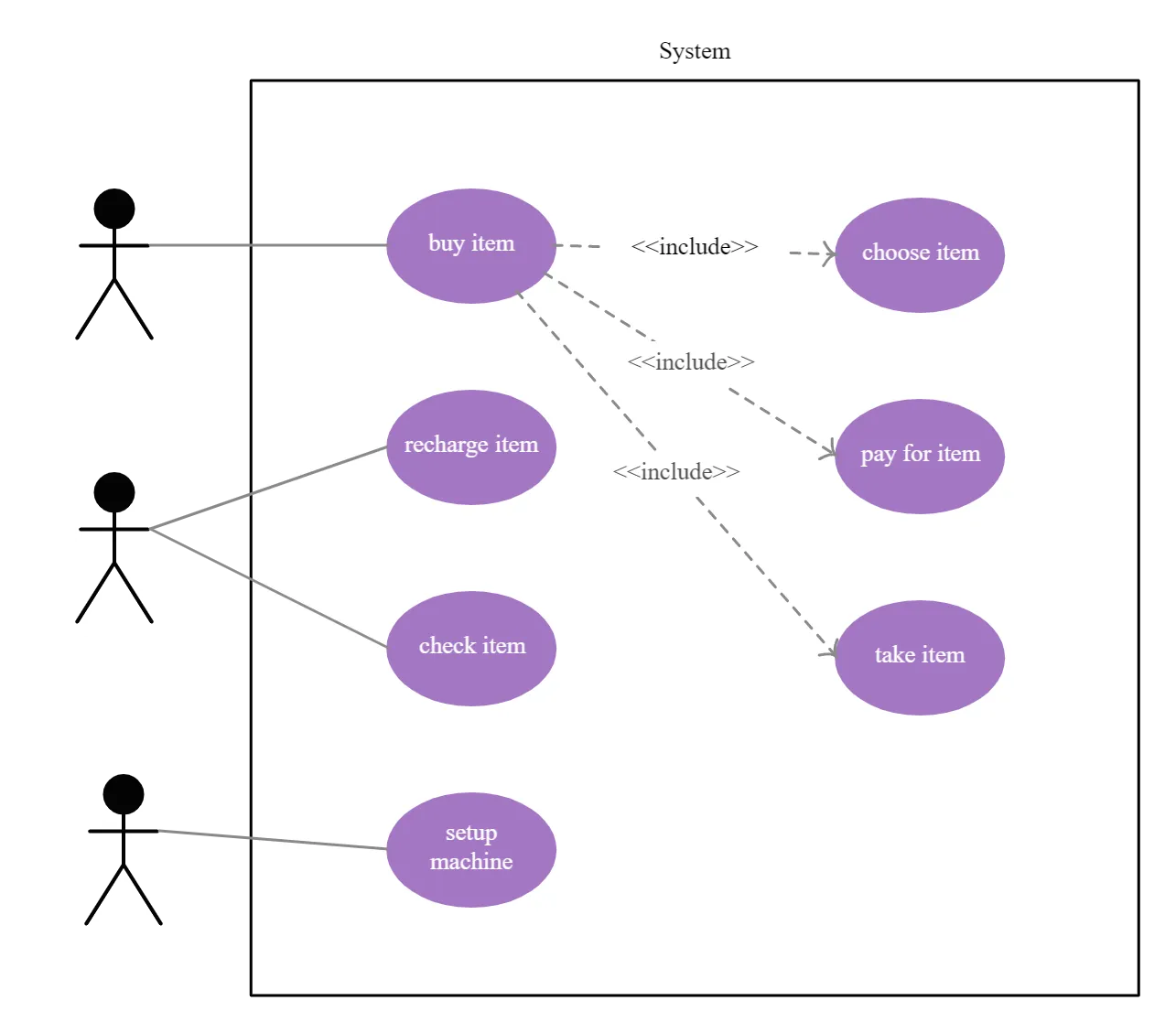
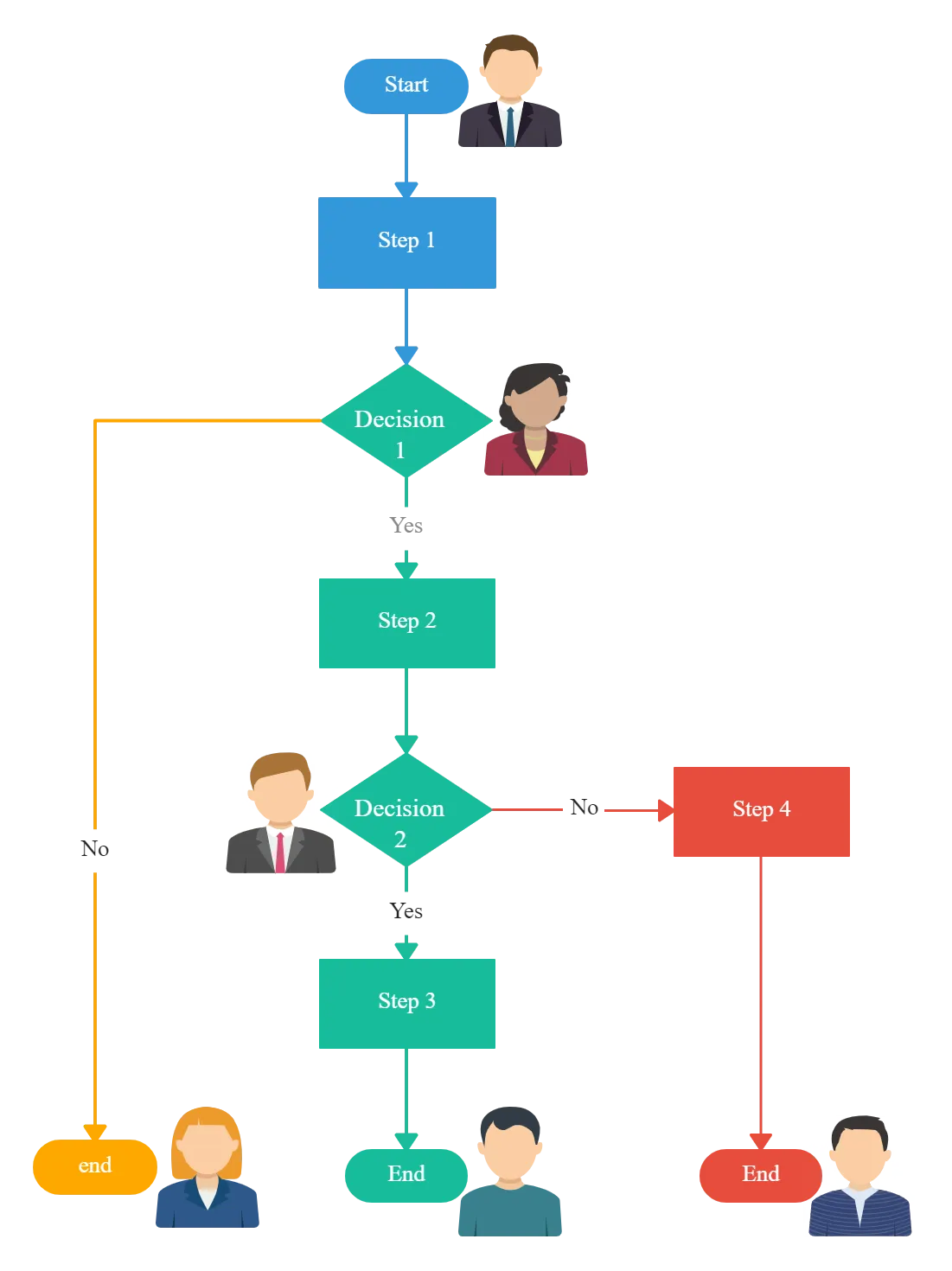
Or you can draw a flowchart to explain how a user gets something done via the app. This will really help you zero in on how the app is supposed to work.
Step 4. Start Sketching Your App
Now that you have identified how different users may interact with your app, it’s time to flesh it out. This means, turning your idea into pictures which will be converted into navigable screens during the final stage.
This is where you get to decide how many screens there will be and how each will look like. And putting them in a logical manner will help you get the idea as to how it will work.
The Data
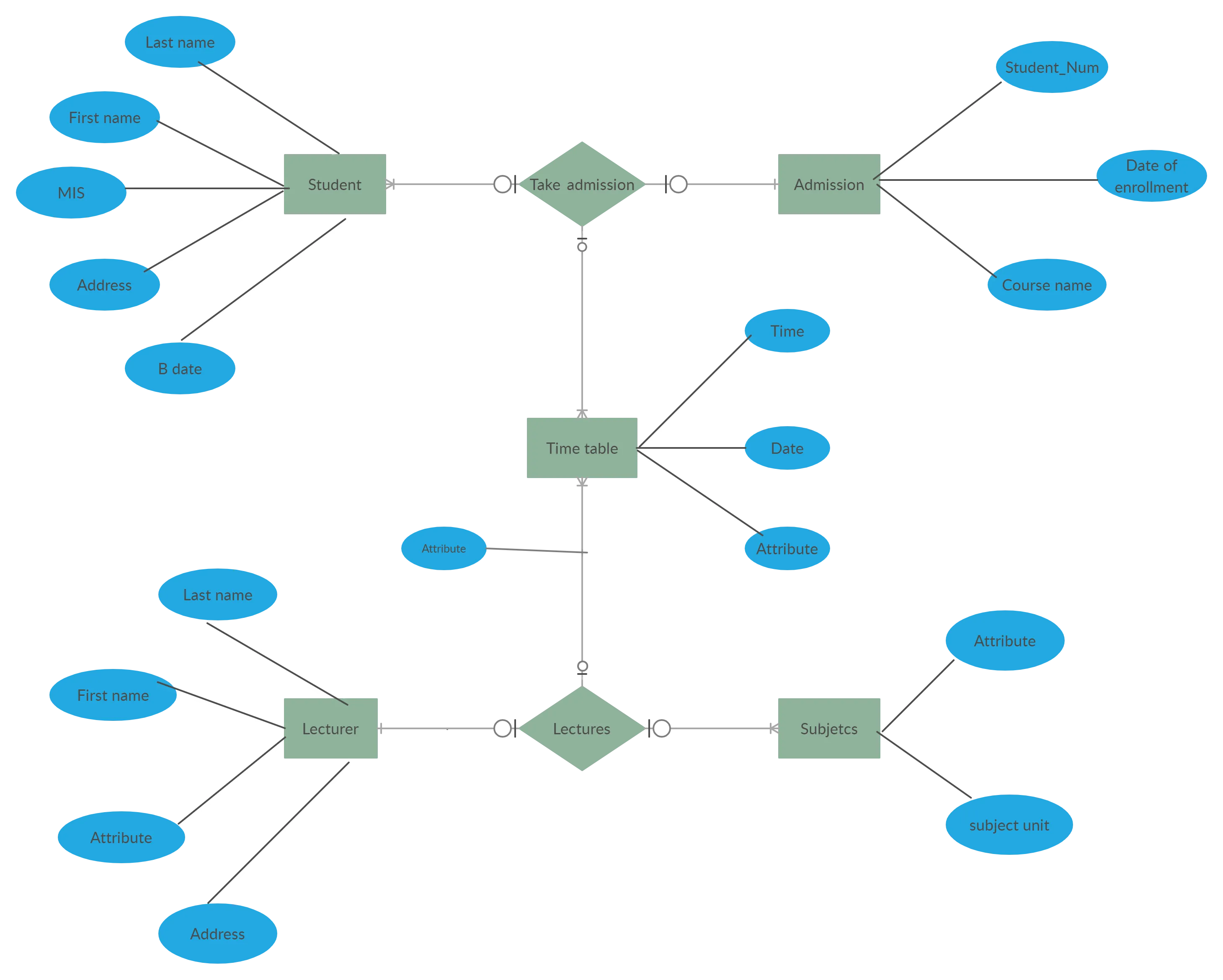
Most apps will have some sort of data they have to capture and use. A great way to visually break it down is to use an Entity Relationship (ER) Diagram. This will allow you to identify the key things you want to capture and how they are related to each other.
Wireframes
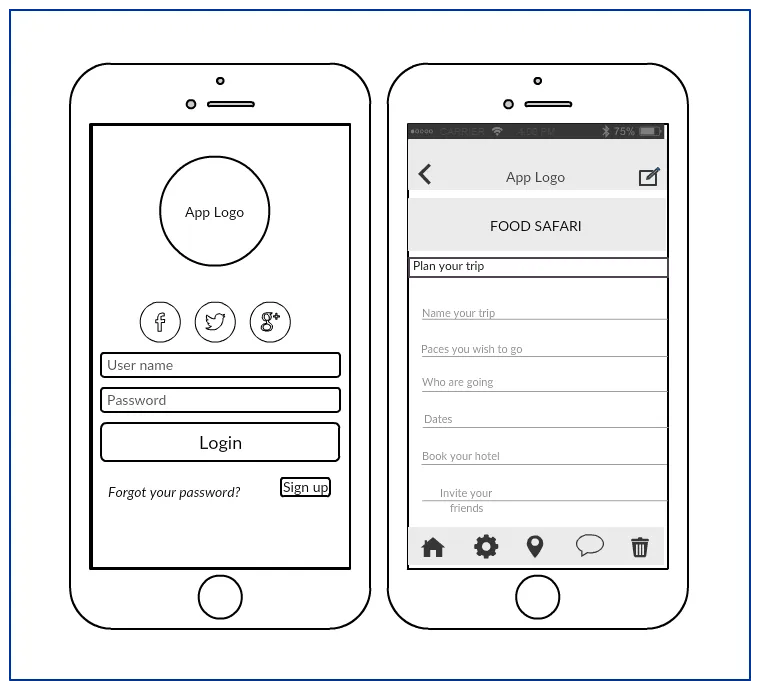
Based on your user flows and data needs identified earlier, it’s time to define how the app looks and works.
Online wireframes are line sketches of the interface of your app. They show how it should work without really bothering about colors, placement, and other styling details. At this stage, it’s more about the functionality vs. styling.
Architecture Diagrams
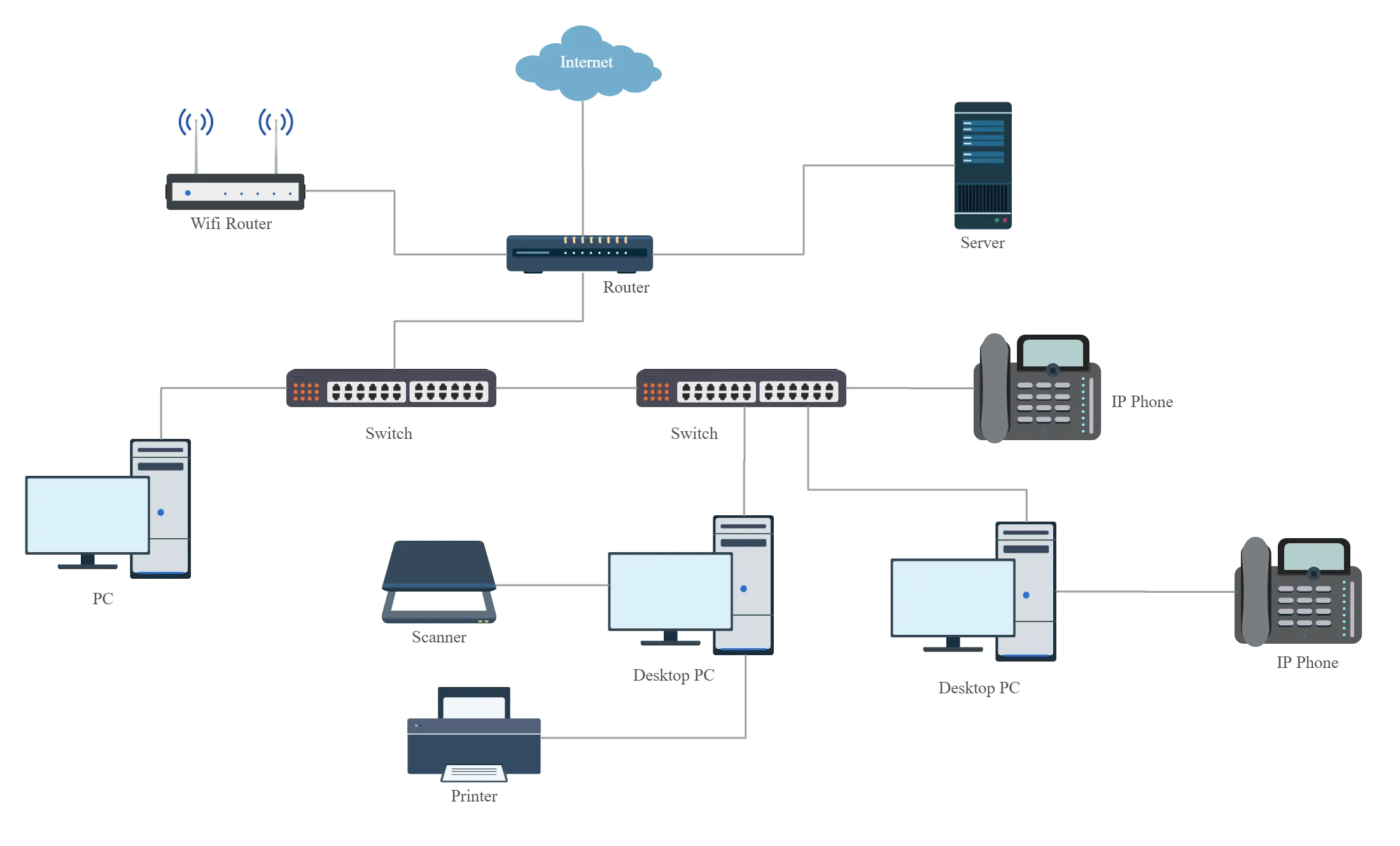
When describing how your app works to outsiders such as stakeholders, you can use architecture diagrams like block diagram tools or network diagram softwares (example below). They simplify complex processes that a non-tech savvy person might find confusing.
Step 5. Plan Your Promotional Strategy
How many users you attract to your app depends on how you promote it.
Your App vs. Your Competitor’s App
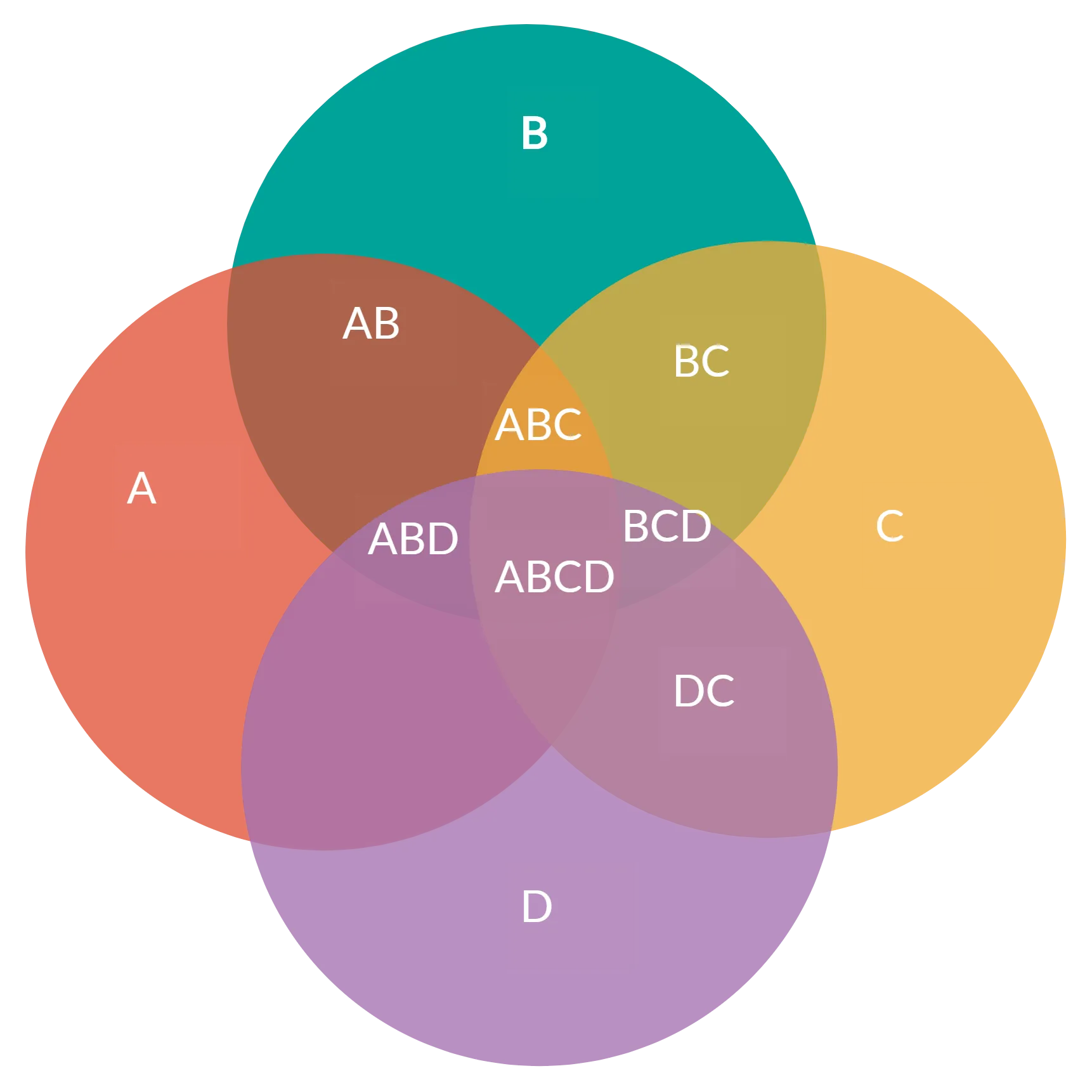
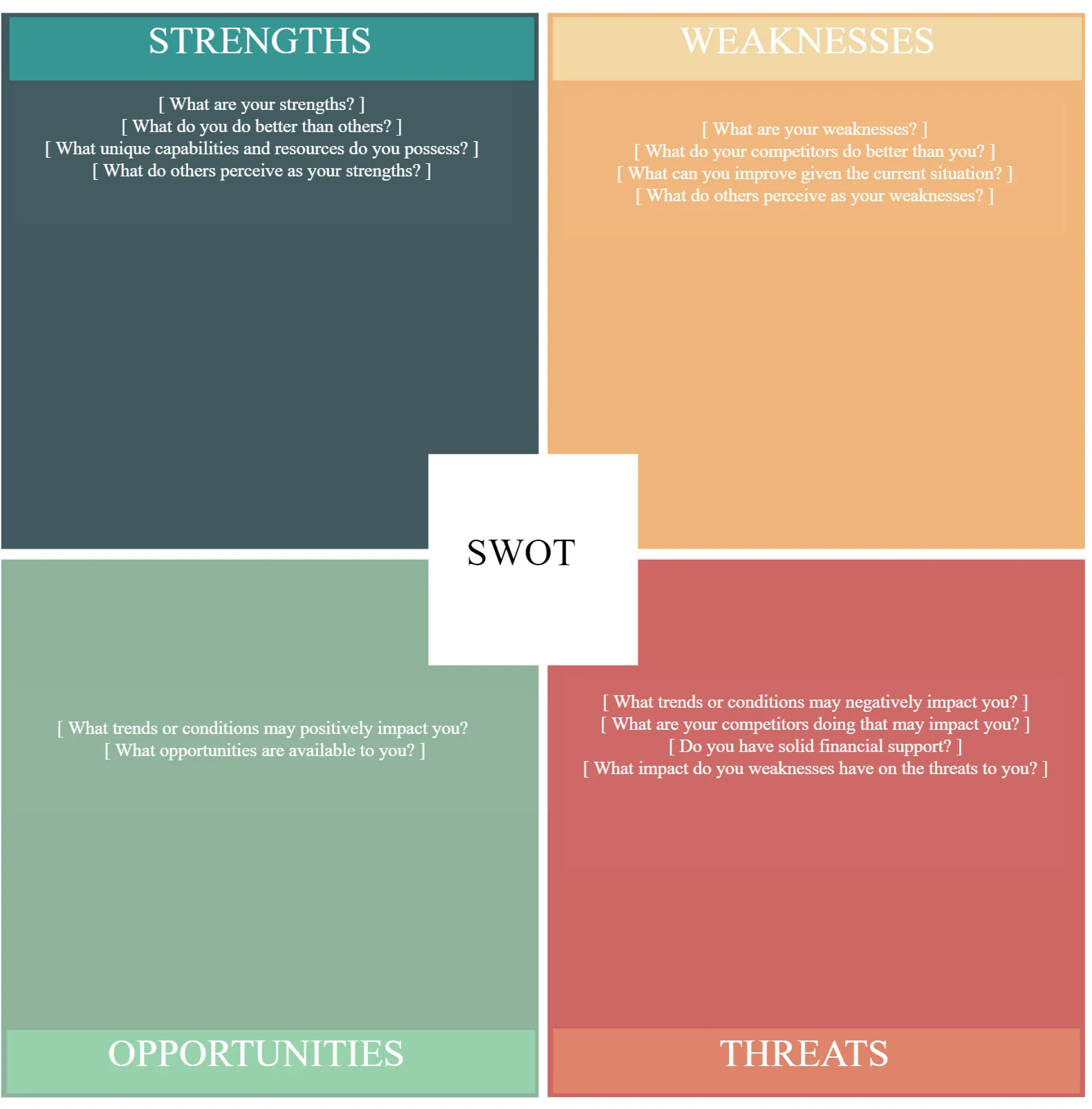
Before you plan your strategy, you need to figure out where you are at compared to your competitors. This means analyzing the strengths and weaknesses of your app against that of your competitors, and opportunities and threats that you might have to face in the market.
Outline Your Campaign Process
SWOT analysis to plan your promotional or marketing campaign step-by-step. Get the input of your marketing team as well.
Step 6. Putting it All Together
As you can see, there are a series of aspects that go into creating an app. A great idea is to link these flowcharts, mind maps, ER Diagrams and wireframes together in a sensible fashion. This way anyone can really walk someone through the entire app concept and know exactly how things are going to work.
Step 7. Working Together
Building an app is usually not a single person’s job. You’ll have your developers, potential clients/customers, partners all wanting to have a say in how things should work and be done.
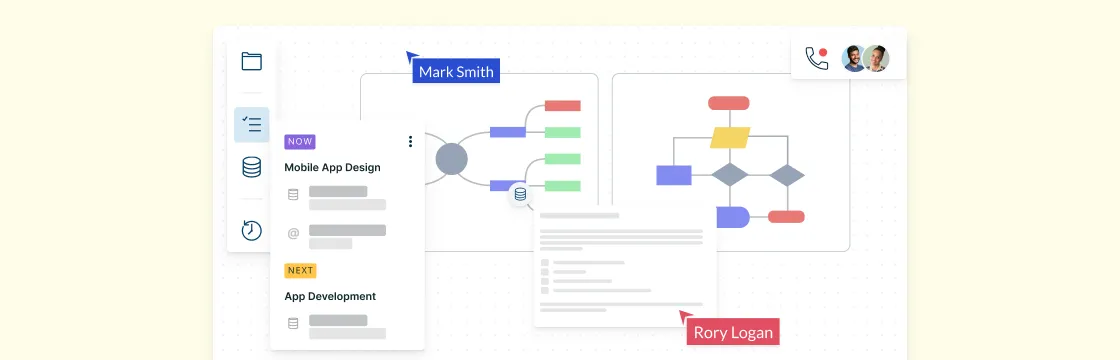
Using real-time collaboration when you are on a conference call or even in the same room to update and modify the diagrams as you make decisions is a great way to make sure that everyone is on the same page.
If you are using Creately, you can also use offline commenting so that you can have pointed discussions on various parts of your mind-map, wireframe or flowchart easily with everyone in your team.