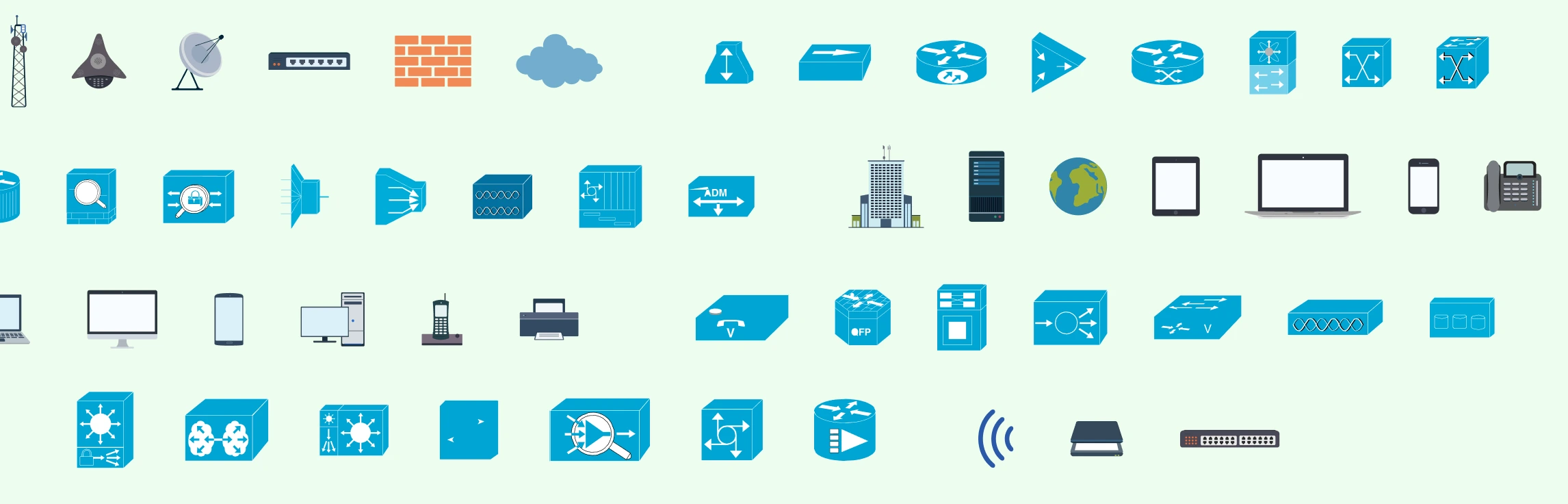
Network diagrams are visual representations of a computer network that show how devices, systems, and connections are structured and how data flows between them. These diagrams are only as clear as the symbols used to draw them. This guide simplifies networking symbols by explaining what they are, why they matter, and how to use standard symbols correctly. You’ll learn about common network diagram symbols, best practices for labeling and annotation, and how these visual elements help create diagrams that are easy to read, share, and maintain over time.
Network Symbols and Meanings
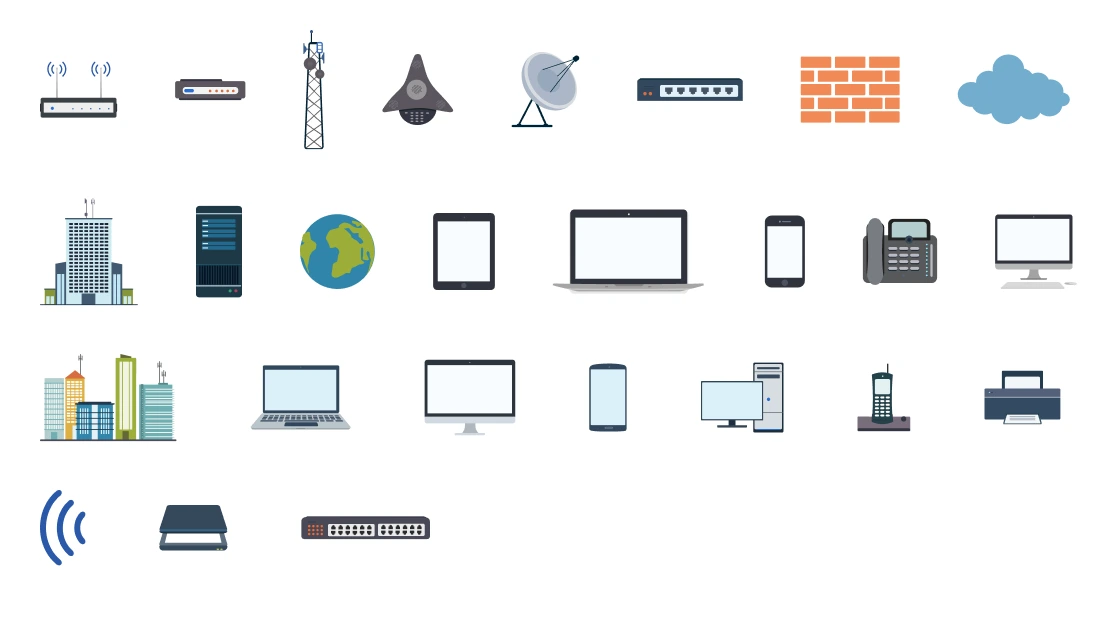
Network diagram symbols are standardized visual icons used to represent devices, connections, and services in a computer network. Using common networking symbols makes diagrams easier to read, understand, and share across teams.
Basic Network Diagram Symbols
Below are the most commonly used basic network diagram icons and what they represent.
Router: Represents a device that directs data between different networks (for example, between a LAN and the internet). Routers control traffic flow and enable inter-network communication.
Switch: Shows a device that connects multiple devices within the same network. Switches manage internal traffic inside LANs by forwarding data to the correct destination.
Firewall: Indicates a security device that monitors and controls incoming and outgoing network traffic based on security rules. Firewalls are placed at network boundaries.
Server: Represents physical or virtual machines that provide services such as databases, applications, file storage, or authentication.
Cloud / Internet: Used to represent external networks, cloud platforms, or the public internet. This symbol abstracts infrastructure outside the local network.
Computer / End Device: Shows user devices such as desktops, laptops, IP phones, conference phones, printers, scanners, or IoT devices that access the network.
Wireless Access Point: Represents devices that provide wireless (Wi-Fi) connectivity to end users within a network.
Connection Lines: Lines or arrows indicate network links such as Ethernet cables, fiber connections, or wireless links. Line styles may vary to show link types or bandwidth.
Location-Based Symbols: Represent physical or organizational locations in a network, such as the ISP (Internet Service Provider) that delivers internet or WAN connectivity, and Office / Building for grouping LAN components within a site.
Standard Cisco Network Diagram Symbols
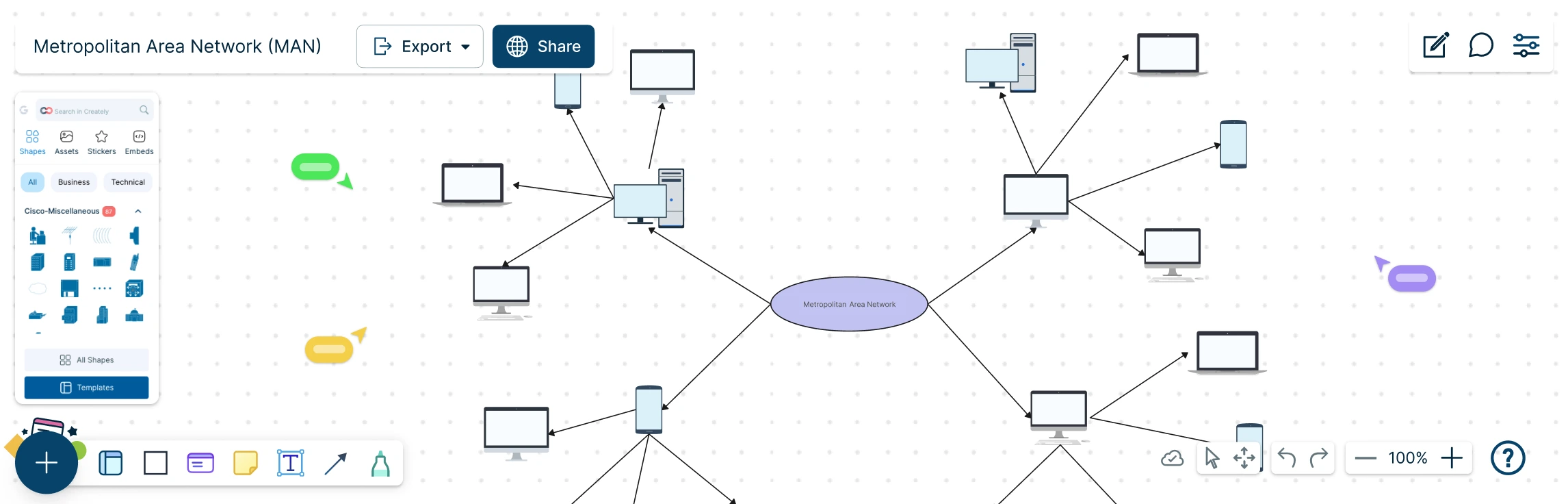
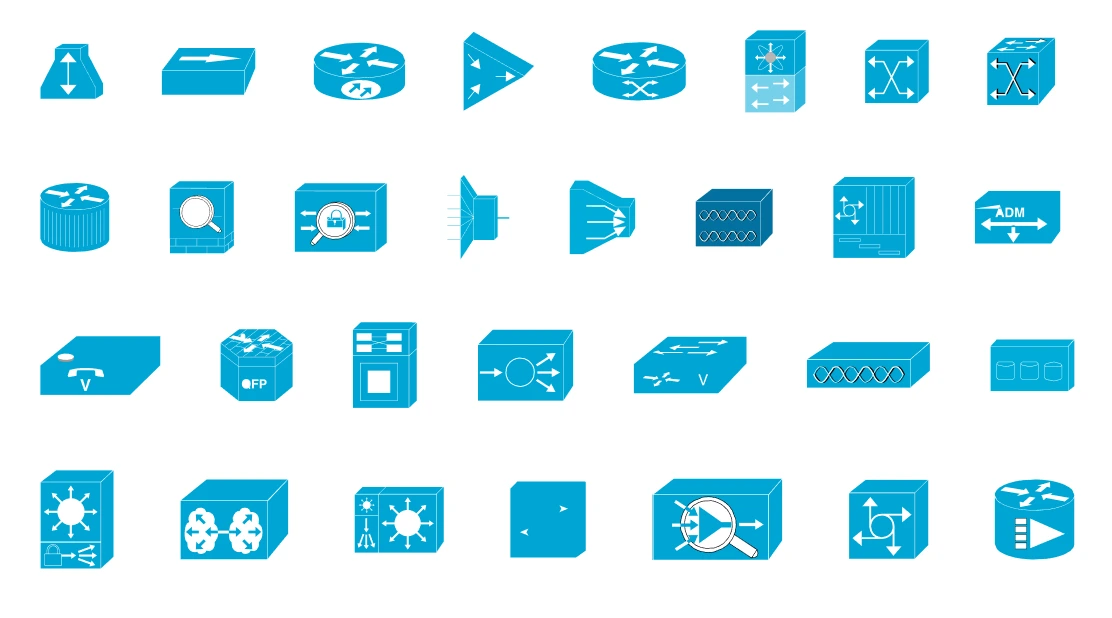
Standard Cisco network diagram symbols are widely recognized icons used to represent networking devices, connections, and infrastructure following Cisco’s design conventions. Using these symbols helps create clear, professional diagrams that align with industry standards, making network designs easier to understand, document, and communicate across technical teams and stakeholders.
Network Rack Symbols
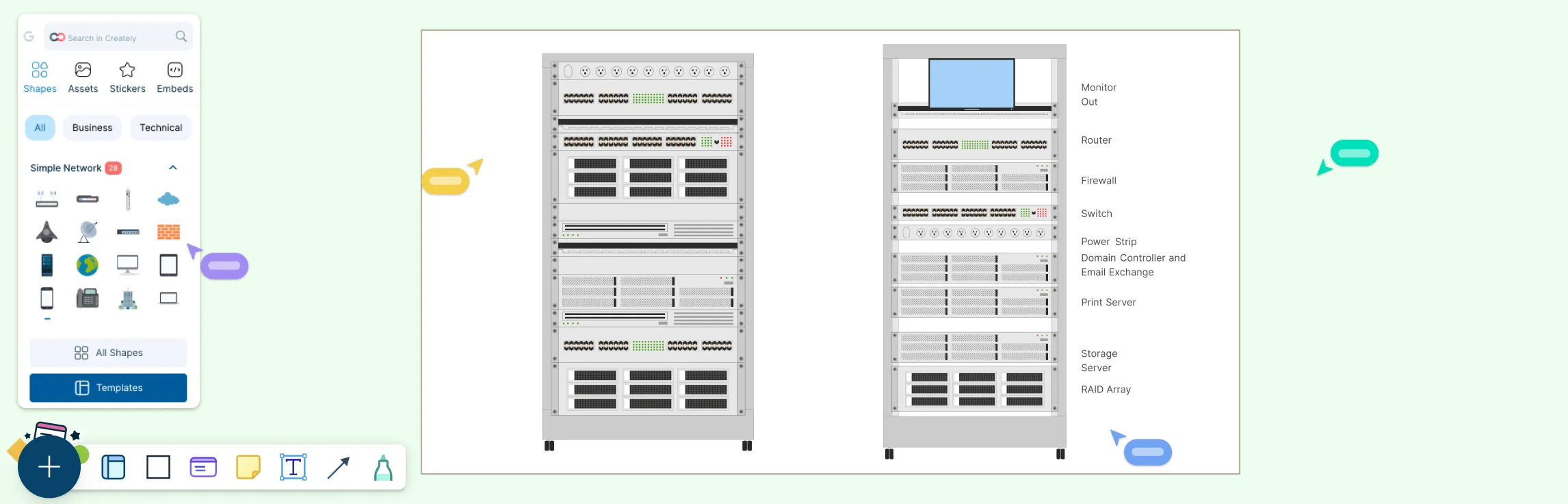
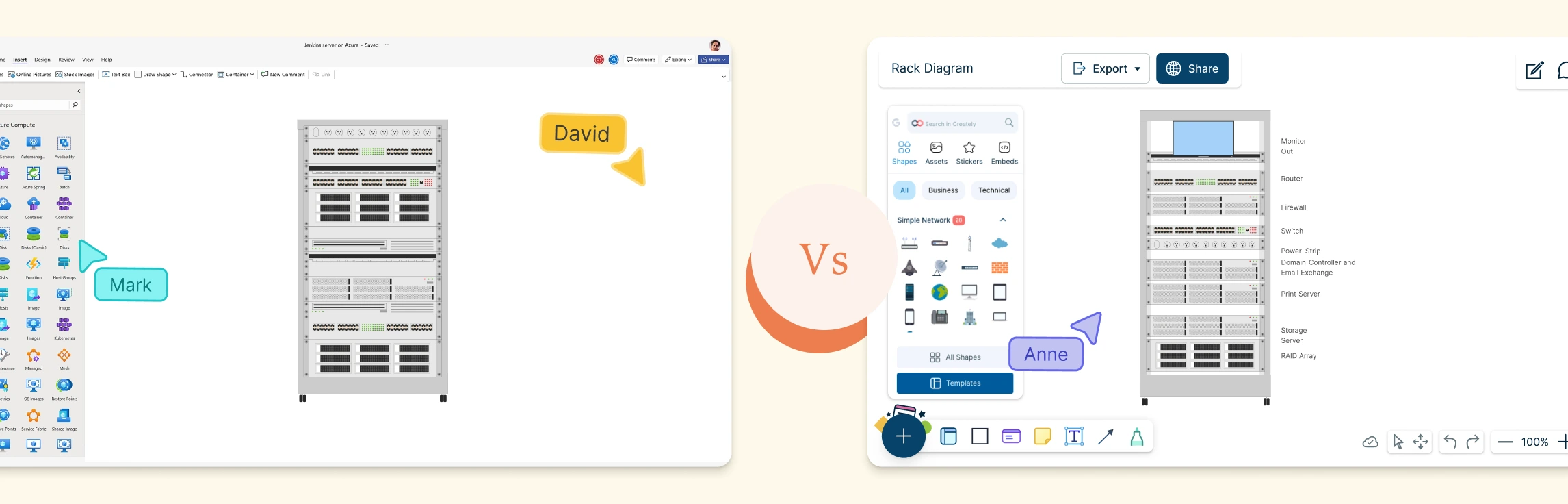
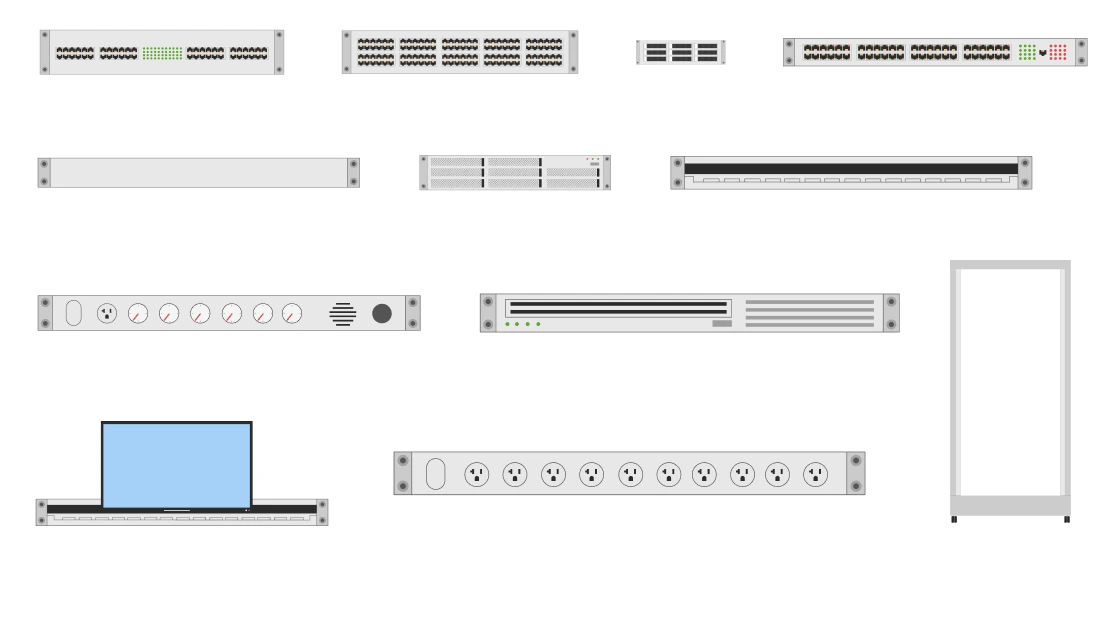
Network rack symbols are standardized icons used to represent rack-mounted equipment such as servers, switches, routers, and storage devices. They help visualize how hardware is physically arranged within racks, making it easier to plan space, power, cooling, and maintenance in data centers and network rooms.
Using the right networking symbols ensures your diagrams are clear, consistent, and easy to understand across teams and stakeholders. Get started with Creately’s network diagram software to access a complete symbol library and ready-made templates that help you create professional network diagrams faster and with confidence.
Network Diagram Symbol Best Practices
Clear labeling and consistent annotations make network diagrams easier to understand, maintain, and communicate. Follow these networking symbol best practices to improve clarity and usability:
Use clear naming conventions: Apply consistent names for devices, locations, and links (for example, CORE-RTR-01, BRANCH-SW-02) so components are easy to identify.
Label IP ranges and subnets: Clearly annotate IP address ranges, subnet masks, and CIDR blocks to show how networks are segmented.
Include VLAN information: Label VLAN IDs and names where applicable to explain traffic separation and network structure.
Annotate critical links: Indicate bandwidth, link type (fiber, Ethernet, wireless), or redundancy for important connections.
Use color coding consistently: Apply colors to distinguish network zones such as core, distribution, access, DMZ, or security boundaries. Include a legend to explain color usage.
Add concise notes where needed: Use short annotations for special configurations, security rules, or dependencies without cluttering the diagram.
Following these labeling and annotation practices helps ensure your network diagrams remain clear, accurate, and easy to interpret, even as the network evolves.
Importance of Using Standard Network Diagram Symbols
Key reasons to use networking symbols include:
Clarity and readability: Standard symbols reduce confusion and make complex networks easier to interpret at a glance.
Consistent communication: Teams across IT, engineering, and operations can understand diagrams without lengthy explanations.
Faster design and documentation: Using familiar network topology symbols speeds up diagram creation and updates.
Accurate representation: Symbols clearly distinguish between devices such as routers, switches, firewalls, servers, and locations.
Professional and industry-aligned diagrams: Standard networking diagram symbols follow best practices and are widely accepted in technical documentation and audits.
In summary, network diagram shapes are used to visually standardize how networks are represented, making diagrams easier to read, understand, and share. They provide a common visual language that helps both technical and non-technical audiences quickly recognize devices, connections, and locations.
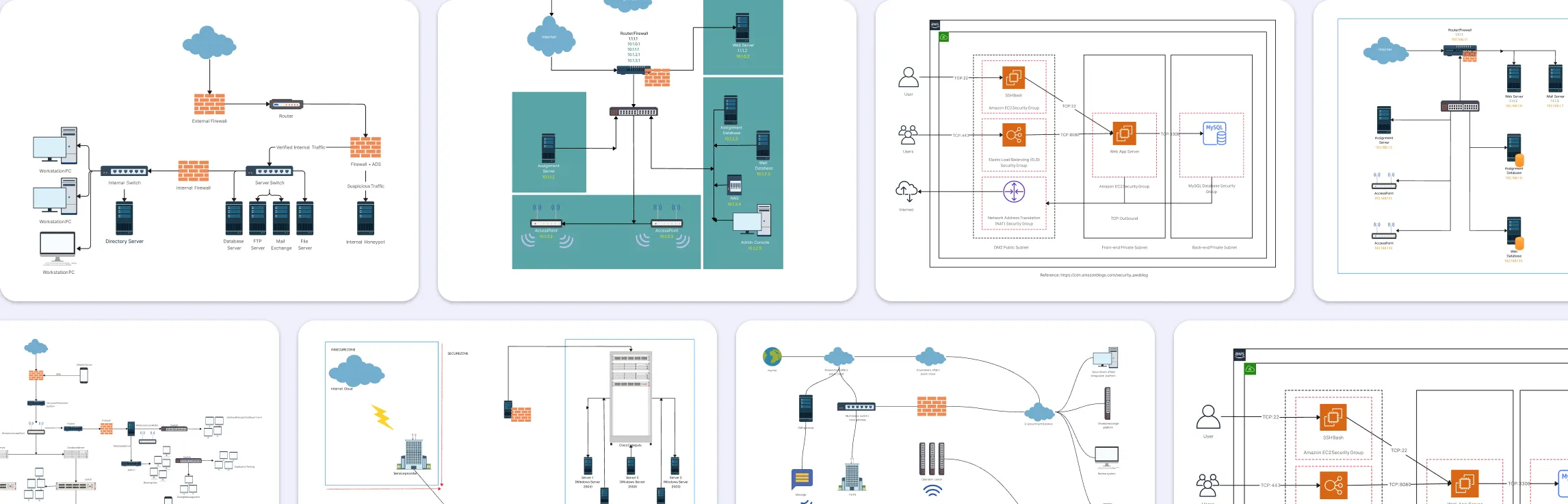
Free Network Diagram Templates to Get Started
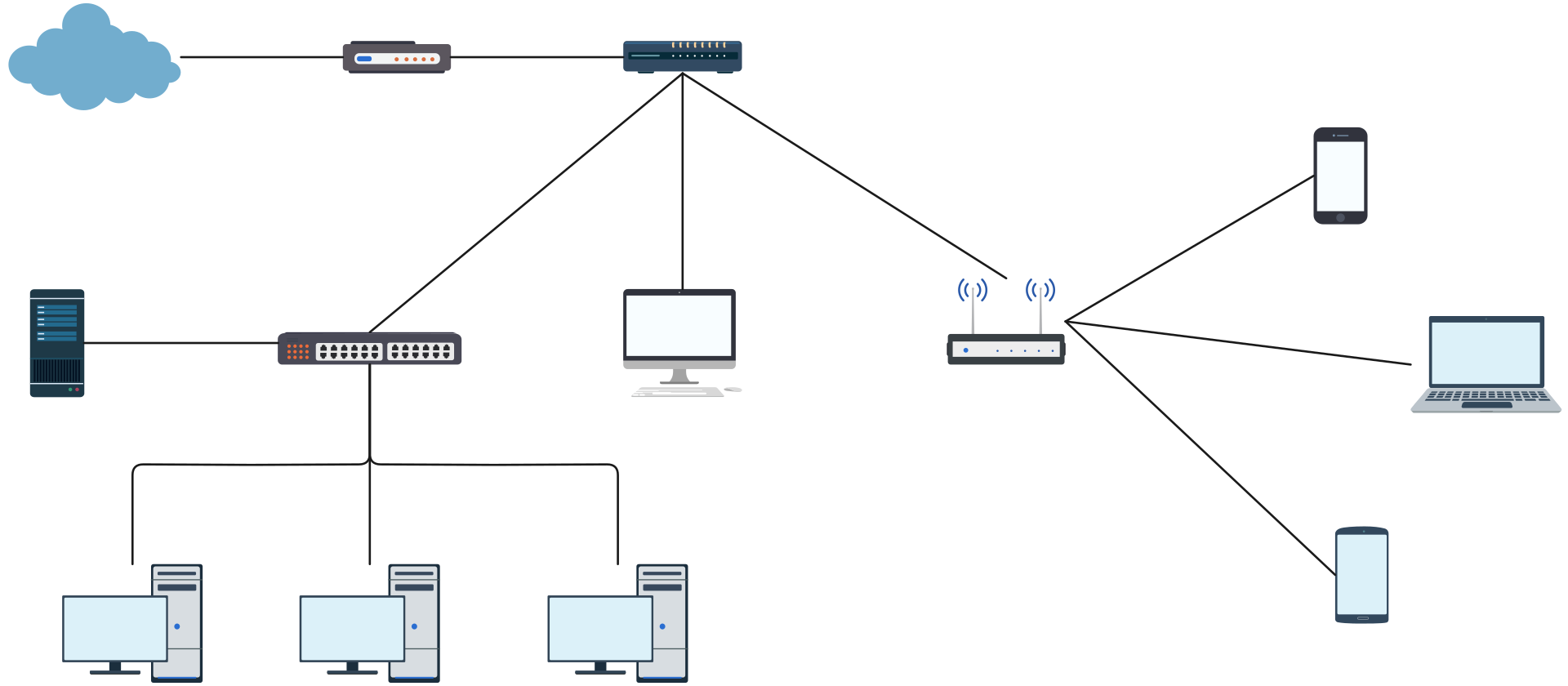


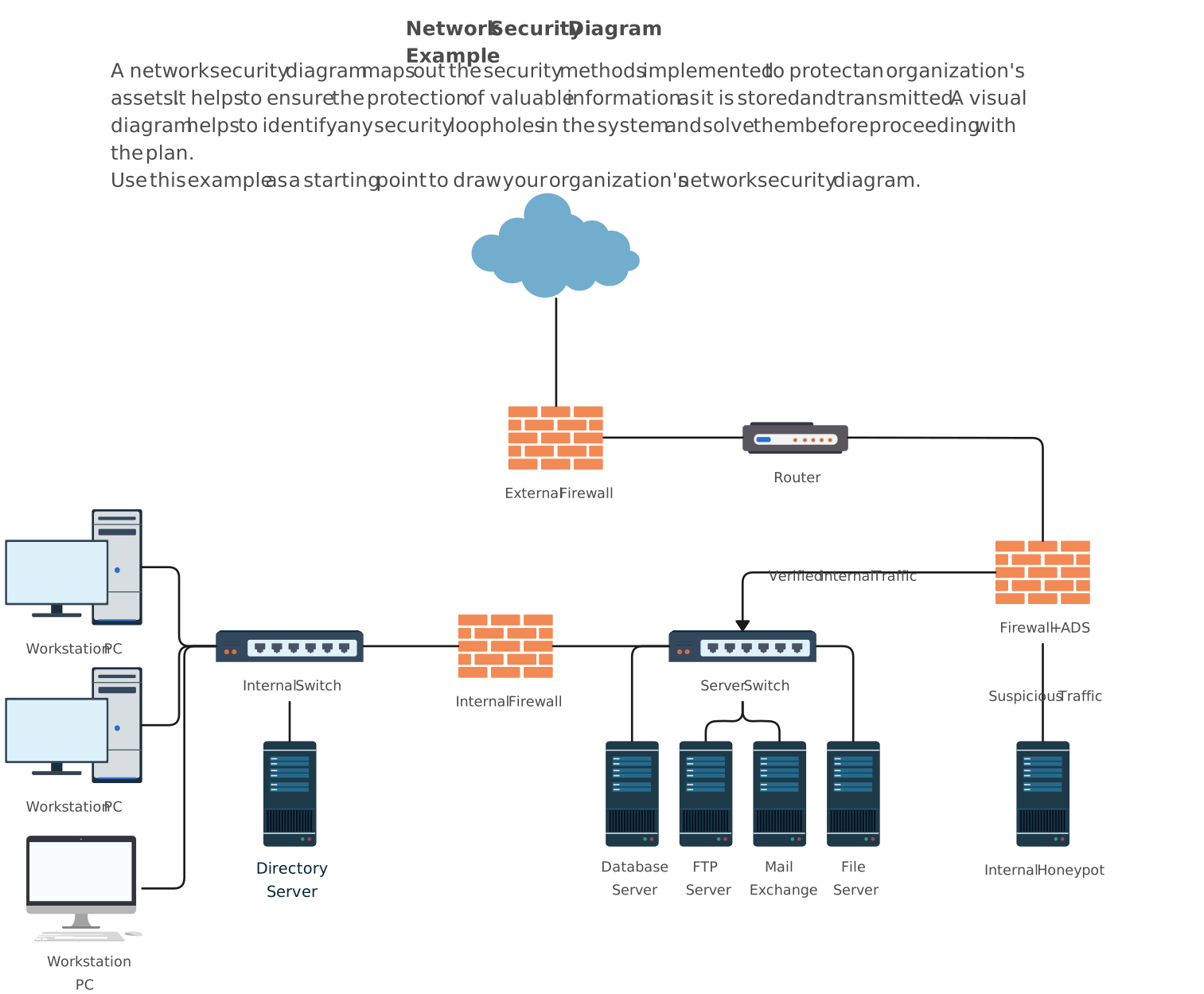
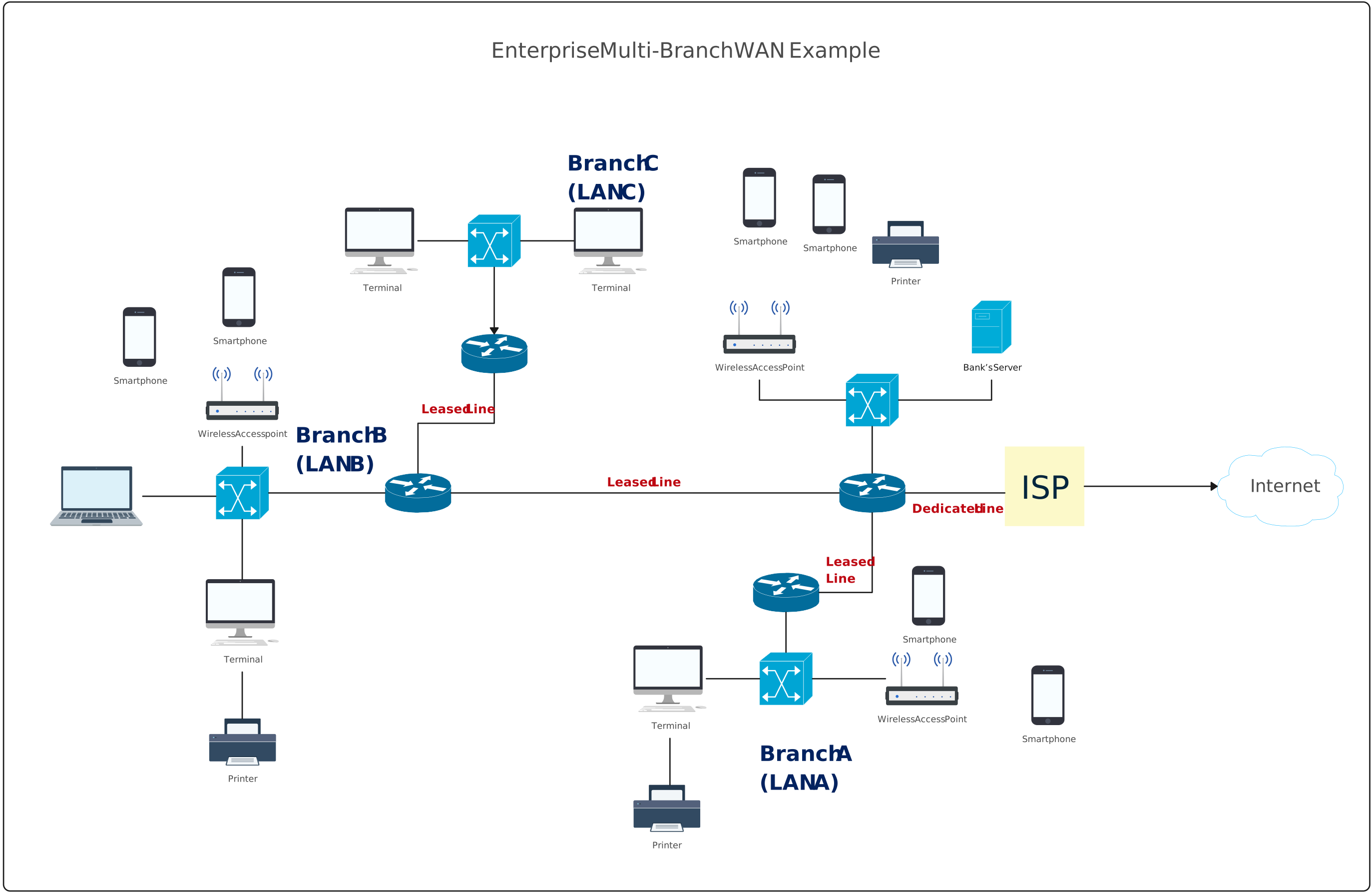
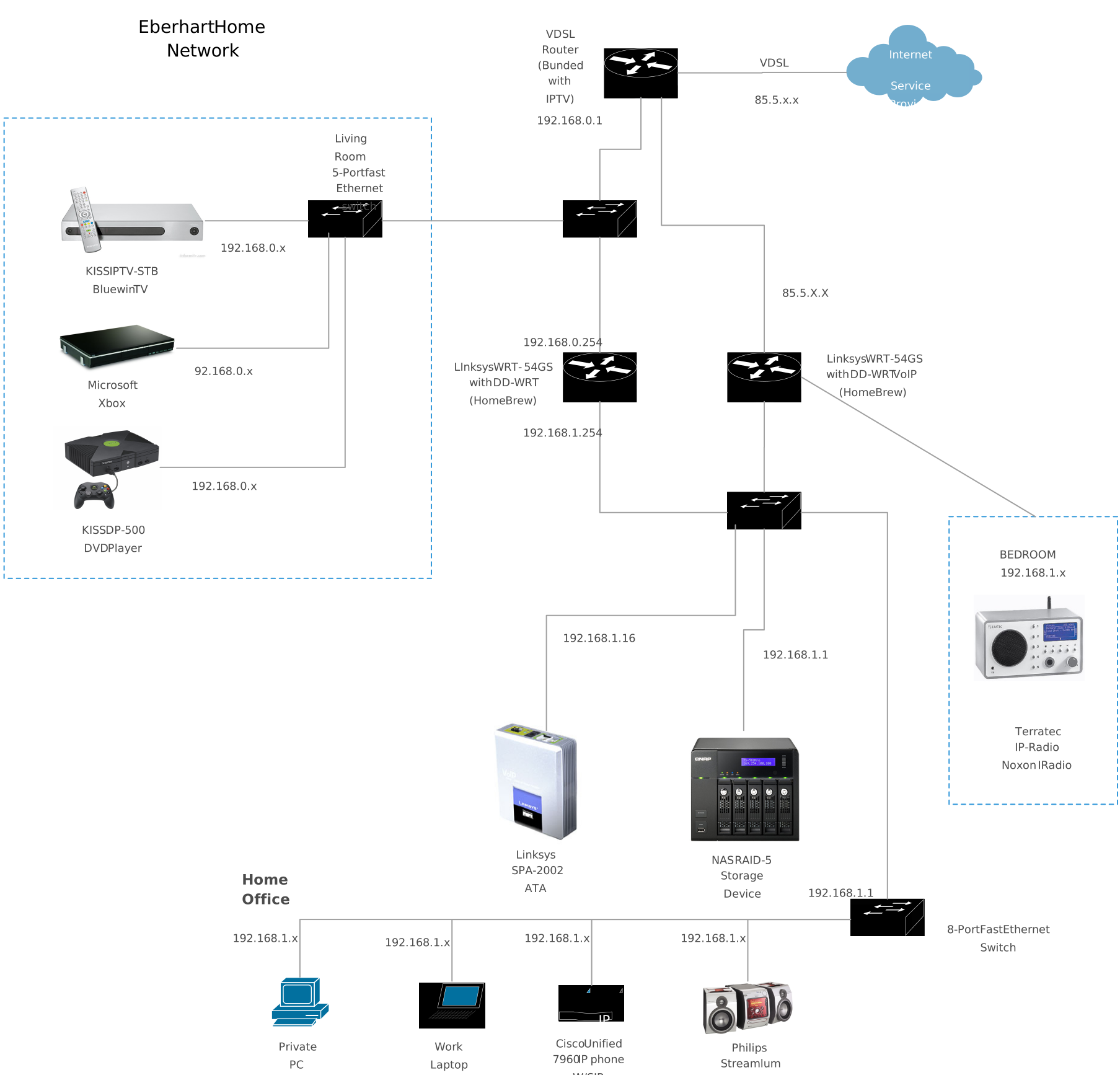
More Network Diagram Templates
Helpful Resources for Building Network Diagrams
Learn about the different types of network diagrams with examples.
Discover the different types of network topology and their use cases.
Learn about the Home Network Diagram and its applications.
Learn about the Wide Area Network Diagram and its applications.
FAQs about Network Diagram Icons
Are network symbols standardized across the industry?
When should I use vendor-specific network symbols instead of generic ones?
Can network diagram symbols be customized?
Do networking diagram symbols include cloud and location elements?
Resources
Johansen, Mikkel Willum. “What’s in a Diagram?” Studies in Applied Philosophy, Epistemology and Rational Ethics, 31 Aug. 2013, pp. 89–108, https://doi.org/10.1007/978-3-642-37428-9_6.
Potter, Bruce. “Representing Our Networks.” IT Professional, vol. 12, no. 5, Sept. 2010, pp. 58–60, https://doi.org/10.1109/mitp.2010.134.