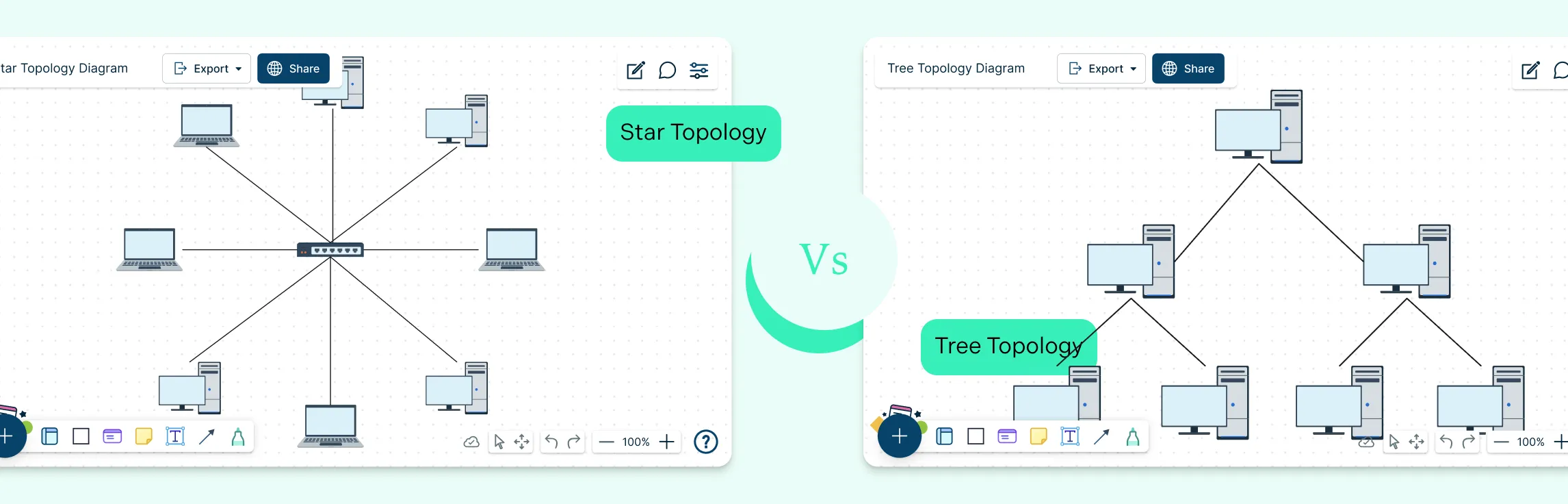
Choosing the right network topology plays a big role in how efficiently a network performs and scales over time. Star and tree topologies are two widely used structures, each offering different strengths when it comes to layout, reliability, and expansion. This guide breaks down the key difference between star and tree topology to help you understand how they compare and when each one makes the most sense.
What Is Star Topology Network
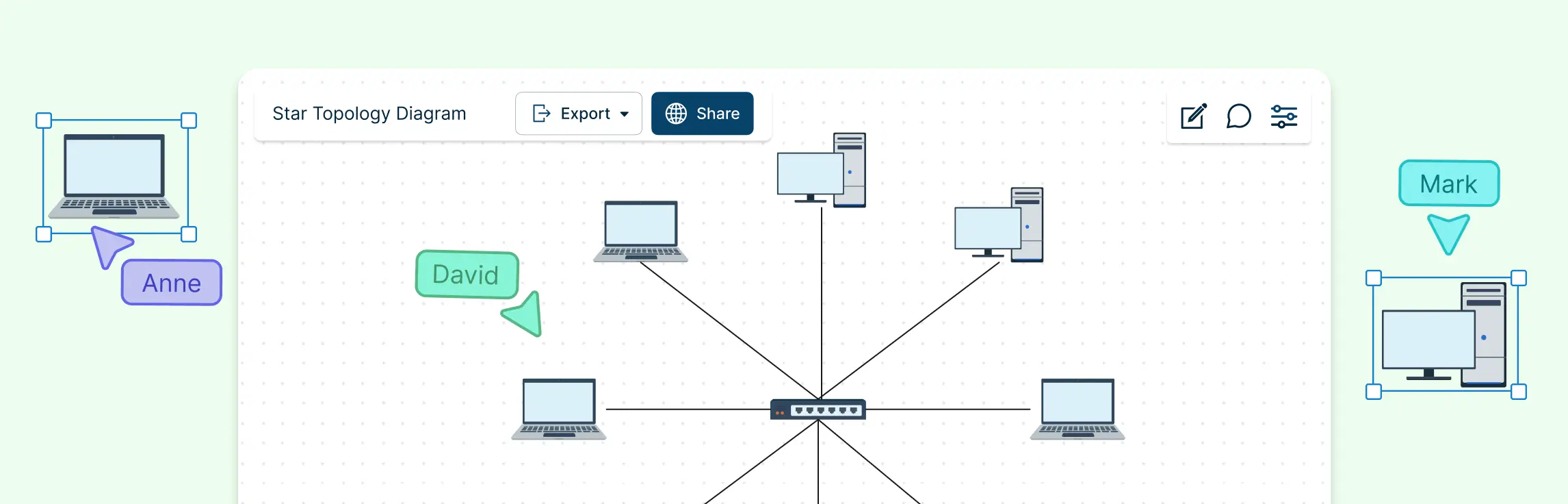
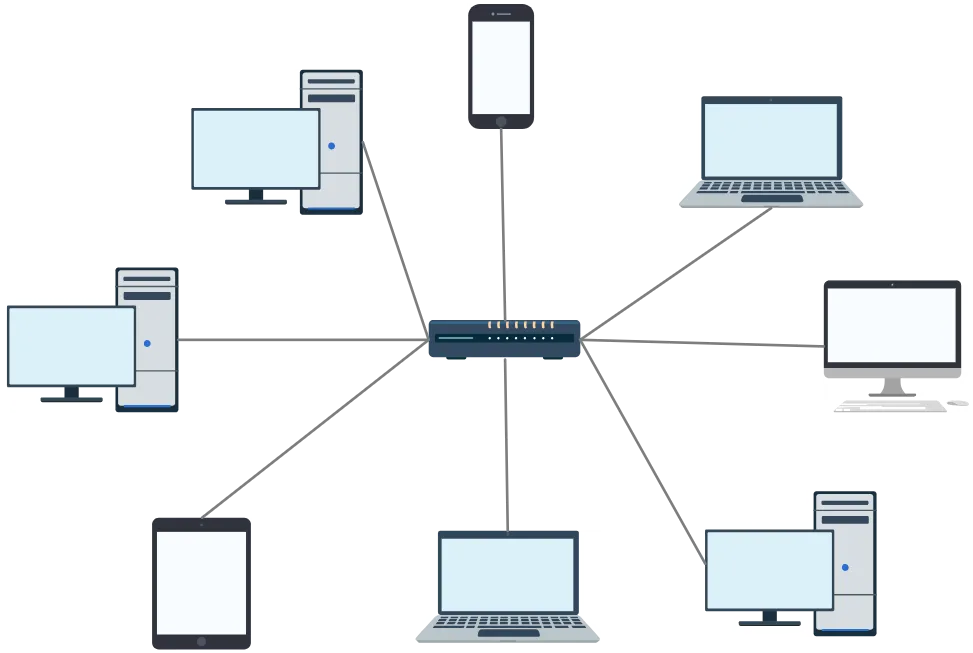
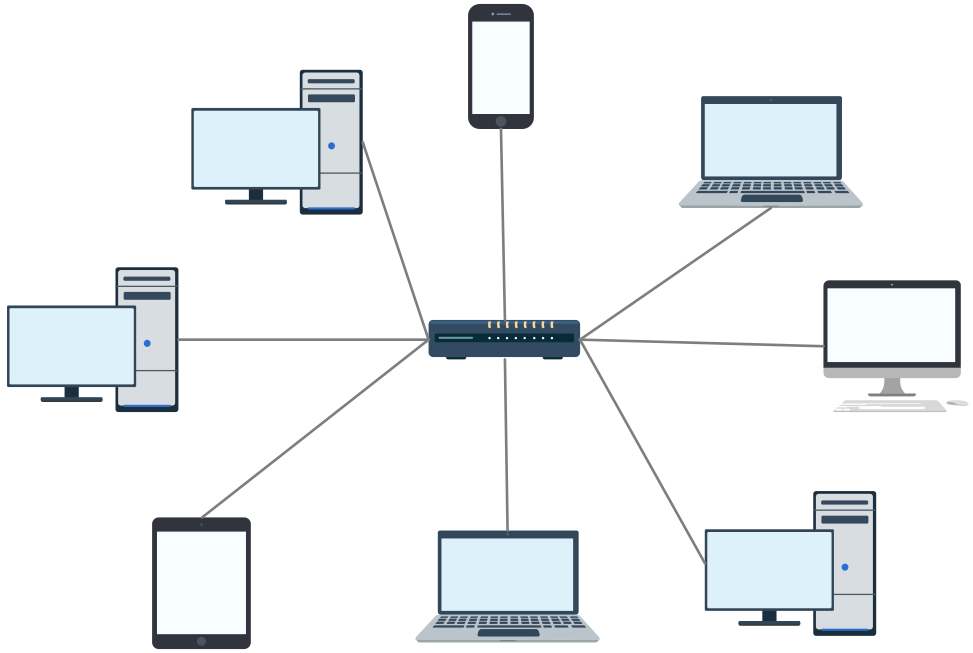
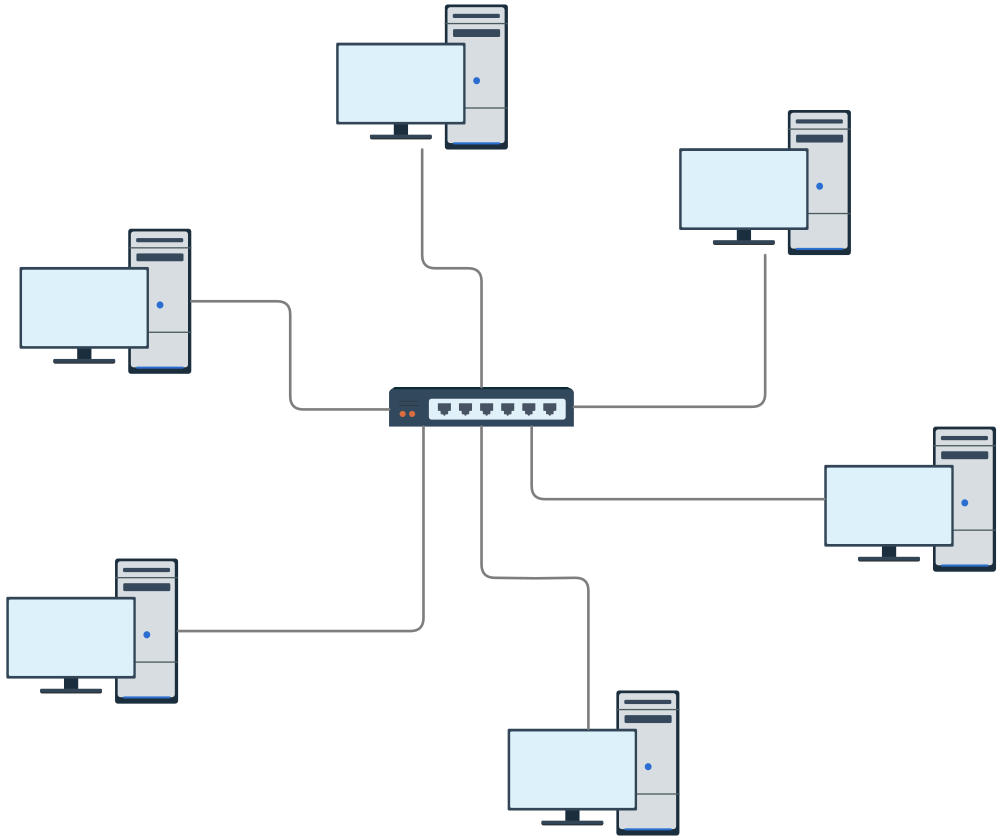
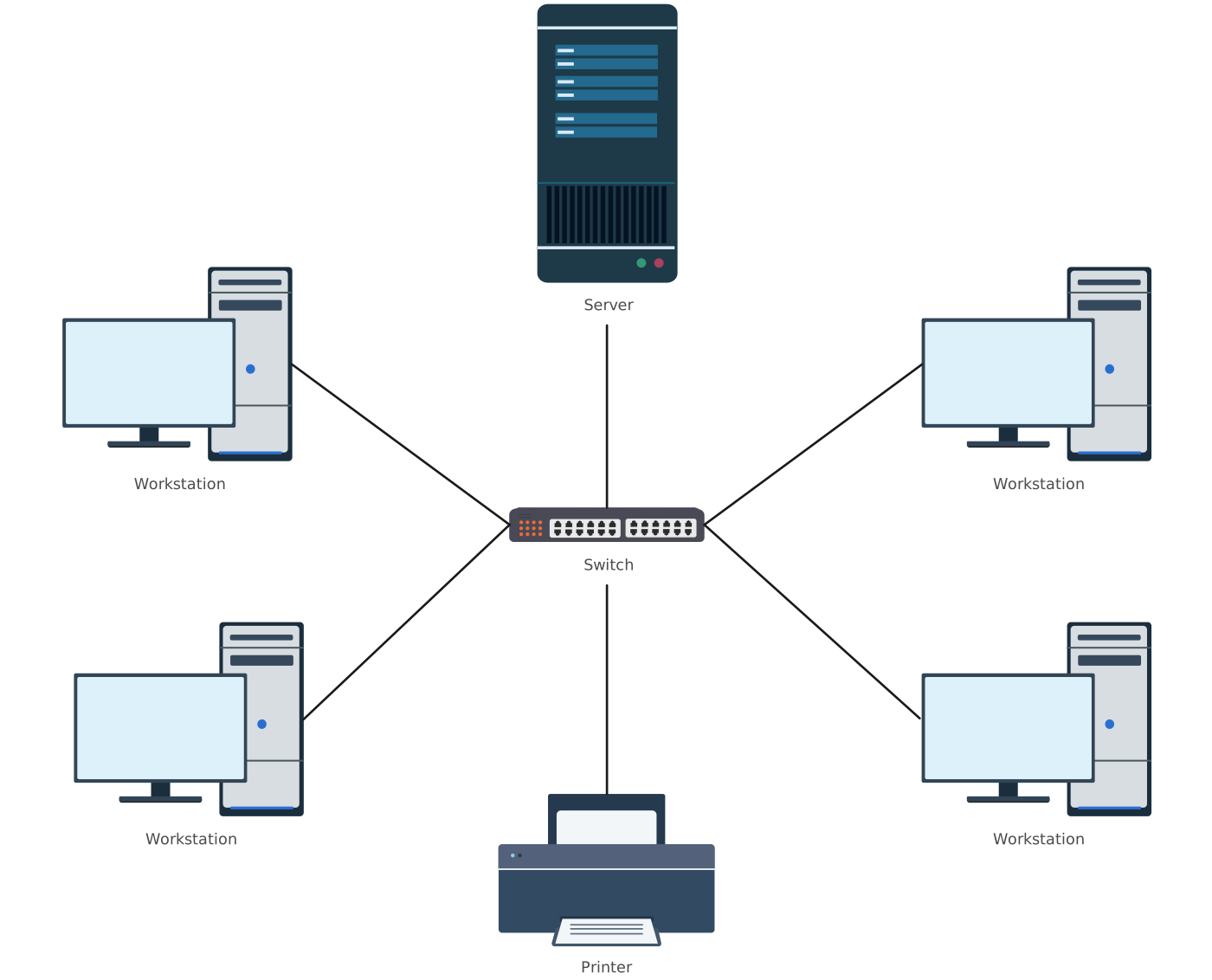
Star topology is a widely used network layout where all devices connect directly to a single central device, such as a switch or hub. This central point manages all communication between connected devices, making the network easy to control and monitor.
Key characteristics
All devices connect to a central hub or switch
Each device has a dedicated cable
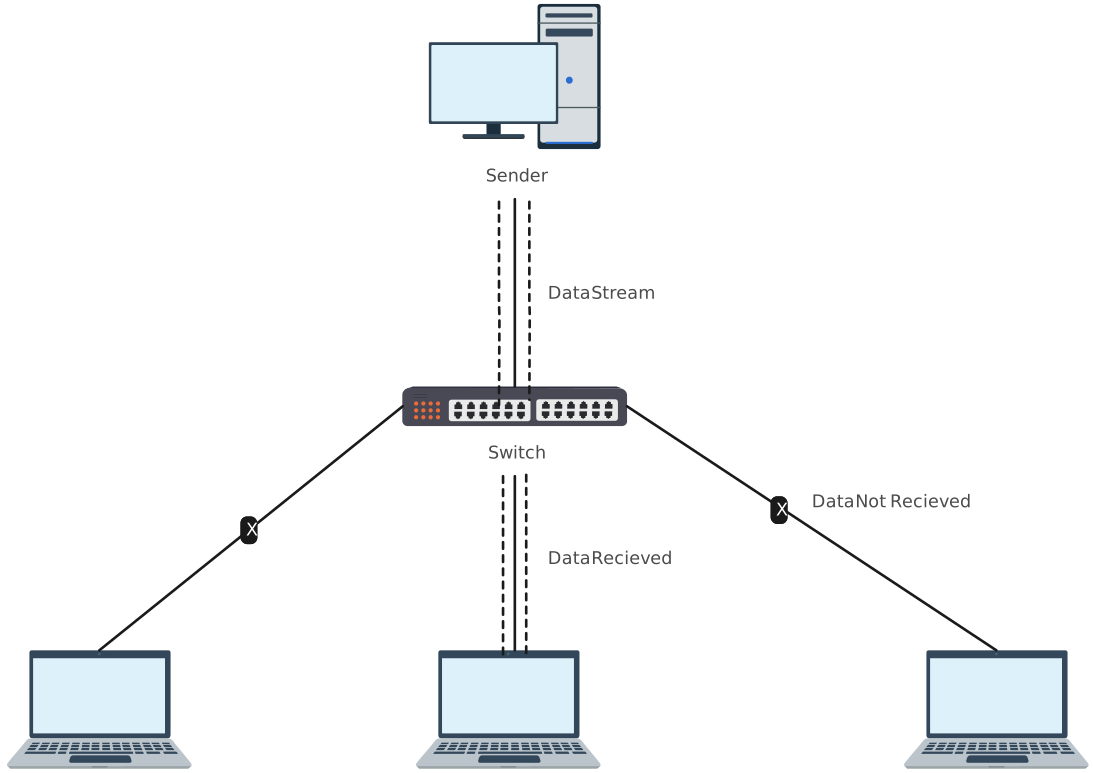
Data transmission is managed through a single point
Network performance is generally stable and easy to manage
Pros and cons of star topology
| Pros | Cons |
| Simple and easy to design, install, and manage | The central hub or switch is a single point of failure |
| Easy to identify and isolate faults | Requires more cabling compared to some other topologies |
| Adding or removing devices causes minimal disruption | Scalability is limited by the capacity of the central device |
| Individual device failure does not affect the rest of the network | Central device upgrades can increase cost |
| Well-suited for monitoring and network control | Network performance depends heavily on the central hub |
What Is a Tree Topology Network
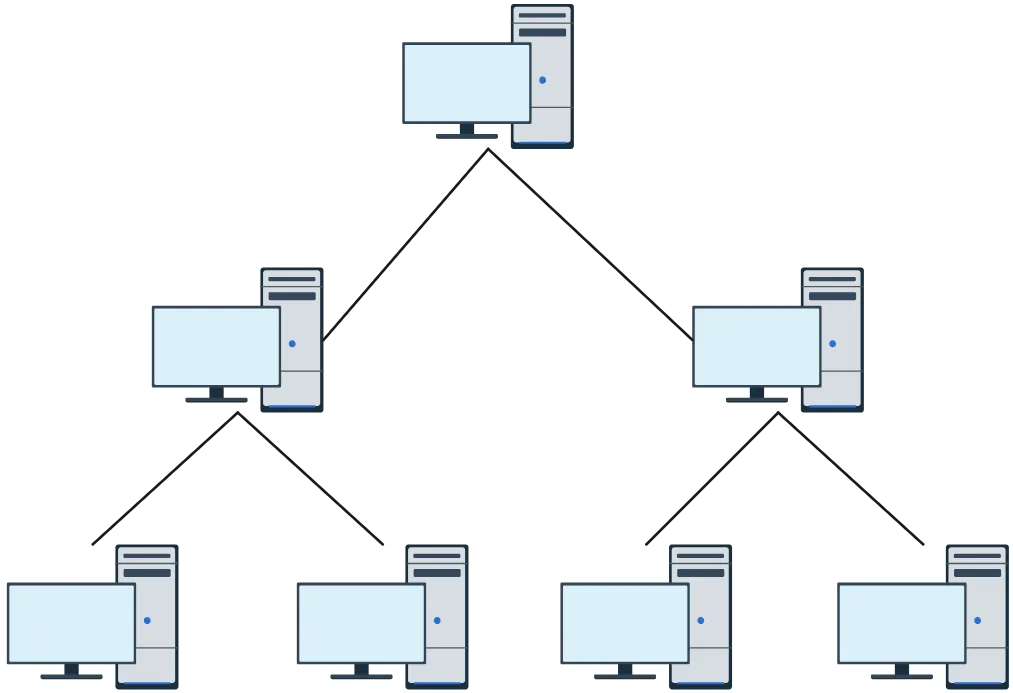
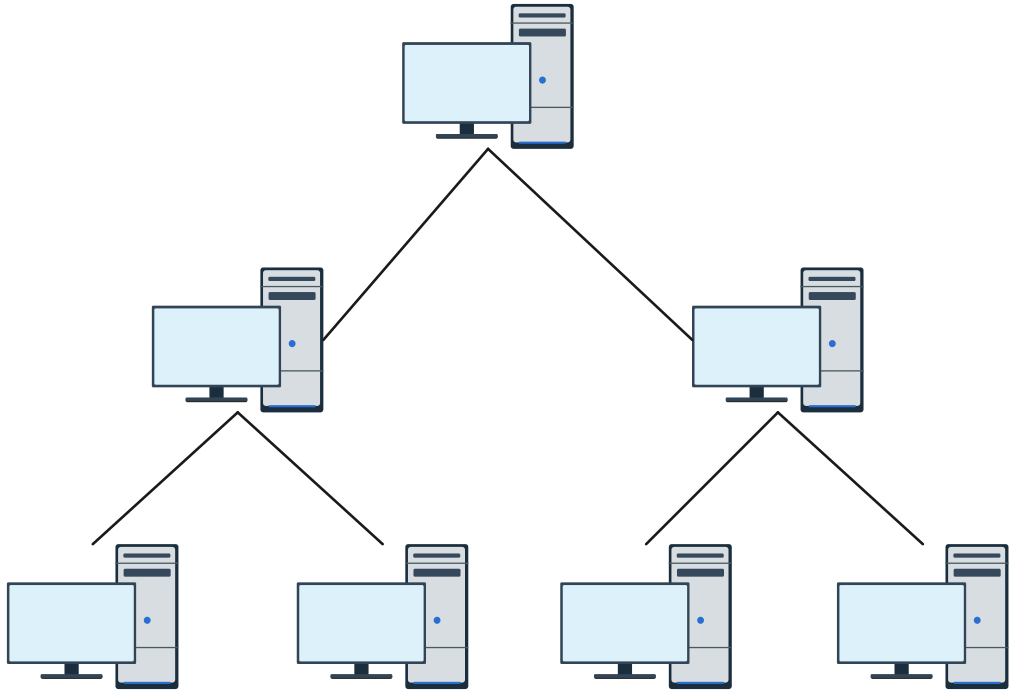
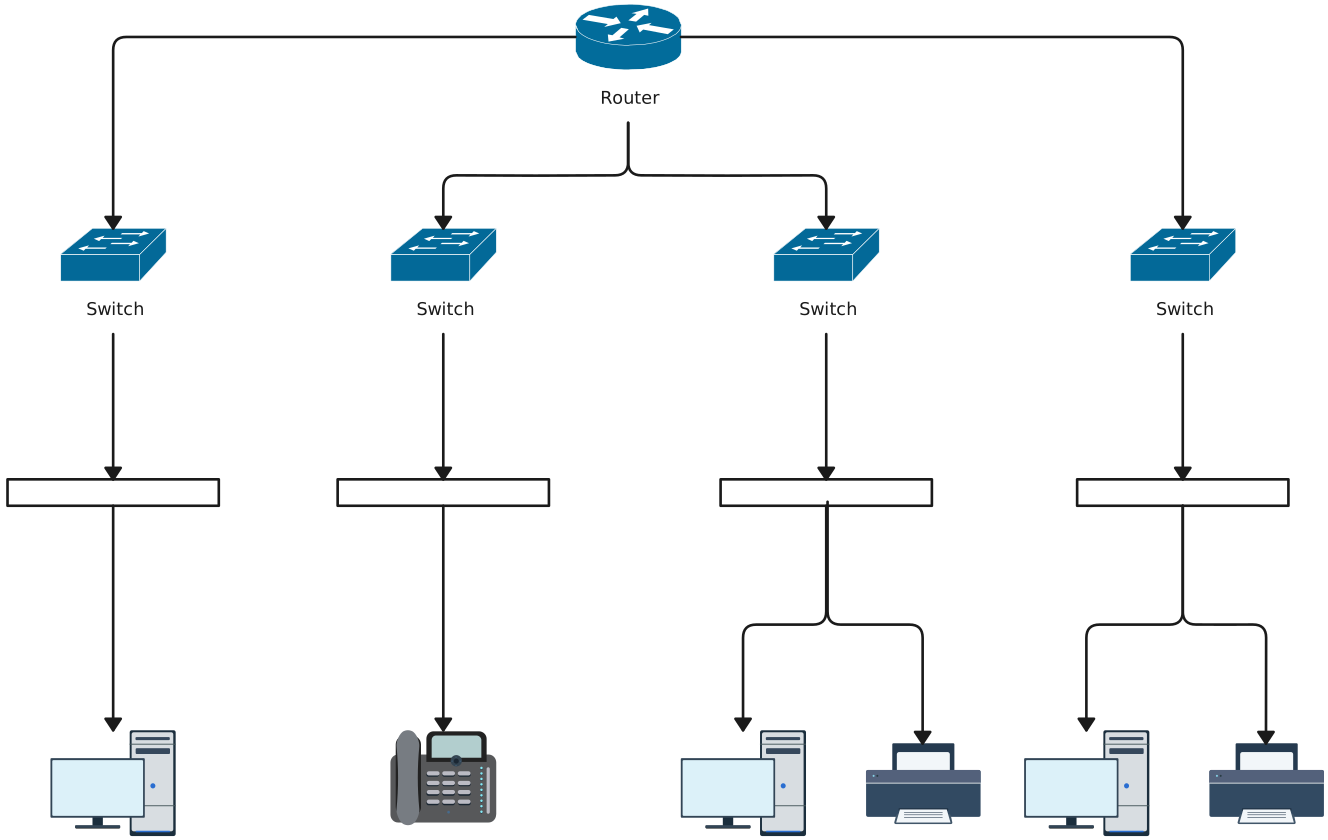
Tree topology is a hierarchical network structure that combines characteristics of star and bus topologies. It organizes devices in levels, where each branch connects to a central backbone or root node, allowing for structured expansion and efficient management of large networks.
Key characteristics
Hierarchical layout with a root backbone and branches
Combines star and bus topologies
Supports structured expansion and large-scale networks
Faults in a branch affect only that branch, not the entire network
Central backbone node is critical for overall communication
Pros and cons of tree topology
| Pros | Cons |
| Scalable and suitable for large networks | Complexity increases with network size |
| Hierarchical structure simplifies network management | Dependence on the backbone makes it vulnerable if the root node fails |
| Faults are limited to individual branches | More cabling and hardware required compared to simpler topologies |
| Easy to isolate and manage clusters or departments | Setup and maintenance are more complex |
| Supports structured expansion without affecting other branches | Performance depends on backbone efficiency |
Star vs Tree Topology: Key Differences
Now that you know what is a tree and star topologies are, let’s compare tree and star topology to understaand key differences.
| Feature | Star Topology | Tree Topology |
| Structure | All devices connect individually to a central hub or switch, forming a star shape. | Hierarchical network with multiple levels; clusters of devices connect to intermediate nodes, which connect to a central backbone. |
| Central Node | Single hub or switch handles all communication. | Root backbone node manages communication between branches; intermediate nodes manage local clusters. |
| Data Flow | Data passes through the central hub; each device communicates only through it. | Data travels up and down the hierarchy, from device to branch node to backbone, then to destination. |
| Fault Tolerance | Easy to isolate individual device failures; central hub failure brings down the entire network. | Branch failures affect only that branch; backbone/root node failure affects the whole network. |
| Scalability | Limited by the number of ports on the central hub; adding many devices can require hub upgrades. | Highly scalable; new branches can be added without disrupting other branches. |
| Cabling & Cost | Requires more cabling per device; moderate cost for small networks. | Requires extensive cabling for branches and backbone; higher cost for setup and maintenance. |
| Complexity | Simple design and easy to manage, troubleshoot, and maintain. | More complex due to hierarchical design and multiple levels of nodes. |
| Performance | Performance is stable if the central hub is not overloaded. | Performance depends on backbone efficiency; local branches can reduce congestion on main backbone. |
| Installation & Maintenance | Quick and easy for small networks; adding/removing devices is straightforward. | Requires careful planning; maintenance is more involved due to multiple levels of hierarchy. |
| Best Use Cases | Small to medium offices, home networks, classrooms, or labs where simplicity and easy management are key. | Large organizations, campuses, or networks that need structured growth and departmental segmentation. |
| Security & Monitoring | Central hub allows easier monitoring and control of network traffic. | Hierarchical nodes enable better segmented control, but monitoring multiple levels is more complex. |
Choosing the Right Topology Between Tree and Star Topology
Selecting the right network topology depends on the size of your network, your performance needs, and how you plan to manage growth.
| Factor | Star Topology | Tree Topology |
| Network Size | Small to medium networks (offices, classrooms, home setups) | Large networks (corporate campuses, universities, multi-department organizations) |
| Setup & Maintenance | Simple to set up and manage; adding/removing devices is easy | Requires careful planning; maintenance involves multiple levels of hierarchy |
| Scalability | Limited by central hub capacity | Highly scalable; branches can be added without disrupting others |
| Fault Management | Easy to isolate individual device faults; central hub failure affects entire network | Faults affect only individual branches; backbone/root node failure affects entire network |
| Best Use Case | Quick deployment, minimal disruption, centralized control | Structured growth, departmental segmentation, long-term expansion |
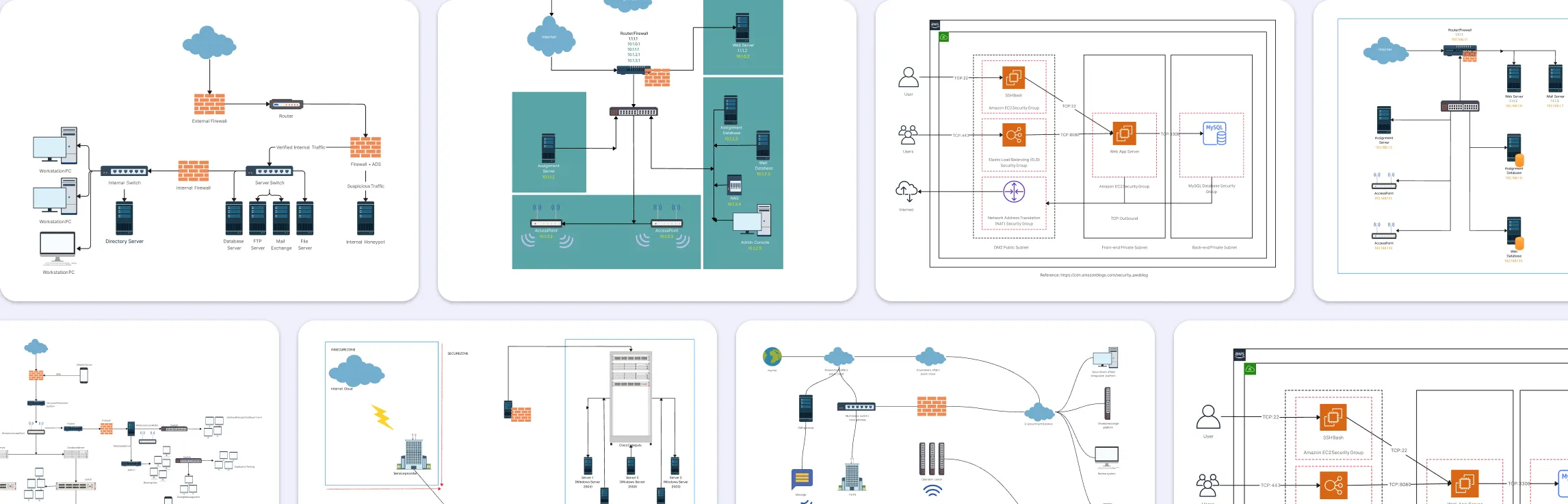
Free Star And Tree Topology Templates
Tree topology templates

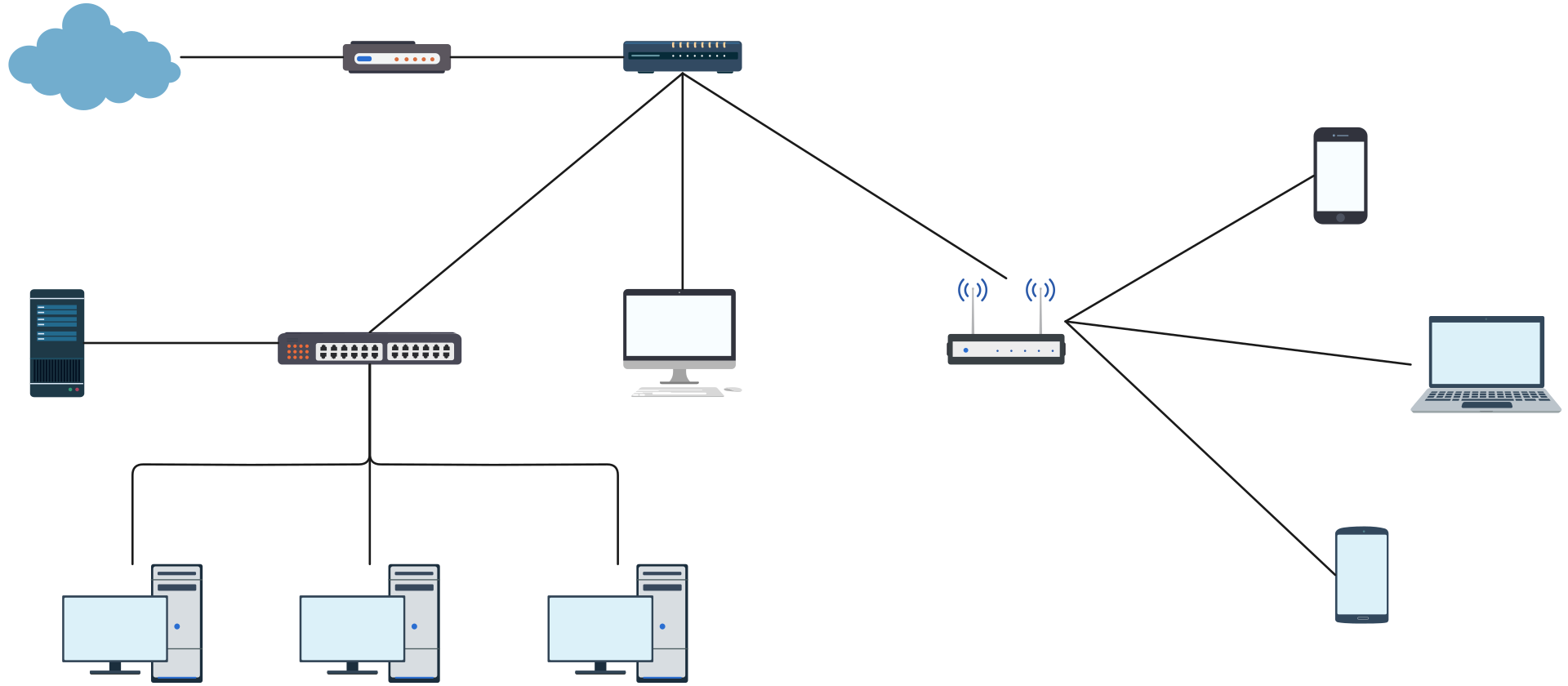
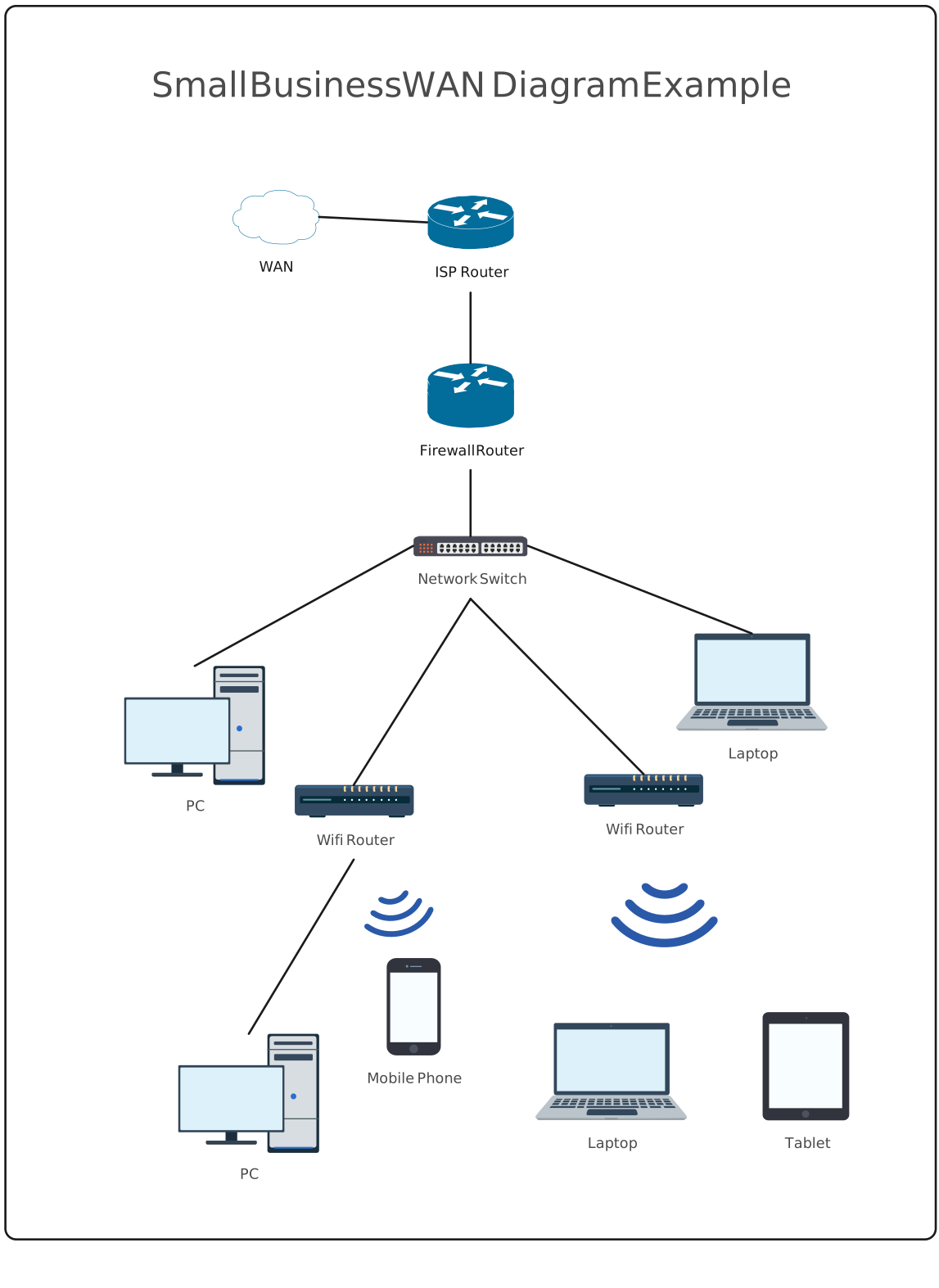
Star topology template
Helpful Resources
Learn how to draw a network diagram step by step, from planning what to include to laying out components clearly and choosing the right symbols.
Discover key bus topology diagram elements, highlight common design patterns, and point out the limitations you need to account for when working with this topology.
Discover how a hybrid topology diagram effectively visualizes complex networks. Explore types, advantages & disadvantages, step-by-step creation tips, and best practices, plus free templates to plan, scale, and manage networks with ease.
Learn what mesh topology is, how it works, variations like full and partial mesh, and see clear network topology diagrams. Includes advantages, disadvantages, and free templates.
Understand how to approach Cisco network topology diagrams with confidence and create visuals that are practical, accurate, and easy to understand.
Learn how to create a home network setup diagram step by step, understand common layouts, follow practical best practices, and use free templates to map your setup.
Discover how to create a wide area network diagram step by step, understand key components, WAN examples, and follow proven best practices.
Everything you need to know about LANs, from the basics and key components to network types, advantages, and best practices.
Discover what a logical network diagram is, how it differs from a physical network diagram, why it’s useful, and how to create one.
FAQs About Tree and Star Topology
Can star and tree topologies be combined in a network?
Which topology is more reliable in daily use?
Which topology is easier to troubleshoot?
Which topology requires less cabling?
Can both topologies support wireless networks?
Which topology is better for network security?