This guide walks you through the steps for how to create a process map in Excel, highlights the challenges you may encounter on the platform, and introduces a more efficient alternative for teams that need faster, clearer, and more scalable process mapping.
Learning how to create a process map in Word is useful when you need a simple workflow diagram in a familiar document. This guide explains the steps, Word’s practical limitations, and when a dedicated process mapping tool is a better fit. It also includes a feature comparison and free templates to help you choose the right approach.
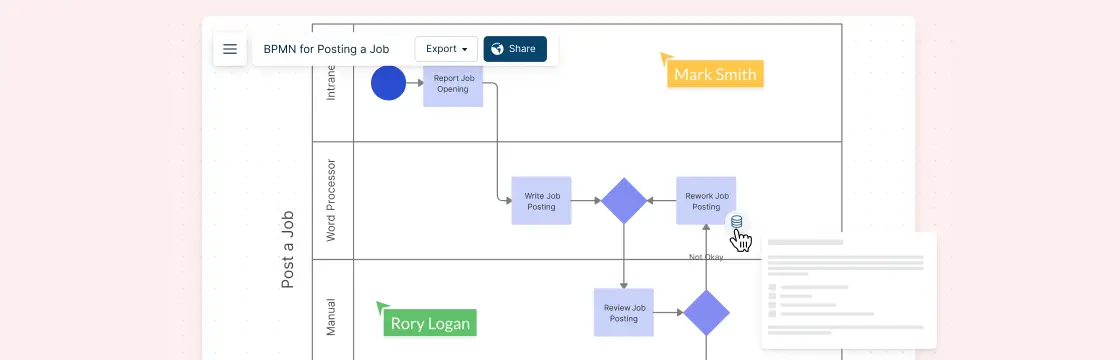
Process mapping symbols are the visual building blocks used to map how work gets done. From simple tasks and decisions to complex workflows, the process map shapes help teams turn scattered steps into clear, easy-to-follow diagrams. In this guide, we’ll explore the most common process icons, what they mean, and how to use them effectively.
Why Business Process Mapping is Important Businesses don’t just crop up overnight. Every objective is achieved through systematic processes. Business process modeling lets everyone from the heads of departments to concerned staff figure out the why, what, where and when of these processes. Process maps take all the data from here and present it visually.