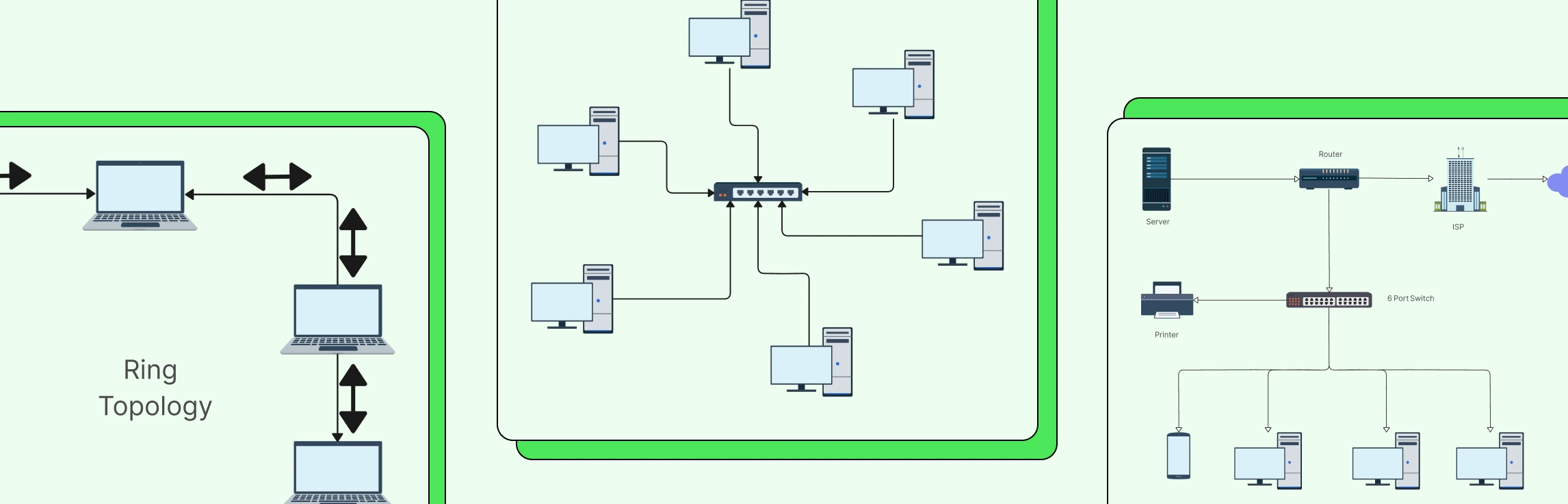
Designing a network can quickly feel complex when you’re trying to balance performance, cost, and scalability at the same time. Understanding network topology simplifies that process by showing you how different network structures work and why they matter. In this guide, you’ll explore the 7 types of network topology, see where each one fits in real-world scenarios, and learn how to choose the right option with confidence.
Types of Network Topologies
Every network, whether it’s a small office setup or a large enterprise infrastructure follows a specific structure that determines how devices connect and communicate. Different network topologies are designed to solve different performance, scalability, and reliability challenges. Understanding the strengths and use cases of each topology makes it easier to design networks that work efficiently today and adapt smoothly as demands grow.
Check out the FAQs about Different Network Topologies to learn more about what a network topology is, and why they’re important.
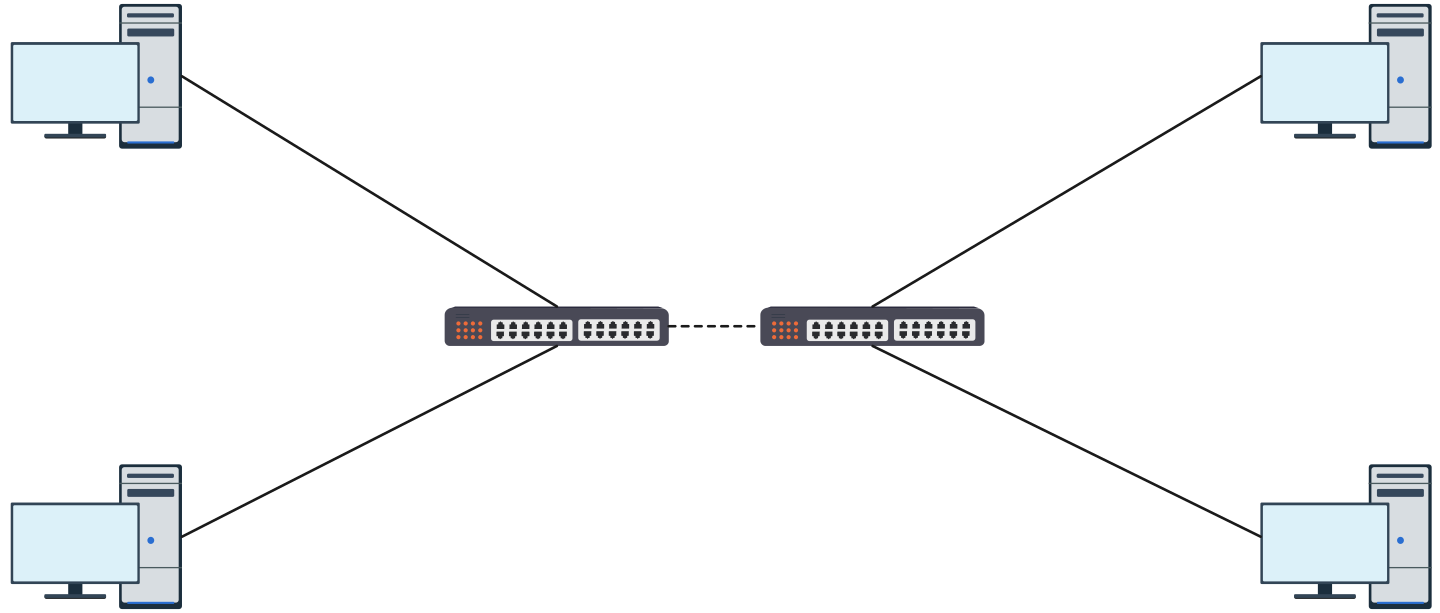
1. Point-to-Point Topology
Point-to-point topology creates a direct connection between two devices. It’s simple, fast, and efficient for dedicated communication.
Advantages
- Simple and fast
- High security and low latency
- Easy to configure and troubleshoot
- Reliable direct connection
Disadvantages
- Not scalable
- Limited to two devices
- Inefficient for large networks
Use Cases
- WAN links
- Router-to-router connections
- Dedicated server connections

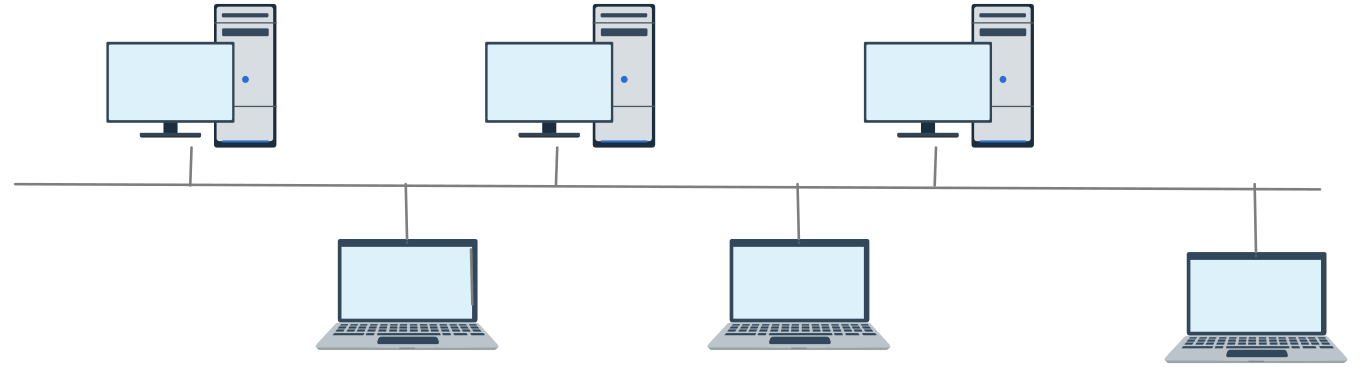
2. Bus Topology
Bus topology connects all devices to a single central cable, known as the backbone. Data travels along this shared line, making the setup straightforward but sensitive to failures on the main cable.
Advantages
- Low cost and easy to implement
- Requires less cabling than most topologies
- Simple for small or temporary networks
Disadvantages
- Single point of failure (backbone cable)
- Performance degrades as devices increase
- Difficult to troubleshoot
- Limited scalability
Use Cases
- Small office or lab networks
- Temporary setups or test environments
- Legacy Ethernet networks
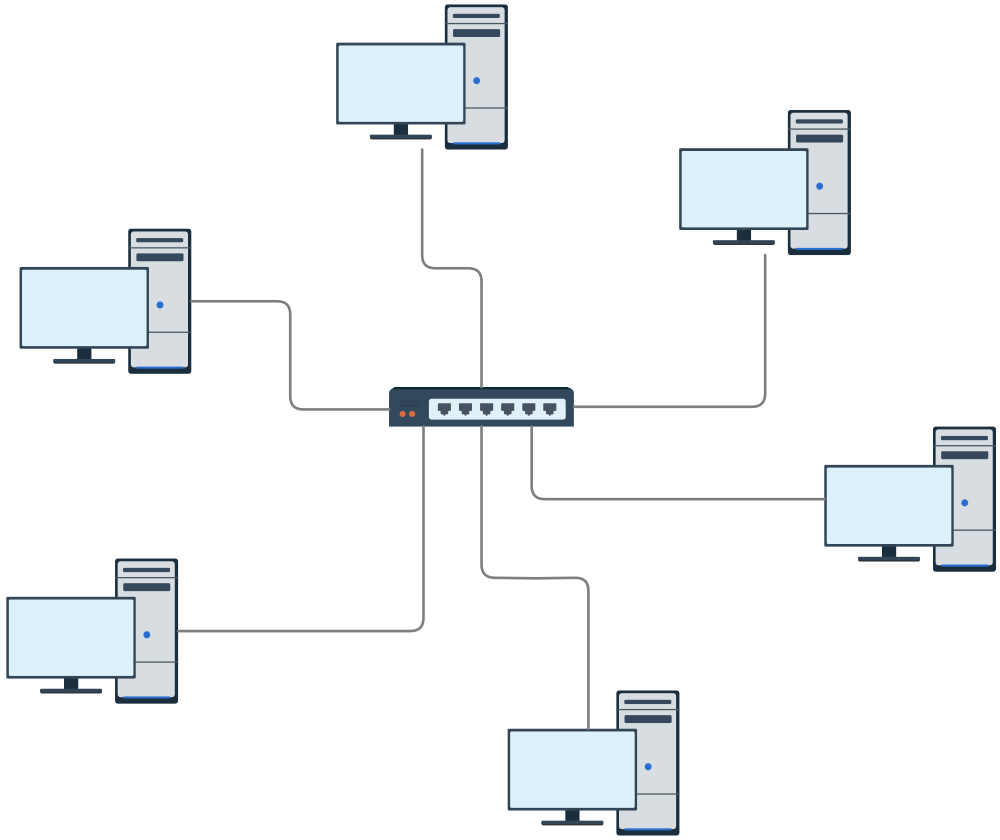
3. Star Network Topology
In a star topology, every device connects to a central hub or switch. All data passes through this central point, making the network easier to control and manage.
Advantages
- Easy to troubleshoot and maintain
- Scalable—devices can be added without disruption
- Failure of one device doesn’t affect others
- High performance with switches
Disadvantages
- Central device is a single point of failure
- Higher cabling cost than bus topology
- Depends heavily on hub/switch performance
Use Cases
- Modern office and enterprise networks
- Home and small business networks
- LAN environments using switches
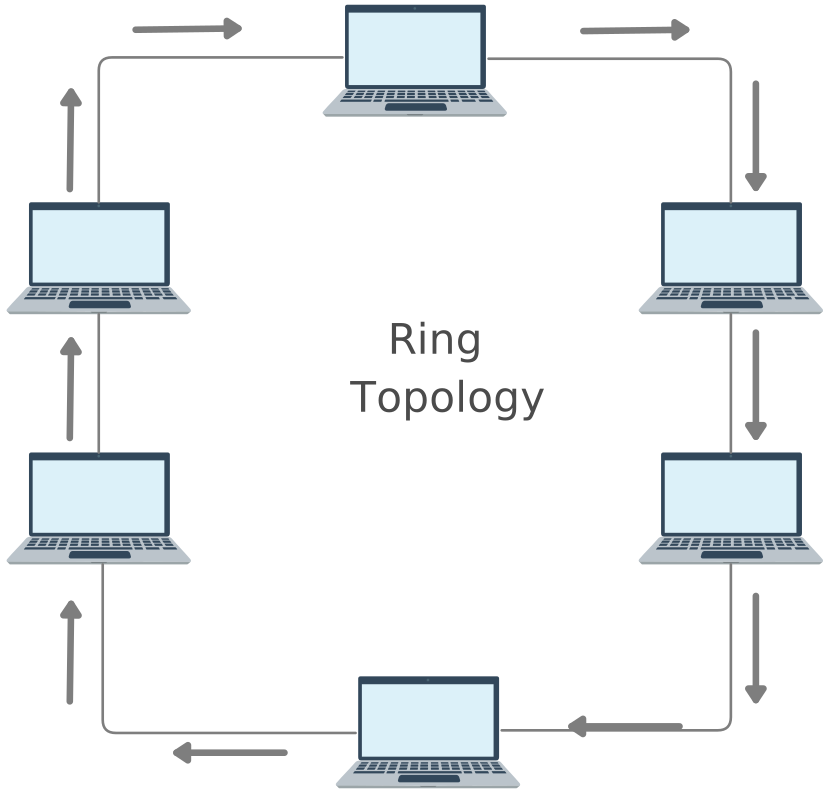
4. Ring Topology
Ring topology connects devices in a closed loop, where data moves from one device to the next. Each device acts as a repeater, passing data along the ring.
Advantages
- Predictable data flow
- No data collisions
- Performs well under steady load
Disadvantages
- Failure of one device or cable can disrupt the network
- Difficult to reconfigure or expand
- Slower troubleshooting
Use Cases
- Legacy LANs
- Industrial or controlled environments
- Token Ring–based networks
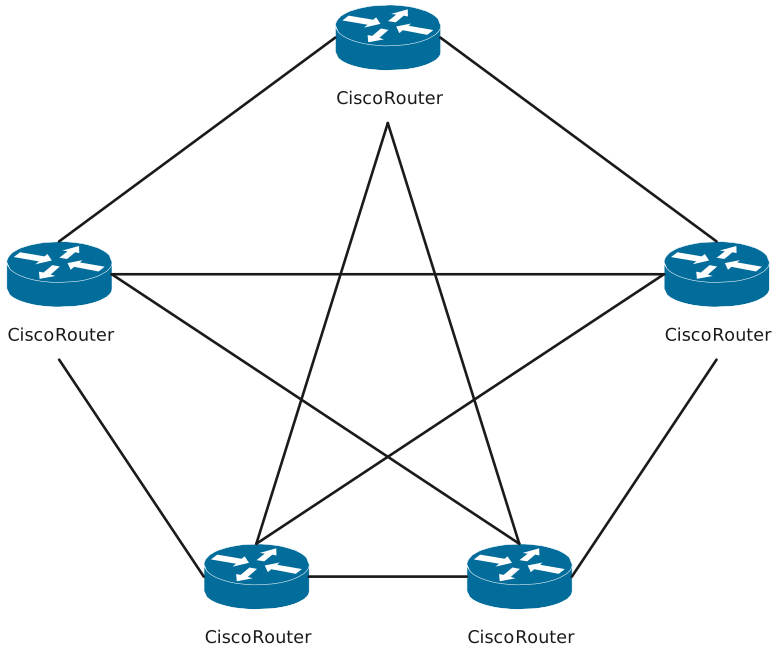
5. Mesh Topology
Mesh topology connects devices with multiple redundant paths. In a full mesh, every device connects to every other device, ensuring maximum reliability.
Advantages
- Very high reliability and fault tolerance
- No single point of failure
- Supports high traffic loads
- Strong redundancy
Disadvantages
- Expensive due to extensive cabling
- Complex to install and manage
- Not practical for small networks
Use Cases
- Data centers
- WAN and backbone networks
- Mission-critical systems
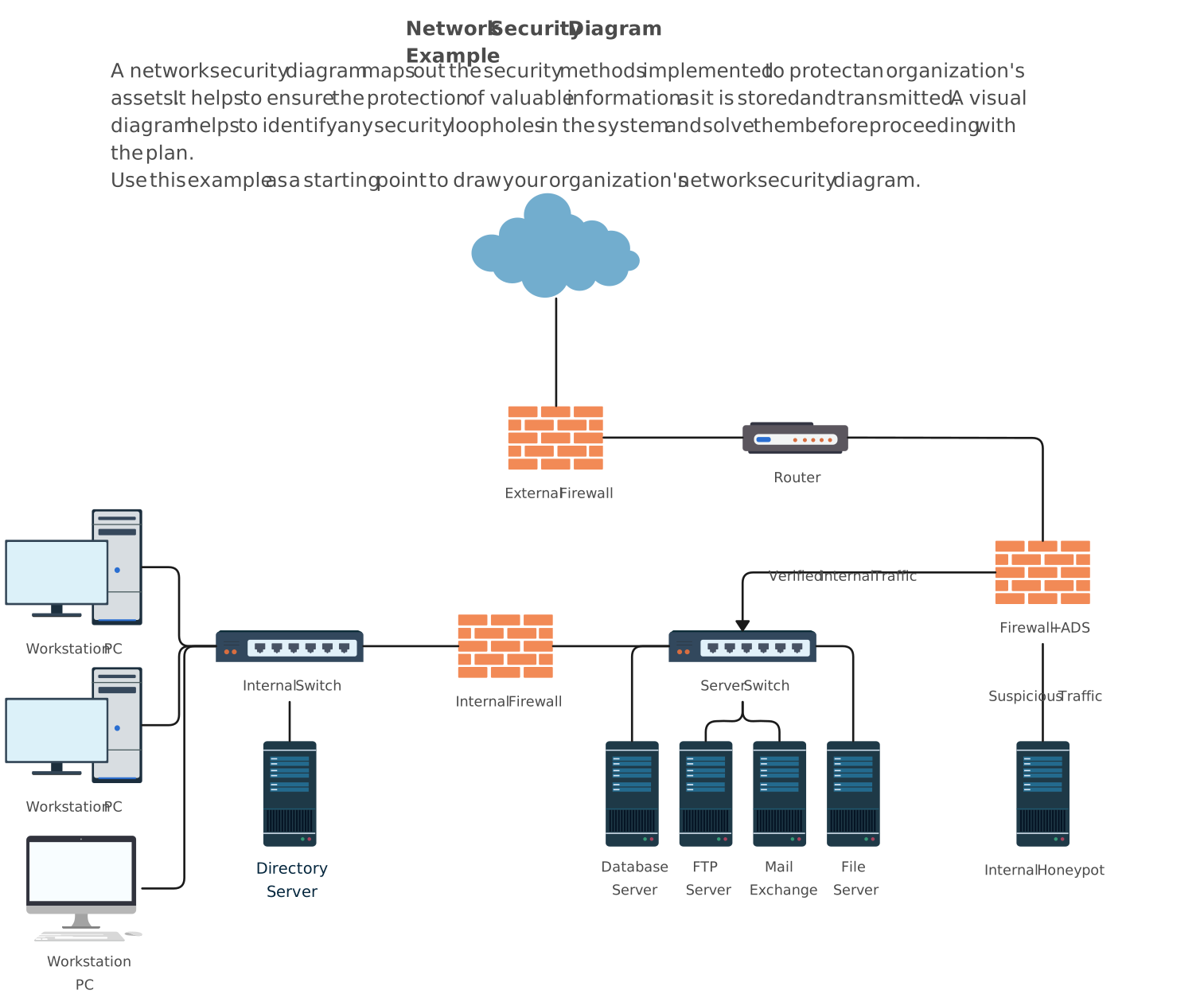
6. Tree Topology
Tree topology uses a hierarchical structure that combines multiple star networks into a single framework. It’s designed to support large and structured networks.
Advantages
- Highly scalable
- Structured and easy to manage
- Supports segmentation and hierarchy
- Suitable for large networks
Disadvantages
- Backbone failure affects large portions of the network
- Complex configuration
- Higher maintenance effort
Use Cases
- Corporate networks
- University or campus networks
- Large organizational infrastructures
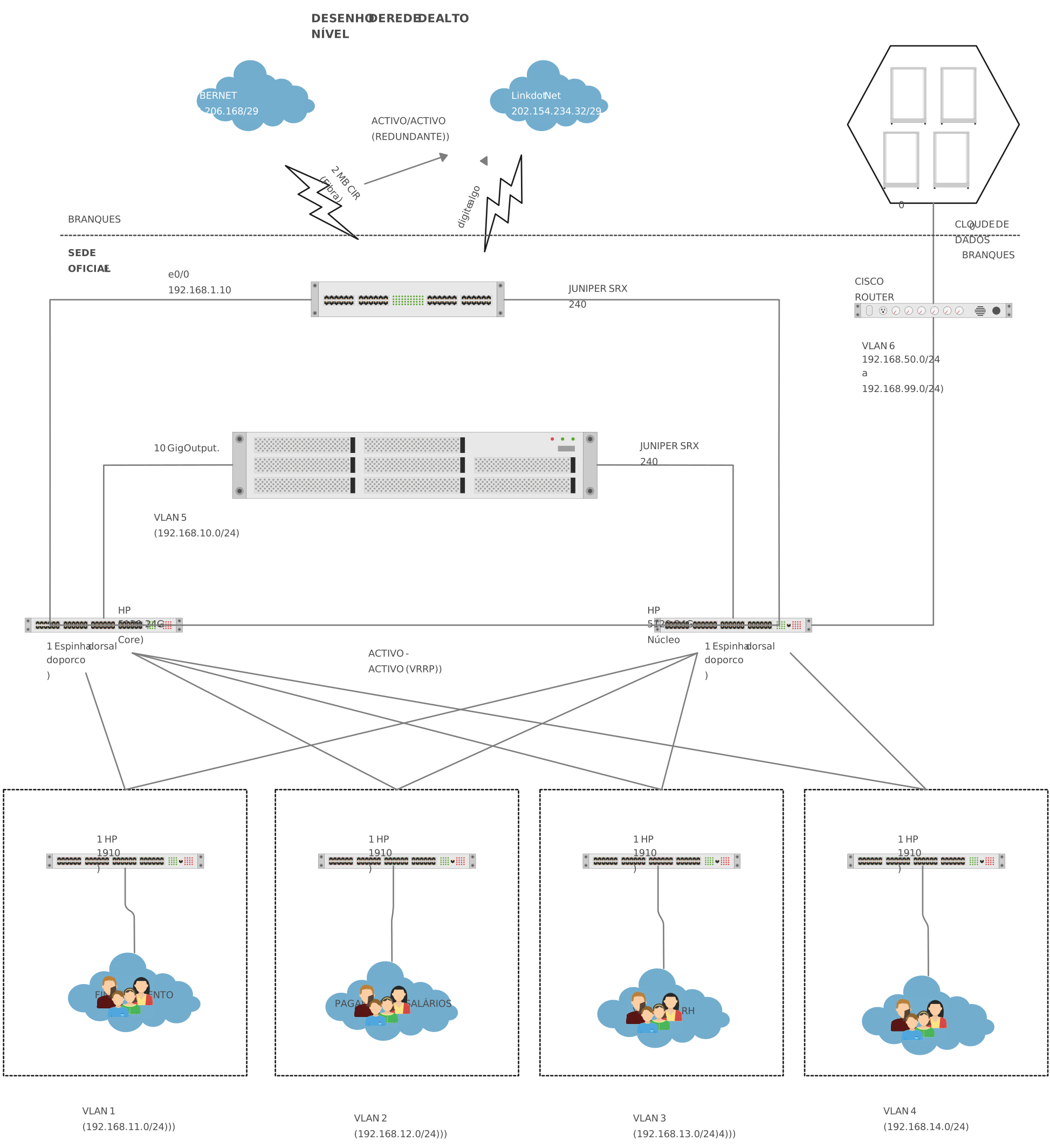
7. Hybrid Topology
Hybrid topology blends two or more topology types into one network. It’s built to meet specific performance, scalability, or reliability needs.
Advantages
- Flexible and customizable
- Combines strengths of multiple topologies
- Scales well for complex environments
- Optimized performance
Disadvantages
- Complex design and management
- Higher cost
- Requires careful planning
Use Cases
- Large enterprises
- Cloud and multi-site networks
- Organizations with diverse network needs
How to Choose the Best Network Topology
Choosing the best out of many possible networking topologies comes down to understanding your real-world requirements, not just the theory. Use the points below to make a confident, practical decision.
Start with network size and scale: Consider how many devices you need today and how much the network is expected to grow. Some topologies scale easily, while others become inefficient as the network expands.
Evaluate performance needs: High-traffic or latency-sensitive environments benefit from topologies that offer multiple data paths and reduce congestion.
Plan for reliability and fault tolerance: If uptime is critical, choose a topology that minimizes single points of failure and supports redundancy.
Consider budget and infrastructure costs: Cabling, hardware, and maintenance costs vary widely between topologies. Balance performance with what’s practical to maintain long term.
Think about management and troubleshooting: Some topologies make it easier to isolate issues and manage changes without disrupting the entire network.
Account for security requirements: How data flows across the network affects how easily you can monitor, control, and secure it.
Visualize before you build: Sketching your setup in a network diagram helps you spot weaknesses, plan expansion, and communicate the design clearly before deployment.
Choosing the right topology helps you build a network that stays fast, stable, and manageable as it grows. Map out connections, spot bottlenecks early, and communicate your design clearly using Creately’s network diagram software, so your network diagrams reflect how the network really runs, not just how it looks on paper.
Want to Draw a Network Diagram?
Not sure how to draw a network diagram? Follow our step-by-step guide on how to draw a network diagram to learn the key components, best practices, and practical tips to map your network clearly and accurately.
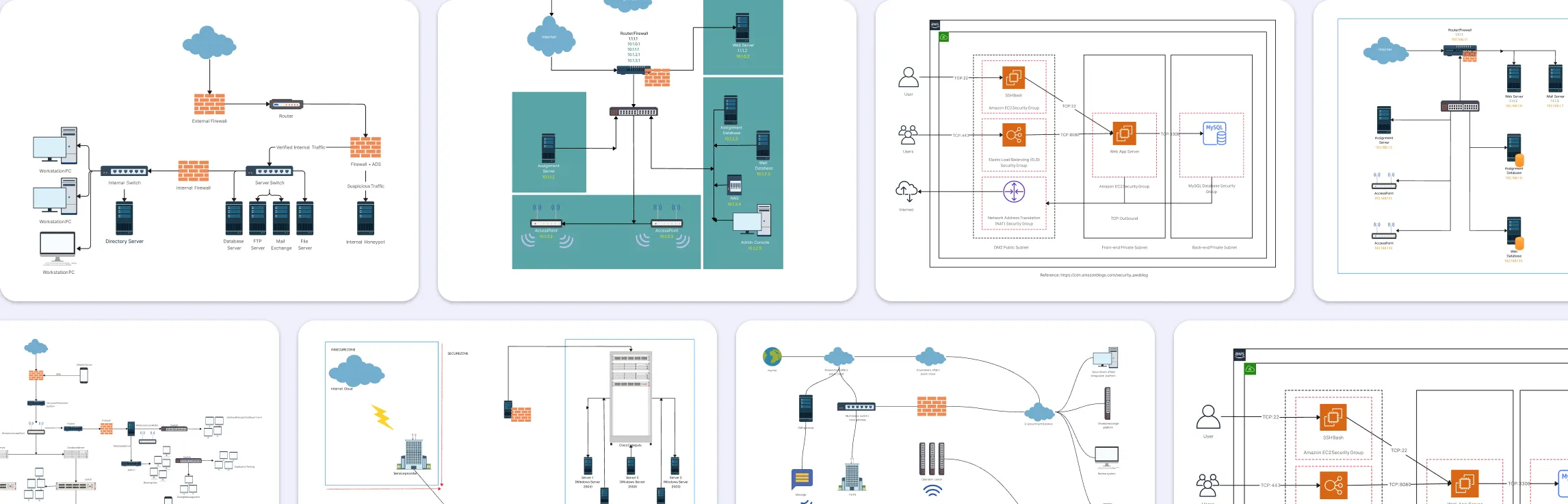
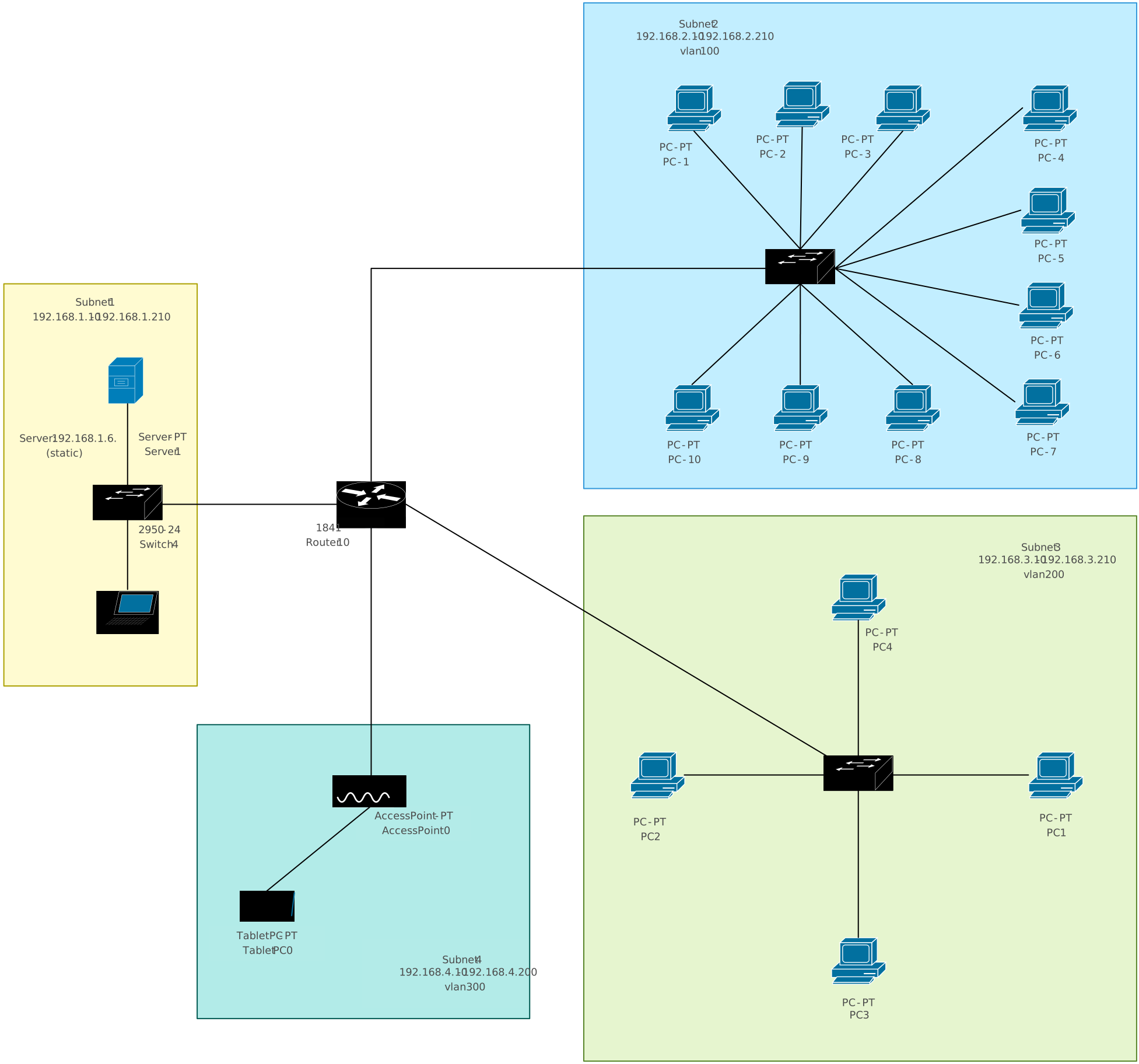
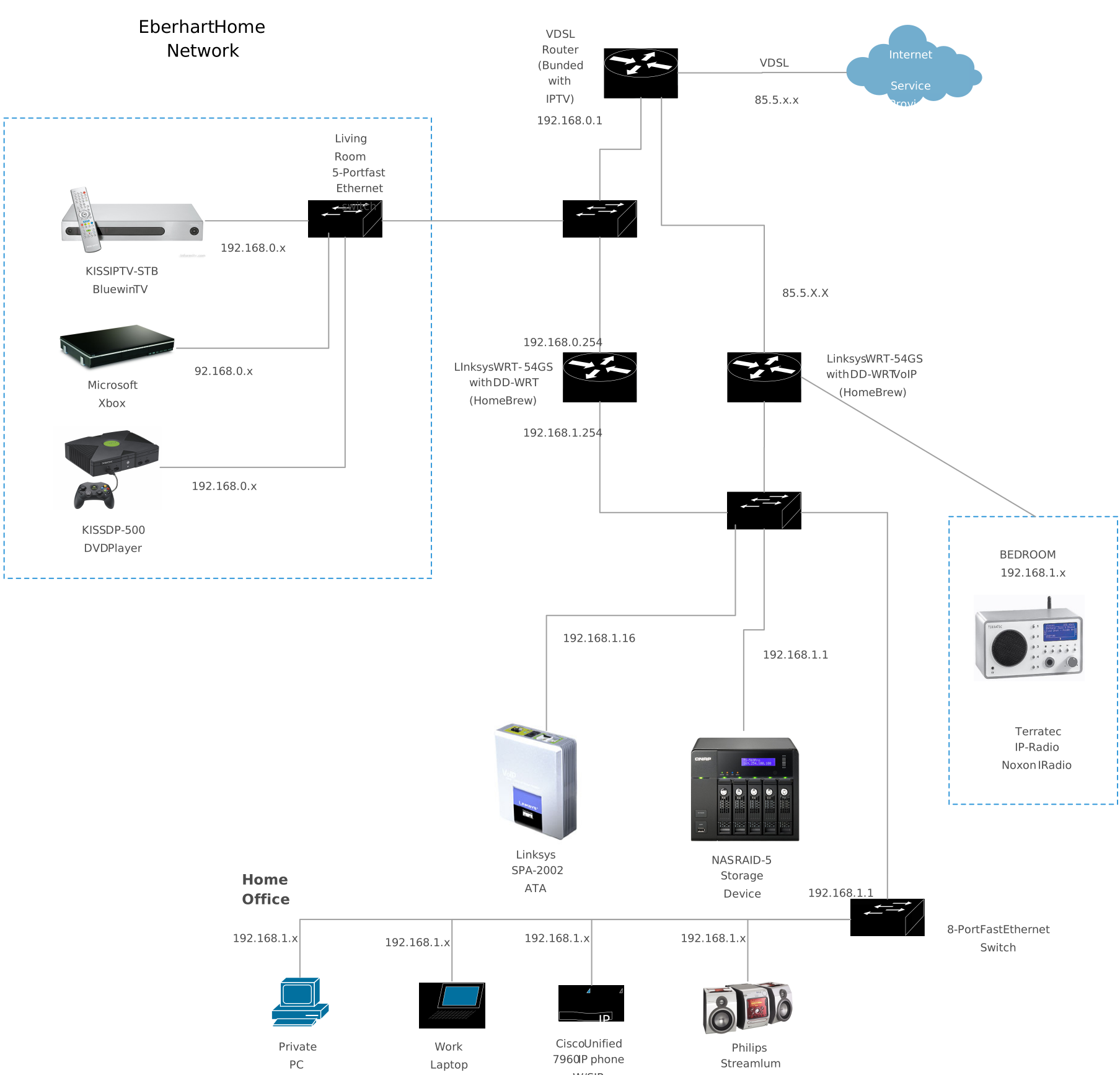
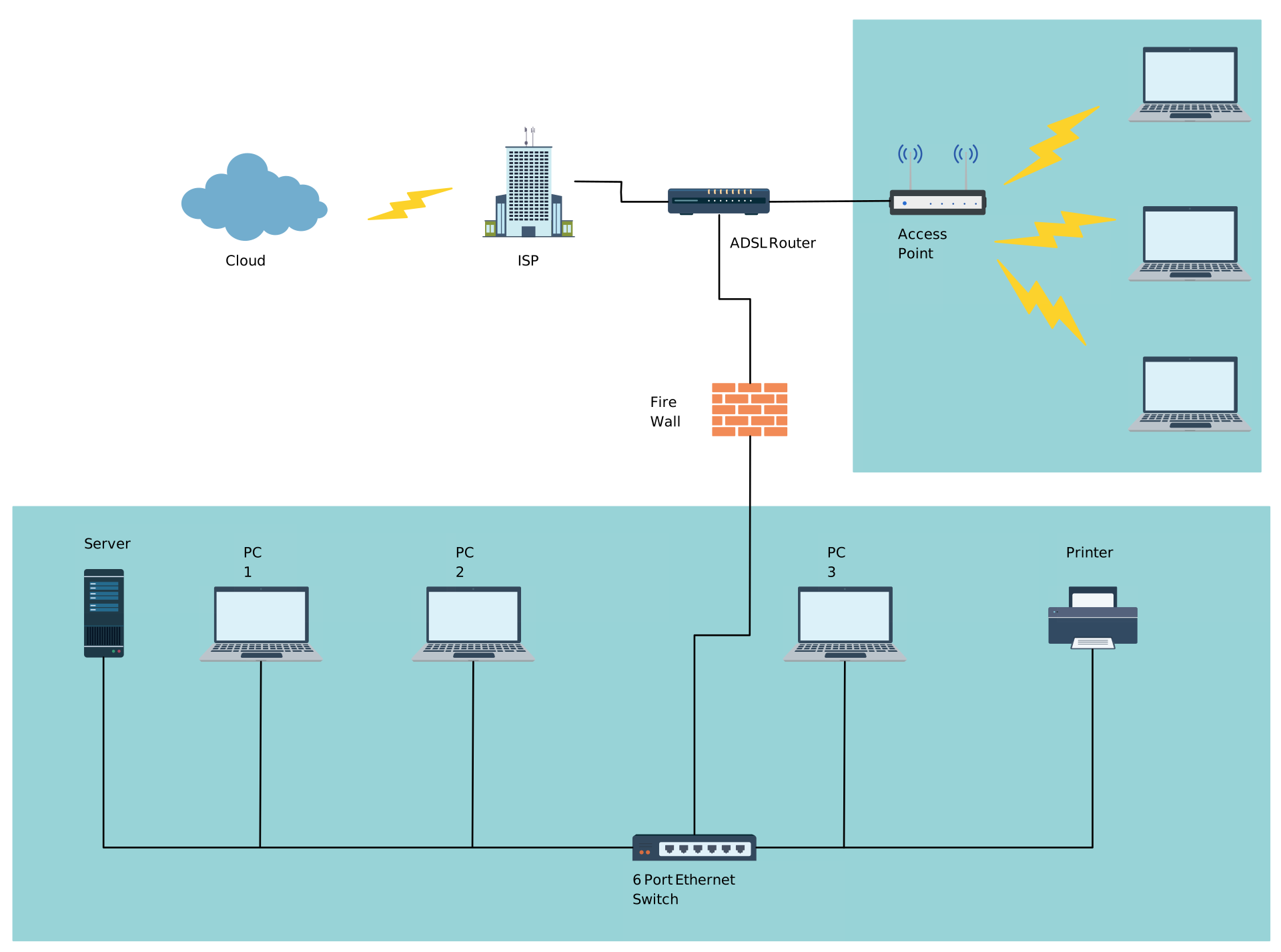
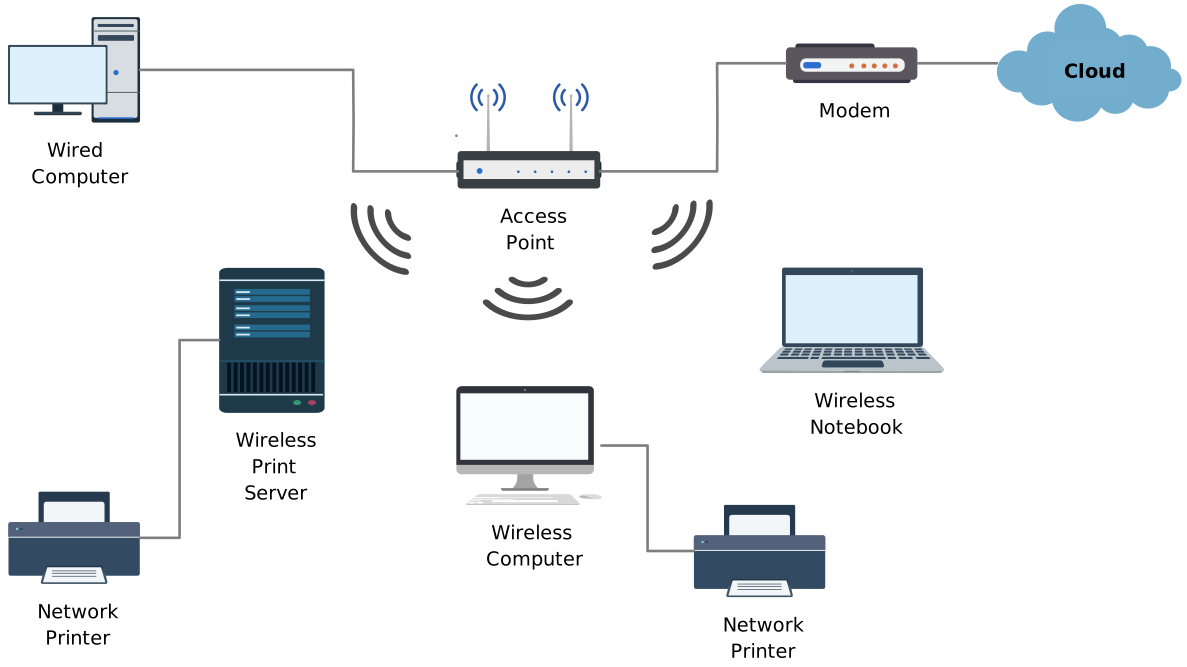
Free Network Diagram Templates to Get Started


Helpful Resources for Building Network Diagrams
Learn about the different types of network diagrams with examples.
Learn about the Home Network Diagram and its applications.
Learn about the Wide Area Network Diagram and its applications.