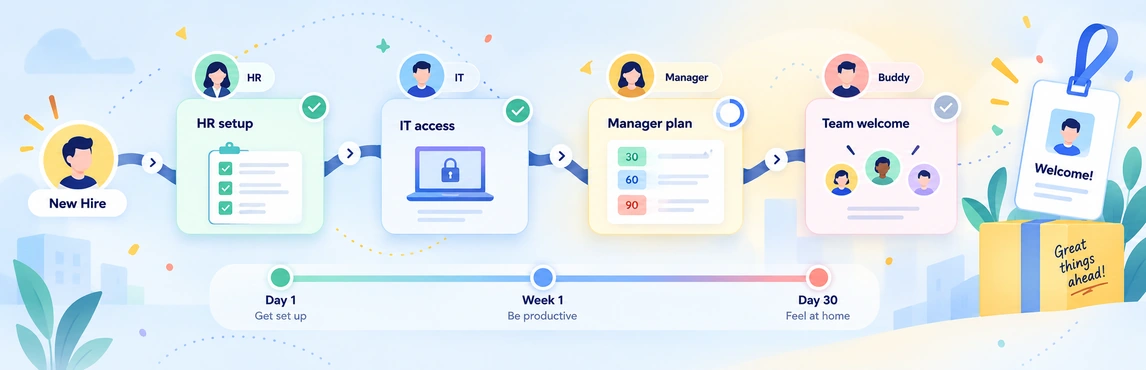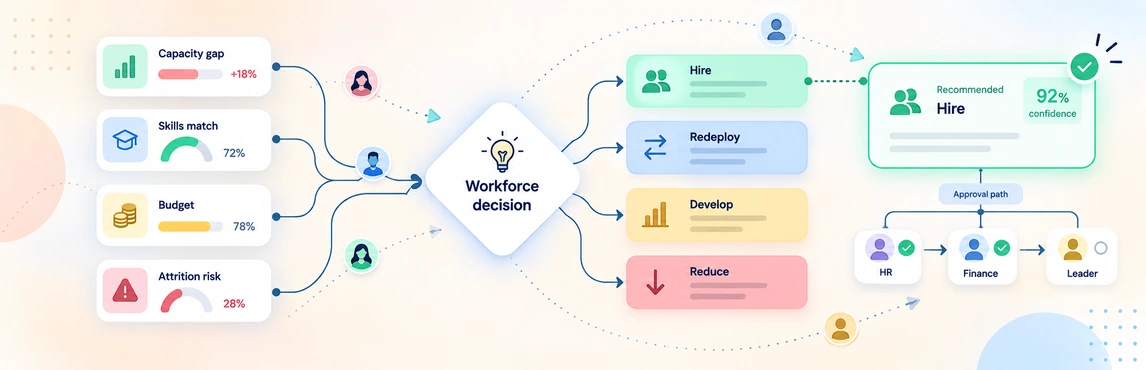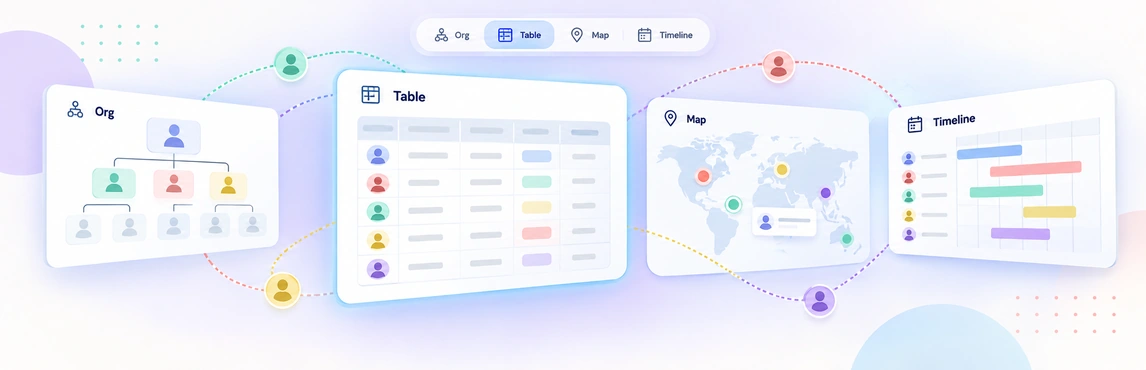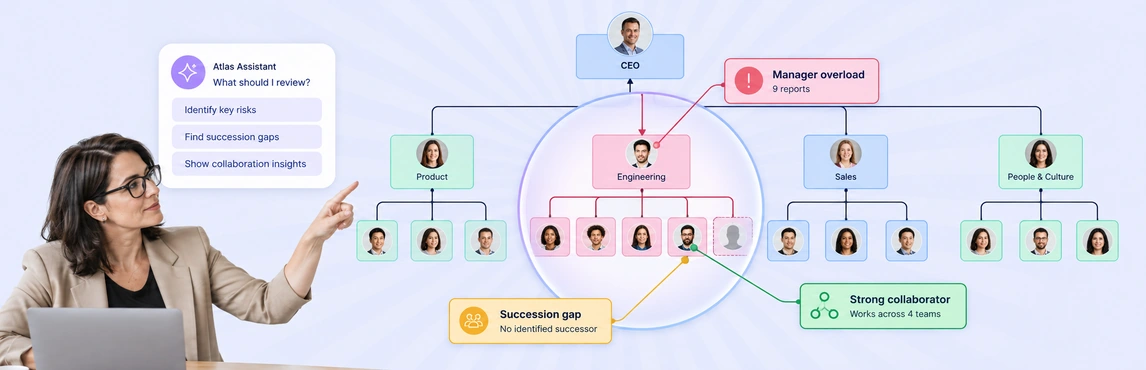
AI-driven organizational insights in Creately Atlas give CHROs a starting point for reviewing structure and data quality. The assistant surfaces issues such as wide reporting spans, while natural-language queries help you inspect the people and relationships behind a finding. Use those results to focus a leadership discussion, then check the data and business context before deciding on a change.
Start with one department and a question you already know how to verify. That makes it easier to assess whether the assistant’s answer is useful and accurate.
What the Atlas Assistant Can Help You Review
The product guide describes up to three proactive insights at a time, each with a title, description, and action button. Examples include managers with more than 12 direct reports, opportunities to simplify reporting layers, and positions affected by upcoming retirements.
These examples are prompts for investigation. Twelve direct reports is not a universal limit, and an upcoming retirement date does not establish that a role lacks a successor. Check the underlying records and speak with the relevant leader.
| Assistant capability | A practical question or action | What to verify |
|---|---|---|
| Org queries | “How many people are in Engineering?” | Department membership and whether the count matches your intended scope |
| Reporting-chain queries | “Show me Sarah’s full reporting chain to the CEO” | Manager relationships and missing links |
| Filters | “Find all contractors whose contracts end this quarter” | Worker type, contract dates, and the period being reviewed |
| Categorical coloring | “Color by department” | Consistent department values |
| Numeric heatmaps | “Heatmap by engagement score” | Access permissions, missing scores, and when the scores were collected |
| Focus | “Focus on the Engineering department” | Whether the displayed group covers the review you intend |
The assistant can also create scenario changes through conversation. Keep that as a separate planning step after reviewing the finding and agreeing on the question you want to test.
Investigate a Wide Reporting Span
Suppose an insight points to a manager with a broad reporting span. Begin by checking the direct reports and the team’s responsibilities. Then ask whether the structure creates a practical problem: slow reviews, limited coaching time, or unclear escalation paths.
Use the span-of-control analysis guide to put the number in context. A team doing similar, independent work may need a different structure from a team handling complex work with frequent coaching.
For a growing department, map the structure and note the questions you want to discuss before proposing another management layer.
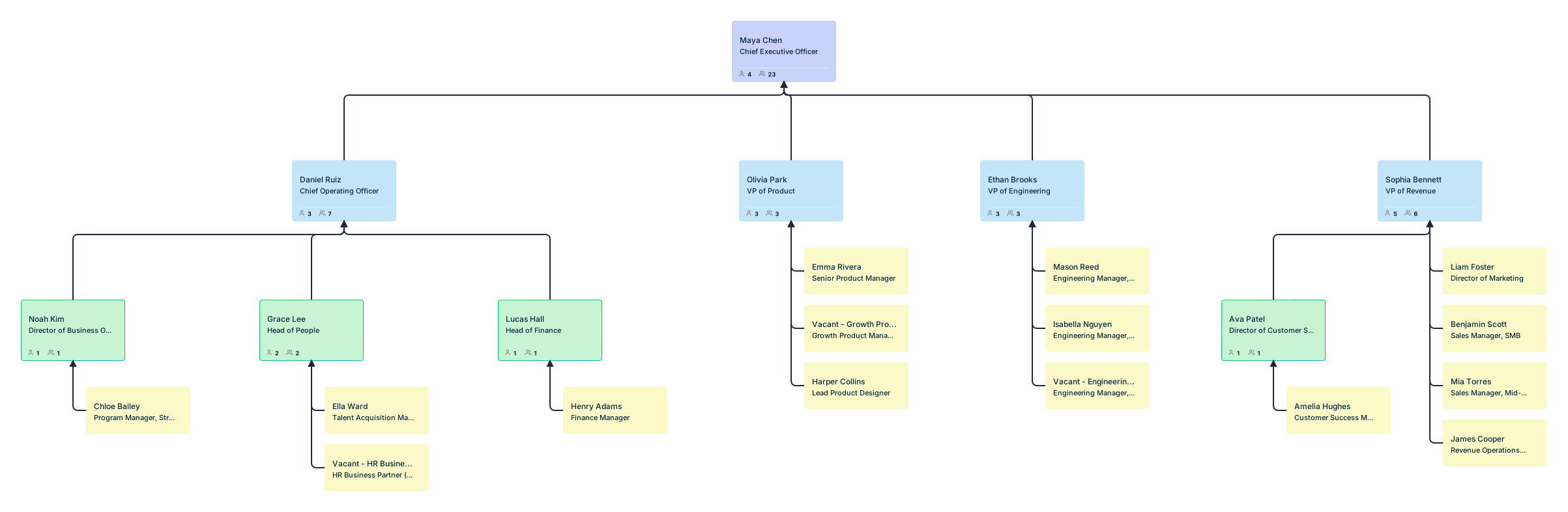

This is an editable Creately template, not an Atlas insight panel. Add the verified reporting relationships and review notes yourself.
Check the Evidence Behind the Answer
A convincing explanation can still be based on incomplete records. Ask the assistant a question whose answer you can compare with the source data, then inspect the people and fields included.
- Confirm scope. Make clear which department, people, and time period you are discussing.
- Check missing values. An empty contract date or engagement score should not be treated as evidence of low risk.
- Review freshness. Establish when the relevant fields were last checked and how updates reach Atlas.
- Separate records from conclusions. A recorded flight-risk rating or retirement date is an input, not proof of a future outcome.
Atlas’s queries use org fields and reporting relationships. Do not assume the assistant predicts attrition, discovers undocumented skills, or explains why someone left. Confirm any specialized prediction or recommendation workflow during evaluation before relying on it.
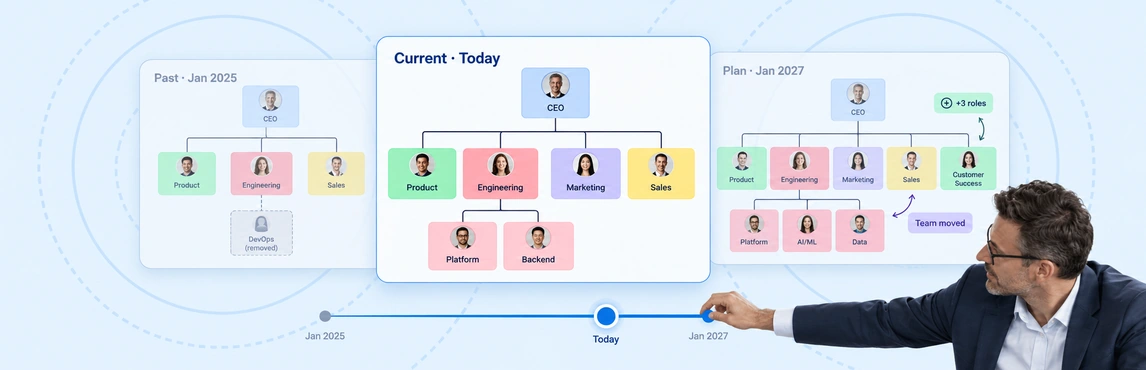
If the question concerns how a structure changed, use time-travel org snapshots with verified dated records. Current-state insights alone do not establish historical trends.
Keep Sensitive Fields Within the Right Audience
The Atlas product guide describes sensitivity tiers for fields. Talent information is restricted, and compensation requires a higher access tier. Test queries using a department manager’s account as well as an HR account to confirm the assistant respects the intended access.
A chart shared for a team discussion should contain only the information that audience needs. Check derived answers and exported review materials too, especially when the underlying fields concern performance, engagement, or compensation.
Turn a Finding into a Review Action
Once you have checked a finding, record the question, the evidence, the person responsible for reviewing it, and the next check-in date. This makes the insight useful beyond the initial conversation.
For the reporting-span example, the next action might be a discussion with the manager about coaching time. It need not be a reorganization. If the evidence points to a staffing gap, bring it into the workforce planning review.
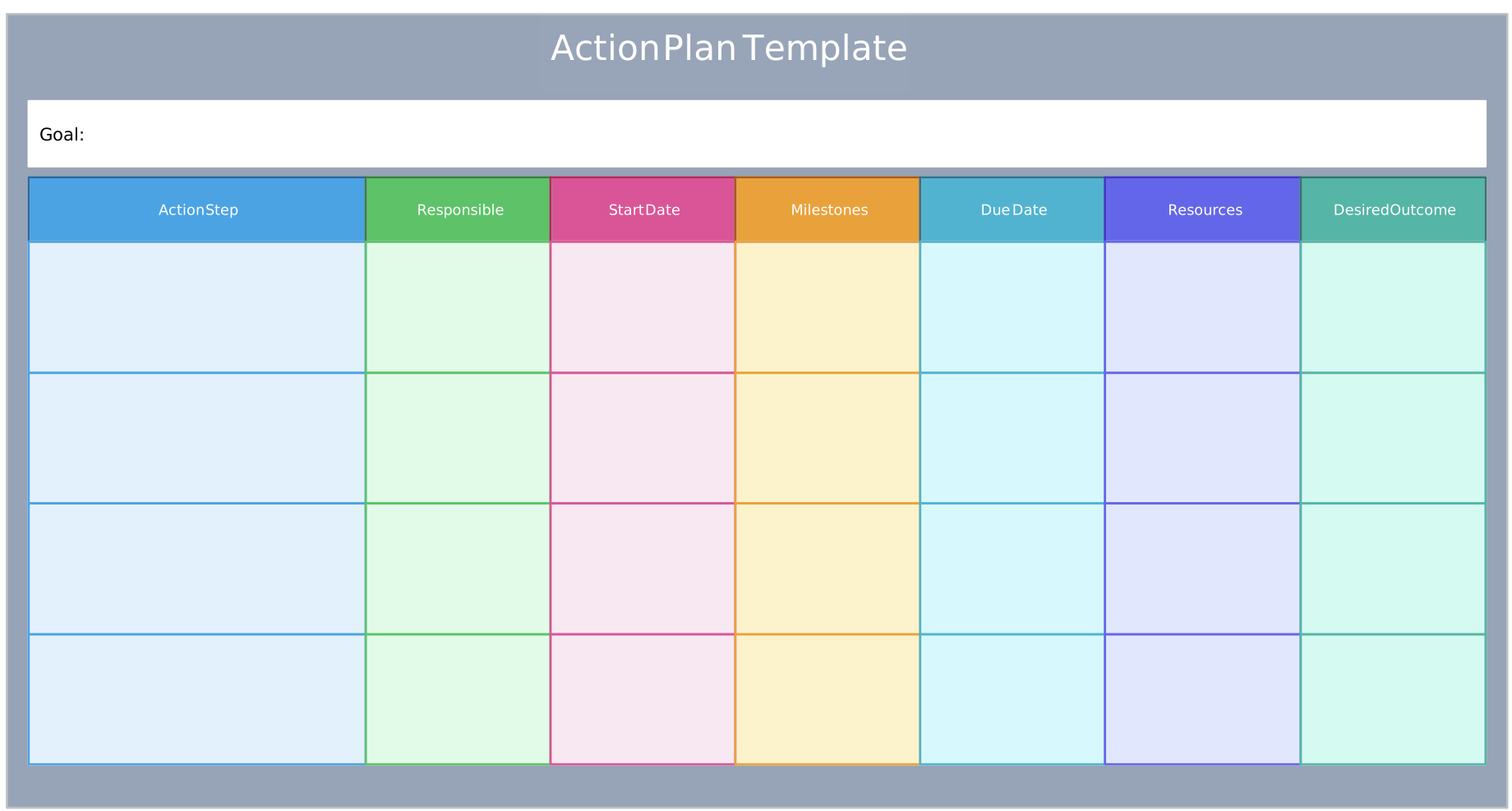
Use this planning template alongside the Atlas review. It does not automatically receive insights or assign work from the assistant. The change management process guide can help you plan the next steps when a finding leads to an agreed change.
Run a Short Evaluation with Your Own Data
Choose a representative department and confirm which insights, field packs, and assistant actions are available in the setup you are evaluating.
- Verify a known count. Ask for department headcount and compare the result with your records.
- Inspect a reporting chain. Check that the answer follows the correct manager relationships.
- Review an insight. Read its description, inspect the affected records, and understand what its action button will do before using it.
- Repeat with different permissions. Confirm that restricted fields stay protected in both the interface and assistant responses.
- Agree on one follow-up. Record the evidence still needed and who will review it.
A useful evaluation leaves you able to explain both the finding and its limits. Atlas can help you navigate and visualize org information; HR and business leaders still need to decide what the evidence means for their organization.